



































Ask questions about Front features, getting started on Front, or how to use the community.
Recently active
Why is the drag-and-drop method the only way to reorder articles in the Knowledge Base? And, why is it so glitchy? It typically takes me multiple attempts to rearrange the articles and get them exactly right. And then, when I have them in the right order, if I edit an article, it moves it. Why are there not arrows or numbers to get the articles in the exact order that I want the first time I try it?
This release upgrades the underlying Electron library to version 37.9.0.
Hello,We started using the Front Knowledge Base to help the company internally. We would like to help the organization externally as well, how can Front help the customer portal information reach the customers effectively any tips?
I can’t seem to find this in the knowledge base but how do you view all conversations which have multiple threads in their entirety from start to finish, without needing to jump in each thread of a conversation to view what was said in each thread? Is this possible?
Hi Front Community! 👋This month, we shared a collection of educational resources to help you get the most out of Front and AI features. Whether you're planning your rollout or deepening your expertise, here's one place to review all the goodies: 🚀 AI 101 Basics: Get StartedType: Tips with short videosStart here for the big picture. We walk you through the strategic framework: how Topics reveal what customers need, how Copilot assists your team, when to scale with Autopilot, and how knowledge sources power accuracy. Perfect for planning your AI rollout or understanding how the pieces fit together.Read and watch tips 🎥 YouTube Playlist: Front AI FeaturesType: Short videos seriesReady to configure? These bite-sized setup guides show you how to connect knowledge sources, enable Topics for automatic categorization, and turn on your first AI features. Essential viewing for admins getting their workspace AI-ready.Watch playlist 🎓 New Academy Course: Try Front AI CopilotType: CourseNow pra
Is there a way to have e specific signature for mobile? like media queries
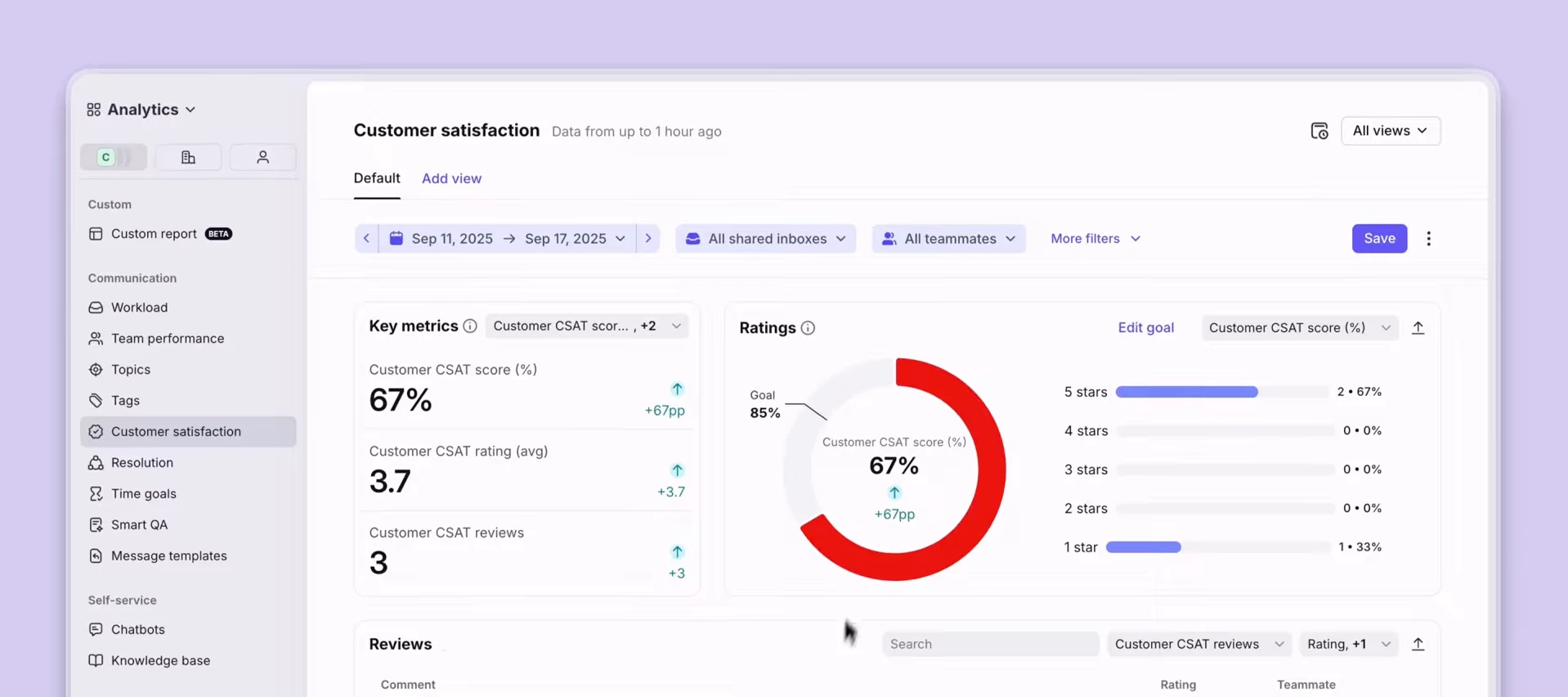
I wanted to highlight a feature that hasn’t gotten a big spotlight recently, as our Autopilot and Copilot features have. It’s very powerful nonetheless, so don’t sleep on it: Smart CSAT.This is an AI-powered feature in Front that infers customer satisfaction for every meaningful conversation, without relying on your customers filling out surveys. Instead, Smart CSAT automatically analyzes sentiment and effort to give you a more accurate, reliable view of the customer experience.Traditional CSAT surveys only capture feedback from the happiest or most frustrated customers, leaving you with an incomplete picture of customer satisfaction. The majority of your customers are silent.We created a new short video to show you how Smart CSAT:Fills in the gaps left by manual CSAT surveys Analyzes sentiment and effort automatically Surfaces actionable insights directly in conversations Provides a more complete view of customer experience over time👉 Watch the video here (1:30)Comment below if you h
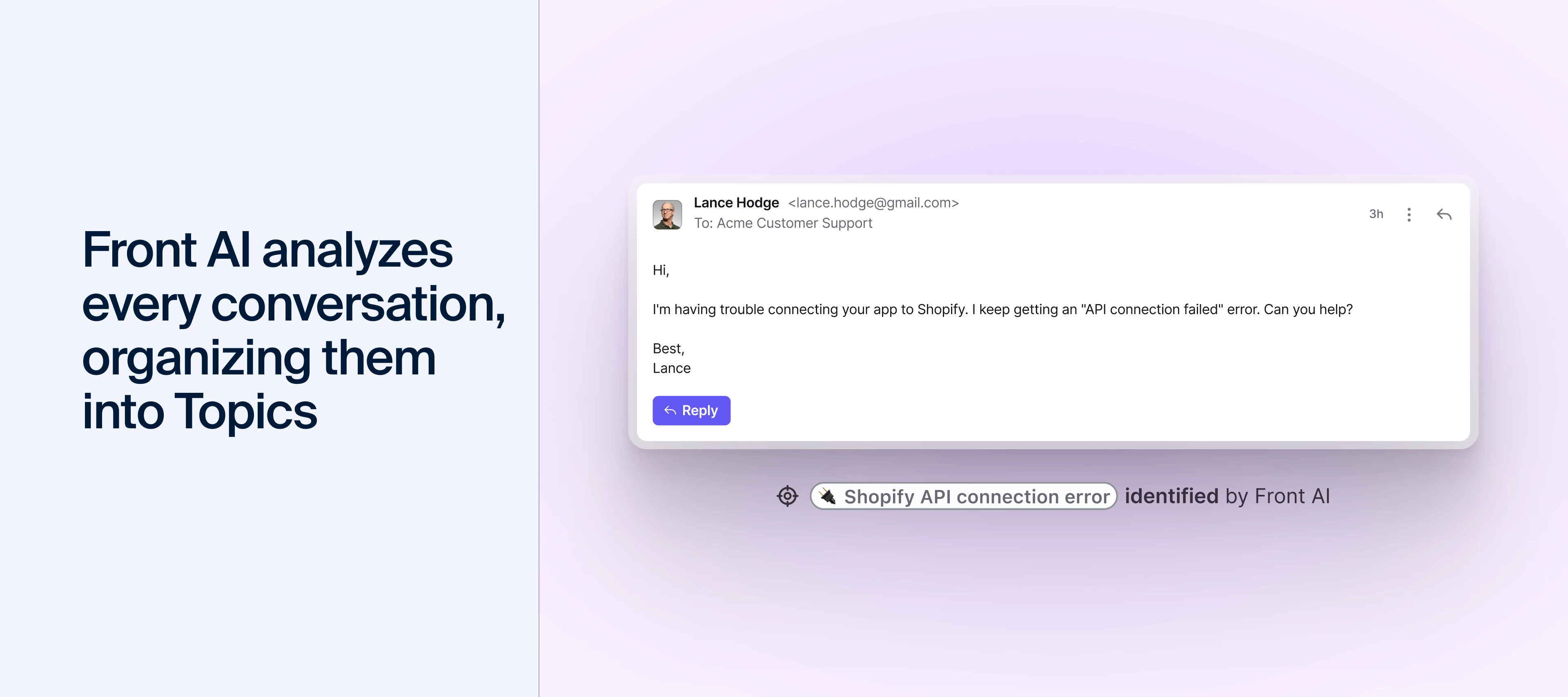
Hey there, I’m Matthew, Front’s Director of Product Education, and I wanted to get on here and write to you all directly about Front AI. I know the constant "AI this or AI that" can feel like drinking from a firehose, and I've been there too – it's easy to get inundated with marketing instead of real help. That’s why I wanted to write directly to you with synthesized tips on how my team and I actually use Front AI.I'm biased, but I truly believe Front’s approach – integrating AI with your team, not replacing them – is the way of the future. Using it has genuinely helped my team stay productive, kept our customers happy, and maintained my sanity.So, here are 4 helpful tips to get started with Front AI, coming from a real person (me) and not an AI bot 😉. 1. Use Topics to decode the why in secondsHave you ever stared at a mountain of emails and wondered, "What are people actually asking about?" Without data, you’re just guessing. I see so many teams hit a bottleneck because they’re manu
Hi! I’m in the process of implementing Front for our Account Management team, which currently works out of HubSpot (where our Sales team also operates). I’m curious how others are using the HubSpot integration within Front to manage companies and contacts when that data already lives in HubSpot.Do you primarily rely on HubSpot as the system of record and use Front for visibility and communication, or do you actively use Front’s Accounts section as well? Are there specific use cases where you lean more heavily on one over the other?I’d love to hear how teams are structuring this and any best practices you’ve found.
HiJust setting up Front. It seems to be taking a long time "identifying your topics" in the set up. It’s fair to say that our email account is pretty large 28,300 sent items so would that be the reason?Maybe I’m just impatient :)Thanks
Hi Front community,We’re migrating from Freshdesk to Front and are designing our workspace structure. We operate across four geographic sites, with multiple clients per site. Agents belong to a single site, and each client is handled within one site only. Within a given site, some agents support multiple clients (a shared support floor), while other agents are fully dedicated to a single client team.To clarify our current thinking, we are considering one main workspace per site for the shared support floor (where agents are multi client), and additional separate workspaces for dedicated client teams (where agents work only for one client). In this setup, does this split usually scale well for routing, permissions, and reporting, or does it create unnecessary complexity? We want to avoid excessive admin overhead (duplicated rules, inboxes, and roles), fragmented reporting across workspaces, and access control issues. If you have implemented something similar, what worked best over time,
Currently there is no way for you to filter a custom filed in Contacts or Accounts. Its already setup like a table, so a way to sort and filter would be a huge upgrade to a largely useless display. Is this in the works?
We are synchronizing our accounts and contacts from Salesforce to Front and are running into an issue with accounts that share the same email domain. This currently causes sync errors and prevents some accounts from being created on the Front side.Concrete exampleWe have a company, BigCompany, with three separate legal entities: BigCompany France BigCompany UK BigCompany US Each entity corresponds to a distinct Account in Salesforce.All three accounts share the same email domain: @bigcompany.com. This domain is stored in Salesforce and synced to Front.Current behaviorDuring the sync: Only one of the three accounts is created in Front. The other two fail with the error: “email domain already in use.” Expected / desired behaviorWe would like: All three Salesforce accounts to be created as separate accounts in Front. Contacts to be correctly synced and associated with their respective accounts, exactly as they are in Salesforce. If, in the future, a new person with an email addr
We’ve shipped 15+ product updates designed to make support teams faster, clearer, and more consistent in Front, all inspired by you. We go over them all here: You’ll see the latest features, including:A faster, clearer inbox that cuts through the noise Sharper AI replies that reduce editing time Automation that finally handles complex workflows Slack auto-replies powered by your past conversations and help content Redesigned Salesforce and HubSpot integrations to keep your CRM up to dateP.S. Click Subscribe on this post to get updated when we answer Q&As from the session!
Is it possible to add/connect internal conversations about a company to the conversation history in Front?Example:Internal E-Mail conversation about company A should be added below without an actual contact from company A within the conversation.
Join Front’s community team for three hands-on Connectors workshops starting this week on January 15th! Connectors allow you to easily integrate with external services without writing any code! Follow along as we automate workflows between Front and your 3rd-party tools. January 15: Salesforce <> Front workflows: Use Connectors to update Salesforce objects directly from your inbox. January 22: HubSpot <> Front workflows: Use Connectors to easily manage customer data in HubSpot. January 29: Jira <> Front workflows: Use Connectors to create Jira tickets from Front with just a few clicks.Register nowCan’t make it? No problem! Join the community group to access self-paced examples and view the workshop videos later.
Hello, I’m using Front as our ticketing and customer ops tool, and I’m looking for a plugin that can help with spell‑checking and email phrasing. Right now, I have to copy and paste text into another website to check for mistakes or improve wording, because I find Front’s built‑in email draft tool quite poor.Ideally, I want something that will correct errors and suggest better phrasing directly within Front to avoid switching between tools.
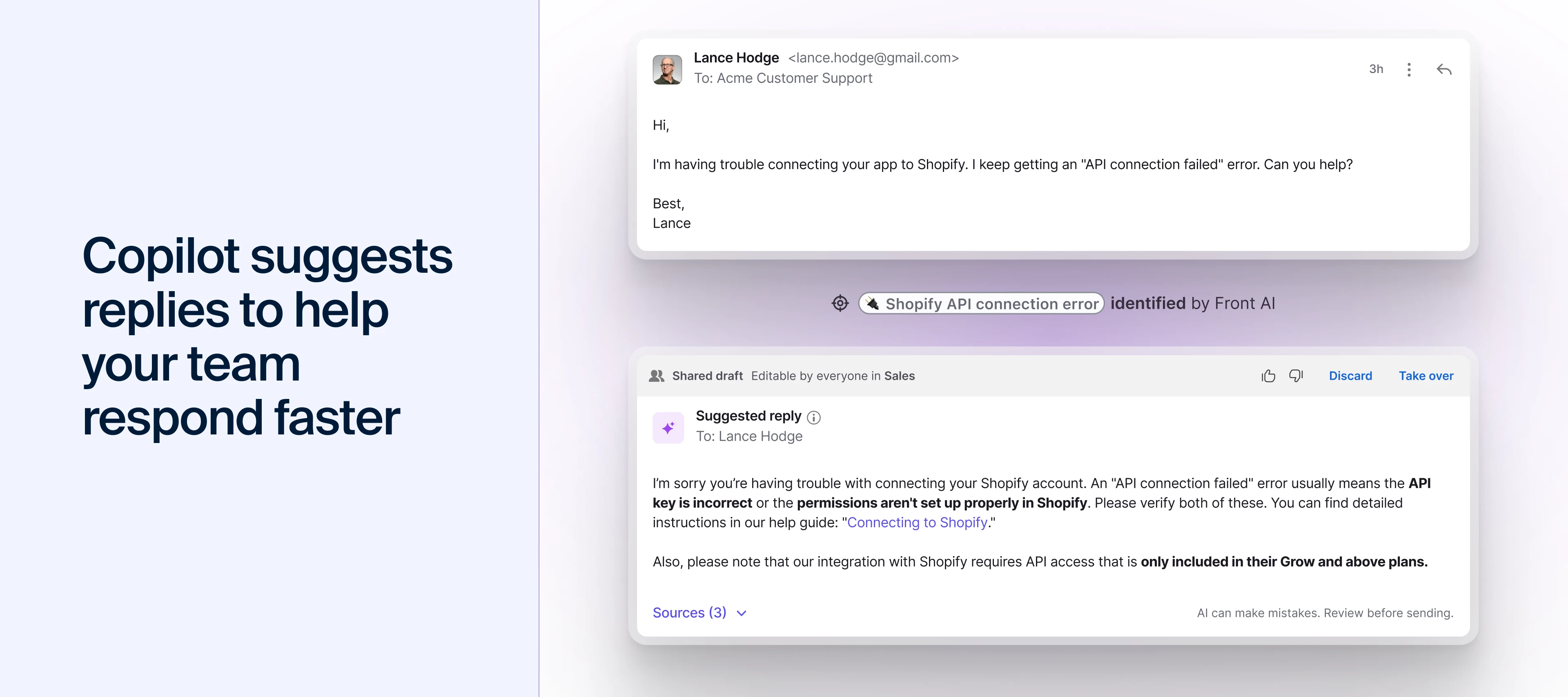
We’ve put together a new YouTube playlist to help you and your team get up and running with Front AI in just a few minutes. These short, focused videos walk through Front’s suite of AI tools, built to support your business and save your team time with smarter automation. You’ll find:A general overview of Front AI and where to use it How to set up knowledge sources so AI can answer accurately Using Topics to categorize what customers email about Composing messages with AI Copilot Using suggested replies to speed up responses …and more!Share the playlist with your team so everyone can learn how to use Front AI consistently and get more value from the tools you already have.👉 Check out the Front AI playlist
In this course, you’ll learn how Copilot supports you throughout your workflow — summarizing long threads, surfacing helpful insights, suggesting polished replies, and helping you draft or refine messages with ease.Through hands‑on activities, you’ll explore how to:Understand conversations instantly with AI Summaries Use similar conversations and knowledge articles to find the right information Respond faster with suggested replies Draft and refine messages using AI Compose Communicate clearly with Translate and Rewrite toolsBy the end of the course, you’ll know how to combine these features to reduce manual work, improve response quality, and keep your communication consistent across every channel.This course is perfect for anyone new to Front AI — or for teammates who want to work smarter with the tools they already have.👉 Start the course: Try Front AI Copilot for faster and smarter responses
We are a Manufacturer's Rep agency with one primary "Inside Sales" team. Generally, we want incoming emails to Round Robin to the whole group.However, we have one specific manufacturer line where 3 of our 14 reps should not receive those assignmentsMy Question: Is it better to create a completely separate "Team/Group" in Front just for that one product line? Or is there a way to write a Rule that says "Round Robin to Everyone EXCEPT Person A and Person B" if the email contains a specific keyword?Trying to keep our setup clean without creating too many unnecessary Groups. Thanks!
Is there a way to schedule send an email on condition the recipient did not reply yet?
We receive automated emails when orders unsuccessfully get added to our database. This happens often and can over-populate our unassigned/assigned/waiting locations. Is there a way to create a fake inbox or location where these emails can gather and everyone has access to see them and clear them?
While the season is full of gifts destined for regifting, these product updates aren’t. Your feedback has played a huge role in shaping our latest updates, including: A faster, clearer inbox that cuts through the noise Sharper AI replies that reduce editing time Automation that finally handles complex workflows Slack auto-replies powered by your past conversations and help content Redesigned Salesforce + HubSpot integrations to keep your CRM up to date You can see all 15+ features in action in the full blog recap with demo videos. Join our upcoming webinar on Jan 13 at 11 am PT / 2 pm ET for a walkthrough of the updates you helped inspire.👉 Save your spot for the live product recap on Jan 13
Is it possible to branch your chatbot flow back to an initial multiple choice question rather than rewrite the flows all over again. We have an initial multiple-choice question, and I’d like the option to return to it if a customer wants to ask another question on a different topic.
Since the inbox redesign this summer, we’ve heard what you love—and what could be better. Based on your feedback, the improved inbox is available to try out starting today, December 15th. The new inbox will be off by default, but can be turned on in your personal settings until February 9th, 2026. Here’s what’s new: One-click navigation: We’ve moved the navigation menu to the left-hand sidebar for quick access to your calendar, analytics, and more. Customizable sidebar: Add Discussions and Tasks to your sidebar, drag and drop items within sections, or reorder sections using arrows to organize your workspace. Inbox and workspace indicators at a glance: Shared inbox indicators are back (optional for global admins to enable). Users can also toggle between reply time goals and timestamps to quickly identify which messages should be prioritized first. Expanded to see more tags and objects: Users can expand the conversation header to see more app objects and tags for more context upfront.Th
Already have an account? Login
No account yet? Create an account
Enter your E-mail address. We'll send you an e-mail with instructions to reset your password.