





























Ask questions about Front features, getting started on Front, or how to use the community.
Recently active
Hello, When creating a Rule, sometimes I am unable to add a Tag that I have created. For example, I would like to Tag a location on a Rule but once I go to select said Tag, it does not appear on the drop down menu. I have also checked that said Tag has access to the specific inbox.
This release includes the following changes: Security improvements related to file attachments in messages. Updated glass icon for macOS. Bug fix addressing an issue where Front displayed a sign-in screen after waking from sleep.
Upgrade to Electron 35
I have been asked to extract a list of our most used client domains for cross referencing - I can’t find anything like this in analytics. Any suggestions please ?
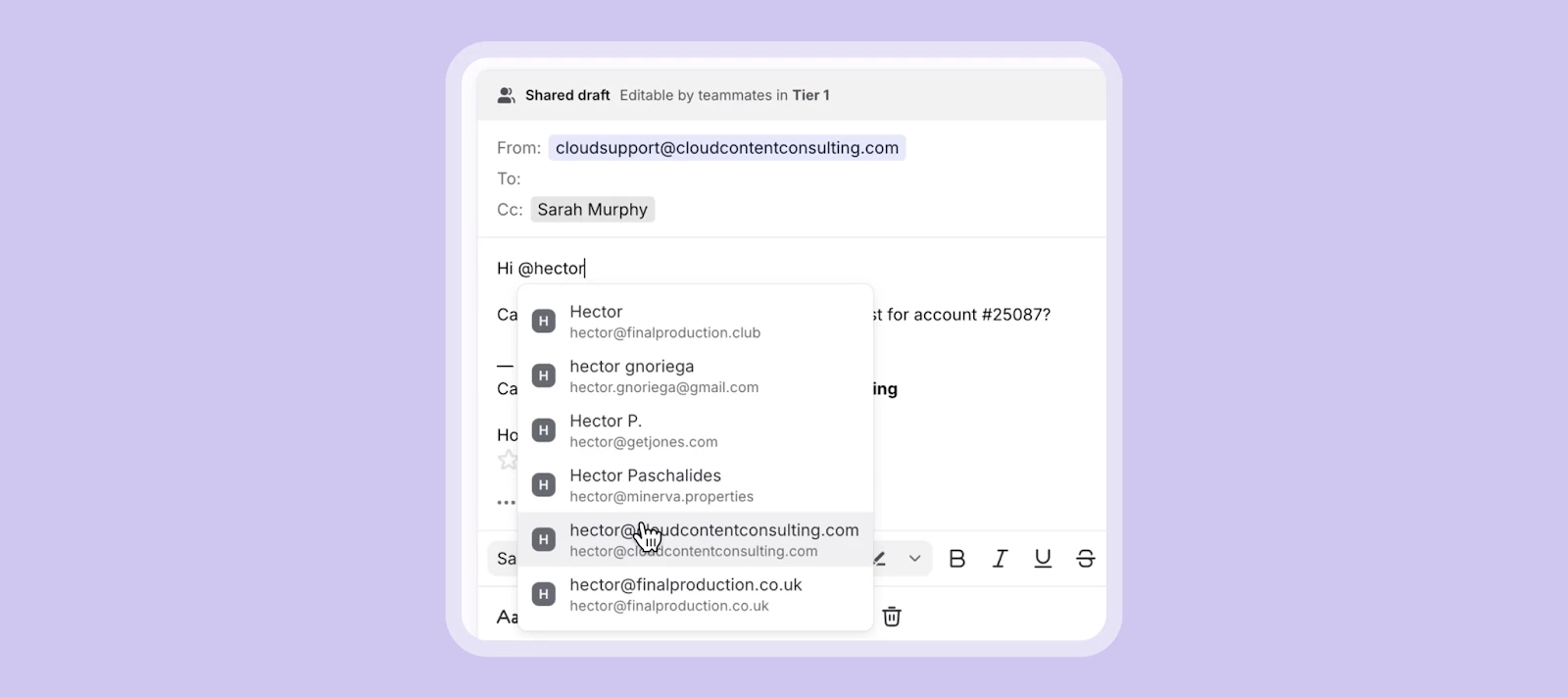
You can now @mention contacts in the email body to boost visibility and ensure the right people are included automatically. Simply type “@” and a contact’s name and select from the list of contacts that appear. They will also be added directly to the sender field so you can ensure the right contacts receive the right message. See a 30-second demo: This was a popular request! Share your feedback with us by replying to this post.
When saving rules or macros with multiple actions, the actions are automatically reordered to a fixed sequence rather than preserving the order I set. This breaks workflows where later actions depend on earlier ones.Steps to Reproduce:Create a new rule with the following actions in this order: Move to inbox "Support Requests" Add tag "VIP Customer" Save the rule Reopen the rule to editExpected Behavior: Actions remain in the order I saved them.Actual Behavior: Actions have been reordered to:Add tag "VIP Customer" Move to inbox "Support Requests"Impact: This causes the rule to fail silently. In my example, the "VIP Customer" tag only exists in the "Support Requests" inbox. Because the tag action now runs before the move action, the tag isn't applied, the thread is moved but remains untagged.Currently, my only workaround is to split dependent actions into separate rules, which adds complexity and maintenance overhead.This appears to affect other action types as well, any workflow where
Hello, community! You might already know that we recently launched Front Knowledge Base, a tool for you to centralize all your internal info for your team and/or external info for customers, which you can manage and access right within Front — reducing both your content and software sprawl. We use it ourselves to host our Help Center.If there’s anything you want to know about this new feature, you’ve come to the right place! We’re excited to answer your questions and get you started, with the help of Front’s two knowledge base experts:Anisha: Our internal PM for Knowledge Base who can answer anything related to its features, roadmap, workflows, and tips. Karen: Front’s own Help Center queen who runs our help center and can answer questions about migrating to Front Knowledge Base, how Front uses Knowledge Base, and general help center processes. You don’t need to direct your question to any specific person, as they’ll naturally answer the ones in their domain. Please submit as many ques
I can forward or re-send a message as a new conversation. But I often want to reply in a new conversation - follow up on one element of a conversation with an external person, without keeping all my colleagues subscribed to it. Is there a way to do that?
Hi,I have had front in my company for 10 years, however, I never really understood all the capabilities. I now need to figure out of I can actually work like I want with multiple inboxes, and actual shared inboxing across my small organization. Is it possible to find a freelance engineer, who can assist me with the things I wan’t to do?Simon
Many users are reporting that when they search their inbox/shared inbox for a specific tag, emails show up that don’t have this tag. Why would this be?
We’ve received a lot of thoughtful feedback about the inbox experience in Front after the new UX launched this past July. We hear you!So, to focus our efforts where it matters most, we’ve created a dedicated beta group for the inbox UX. In this beta group, our product team will share early designs and flows for your input. If you’re interested in shaping what ships next, we’d love to have you. 📍Join the beta and give feedback What to expect:Previews of inbox improvements Short feedback activities and quick polls Updates on what we changed based on your inputDesigns have already started being shared in the group, so join the conversation. Thank you for helping us build a better Front!
We can make individual message templates available to specific inboxes — is there a way to do the same for entire template folders? Thanks for your help!
So far I see only one discussion on desktop vs browser, so I am here to ask if there is a resource to give a full comparison on the differences between the two. I notice the training course deals with the web browser and I am curious how the behavior differs when creating tags. in the browser there are toggles to show in conversation and allow all inboxes. alternatively the desktop only gives an option to specify teammates that can use the tags. allowing all does not seem to be achievable efficiently. so where can i read on the distinction between applications?
I am able to receive emails in Front and reply in Gmail. But when I try to reply in Front I get an ‘unable to send’ error. What is the issue?
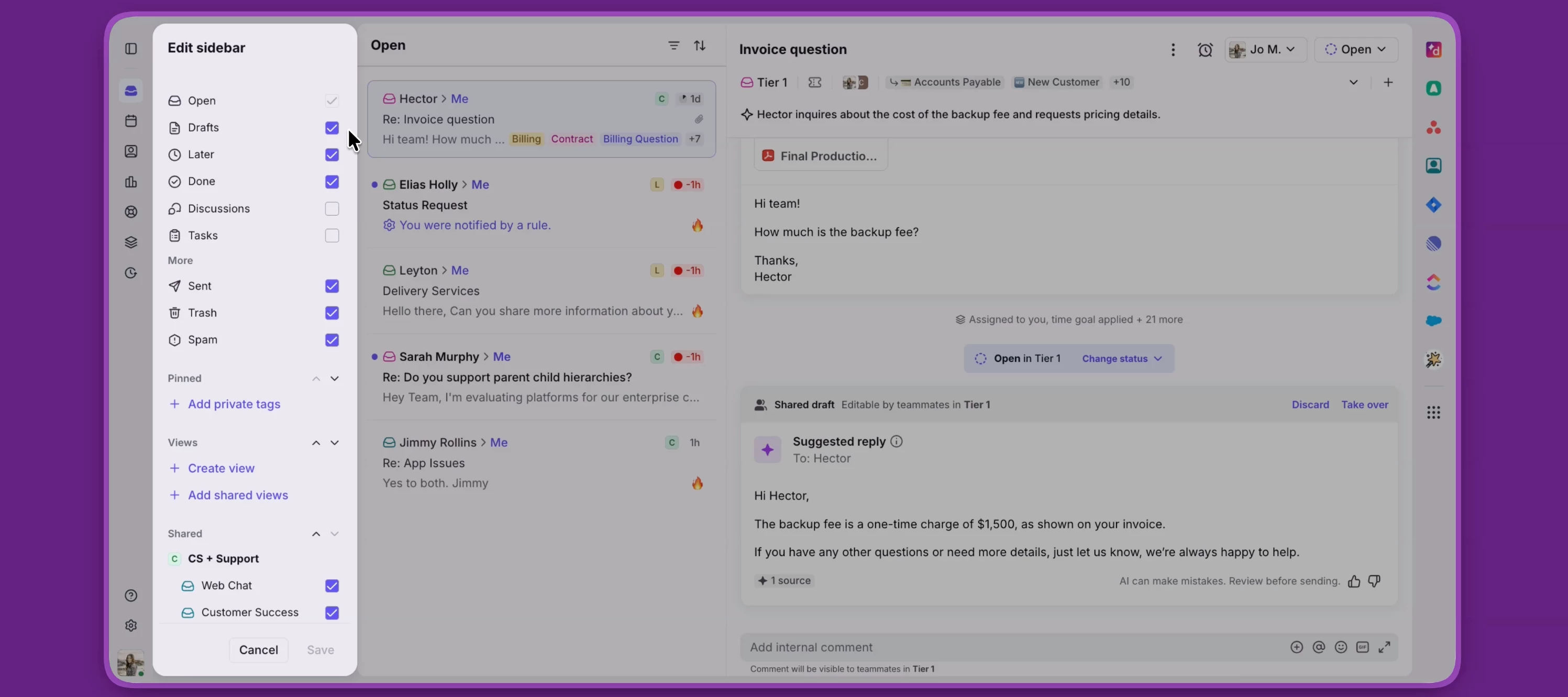
How’s everyone feeling about the new update? Personally, I’m struggling to find the value of the changes compared to the old model. Search bar moved, requiring extra clicks New layout sorting by “Open” and “Done”, then broken out by assigned/subscribed/inbox seems unhelpful. Additional time required to find archive. I like tasks--nice that the new layout allows filtering by tasks and discussions, however-- Discussions as a standalone category was nice. Dropdown list for Inbox/Calendar/Settings/Analytics seems too hidden, easier when the icons were listed out at the top. Objects condensed: I built a dynamic variable automatically linking a URL to the top of emails, but that is now condensed into an object icon instead of displaying the link at the very top. I always give updates a chance a commit instead of reverting to old settings. I’m hoping its an evolving update, I realize this is the first iteration.
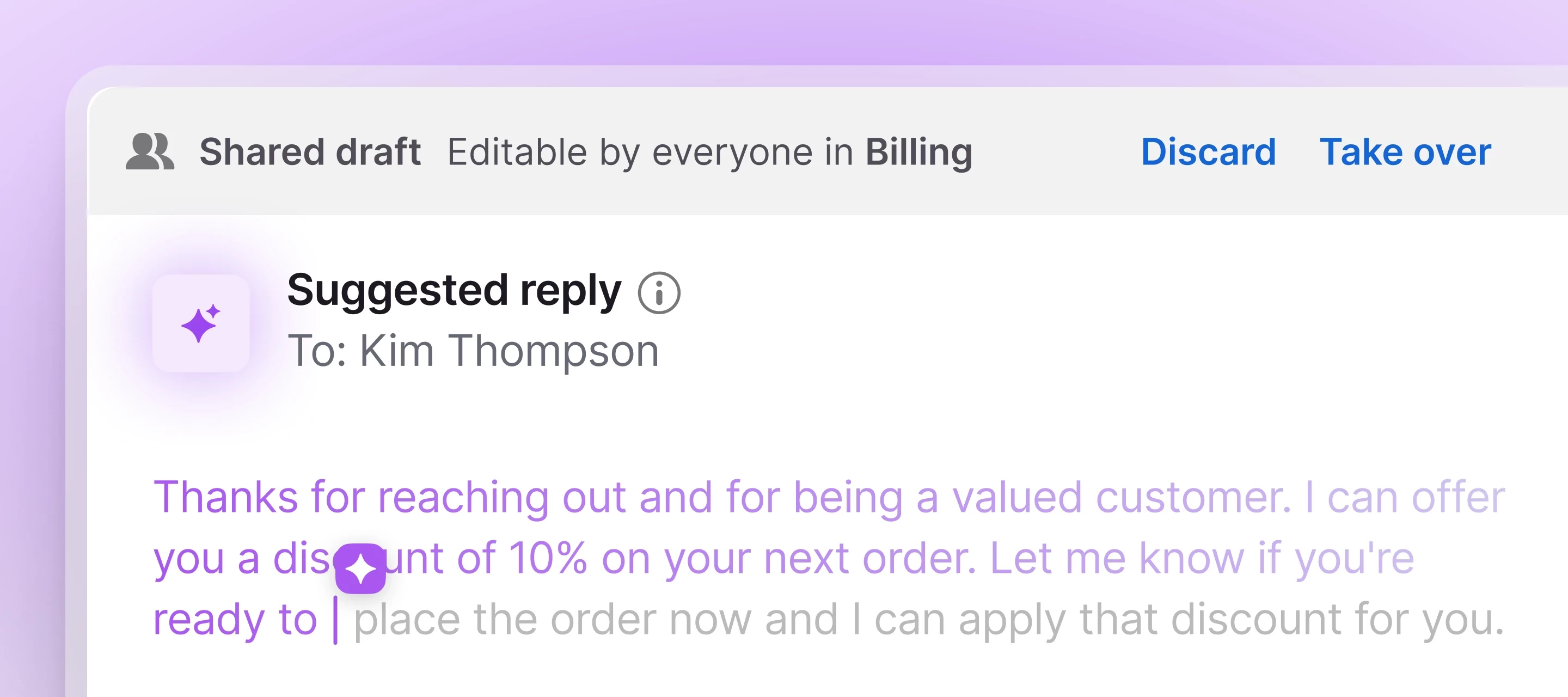
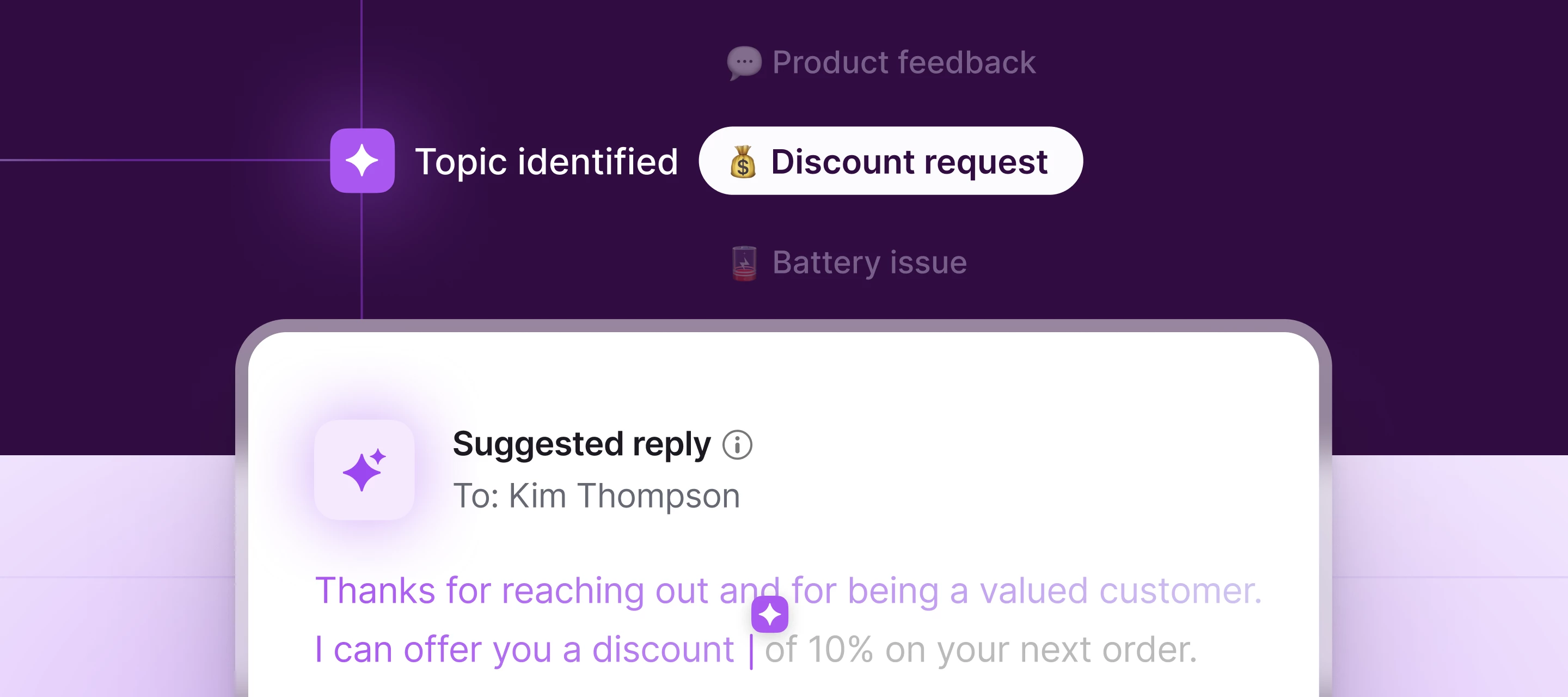
Today we’re announcing an all-new Front: with powerful new AI tools that keep you in control of your customer experience, and a sleek new inbox experience built for speed and clarity. Together, they enable teams to resolve faster, simplify daily workflows, and increase focus — all the efficiency gains of AI without sacrificing the quality of service they’re known for. Here’s what’s new:Topics: Simply connect a channel or select your preferred inboxes and Front AI will auto-categorize conversations for smarter routing and actionable insights. Copilot: Speed up resolution times with suggested replies based on past conversations and help content. Smart CSAT + Smart QA: Get a complete picture of your CX and agent performance - no surveys or manual scorecards required. Agent (coming soon): Maintain full control of automatic resolutions by directing which customer interactions AI handles autonomously and which get escalated to humans. Sign up here to express interest in participating in th
HiI’m looking at linking Front to ChatBase which we successfully use to help Front build knowledge for replies so I’d be keen if anyone has some experience with that.The pro’s and con’s 😀Thanks
Hey community, Cori here from Front!As a manager of a customer support team, I wanted to share about a feature I’ve been using heavily that might be helpful for you as well: Smart QA has become a valuable assistant to help me spot support quality opportunities quickly and better coach in 1:1s with my team members. The best part — it happens automatically and doesn’t add any additional manual review time for me. Here’s a walkthrough of how I use it: As you can see, Smart QA helps me accomplish a few key goals:Close the loop quickly: Turn QA findings into targeted coaching notes and actionable follow-ups. Catch what matters, not just what’s “measurable”: Smart QA flags responses that miss answering key questions or drift on tone, so I coach to substance, not just speed. Consistent coaching at scale: Apply the same rubric across the team to reduce reviewer bias and keep feedback aligned. Save time and resources: No need to implement a new tool for QA, as this feature is built into Front w
I am looking for a Front expert to help my company better utliize Front email settings, rules, etc…..does anyone know of Front Experts/Consultant for hire? Some of us have no time to try and figure this stuff out wehile growing a company:)
Congratulations to our 2025 Game Changer Award winners. These are our top customers who are raising the bar for customer service and modernizing the way customers are served. Of these, we’d like to give a special shout out to Community Builder Award winner, Inontime (@samsheridan). This is the second year in a row that Inontime is being recognized for having the highest level of engagement within Front Community! The contributions from your team make a direct impact in helping your peers maximize use of Front so that all teams can deliver a better customer service experience. We’re thrilled you’re a part of our community 🌟 P.S. - Looking to become a support visionary, CSAT leader, or a self-service pro in 2025? Lucky for you, our winners are sharing their playbooks:How Electrical.com increases revenue and decreases response time How Bentobox unlocks unprecedented collaboration to provide exceptional support
Hello everyone, I am facing a problem with Front, when ever I assign an email that is left unassigned or change the assignee name then front automatically archiving the email.Not really sure if I changed something lately in the settings or this is as part of new updates in front.This is very frustrating after assigning the email to someone, I also have to click Unarchive in my email in order to bring the email back to my shared section. I appreciate if you can share any work around or some sort of setting which could solve the issue
Anyone else have front erase all the cc’s on any draft email left open over night? I’m assuming they all get erased when the computer goes into rest mode but it doesn’t happen to a co-worker.
We have enabled smart QA for our customer service team, but we noticed that some internal emails are affecting the scores and we can`t get a real picture of what is going on (i.e. when you forward and email without writing any messages it drives you empathy score down - this is part of our order entry process so there`s no need to write anything). How can we get Front not to take these emails into consideration?
Using the Front webapp (as a PWA) on Windows, how can I disable notifications about calendar events? We use Google Calendar, so I rely on Google Calendar for notifications and Front creates duplicate notifications. On Settings > Notifications, I've set Desktop and Mobile to "No notifications”, but I am still receiving Desktop and Mobile calendar notifications. See screenshot below.
I have a user who was having email issues during the AWS outage yesterday.Now her email is working, but her Sent items folder is only showing the past 2 days. We can search and find older emails in the Sent folder so we know they are there, but we cannot scroll back past yesterday morning.We did try turing off sent item tracking and turning ir back on to see if the sent folder would resync, but that does not appear to have made any difference. Are there any other things I can try? The are connected to O365 ThanksThomas
Already have an account? Login
No account yet? Create an account
Enter your E-mail address. We'll send you an e-mail with instructions to reset your password.