













Subscribe here for latest resources and news about Front
Recently active
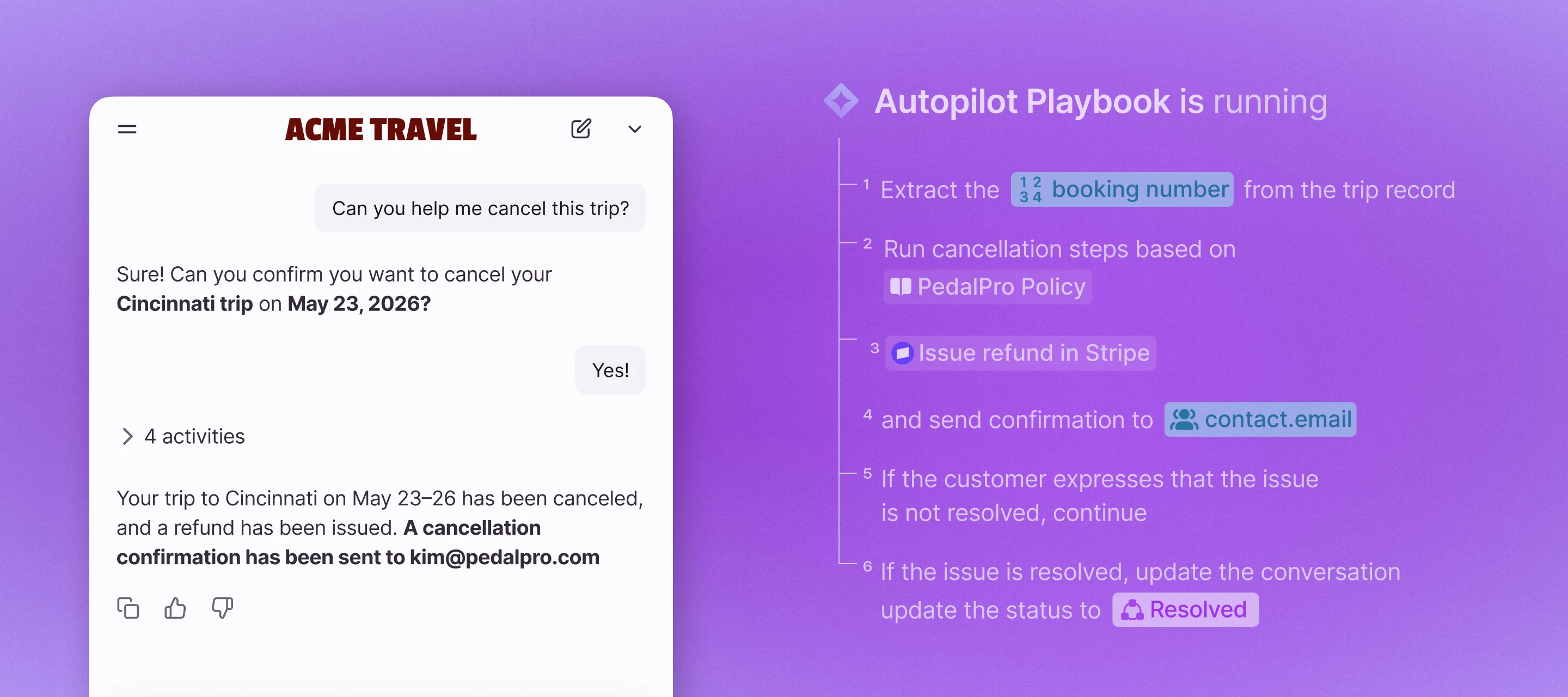
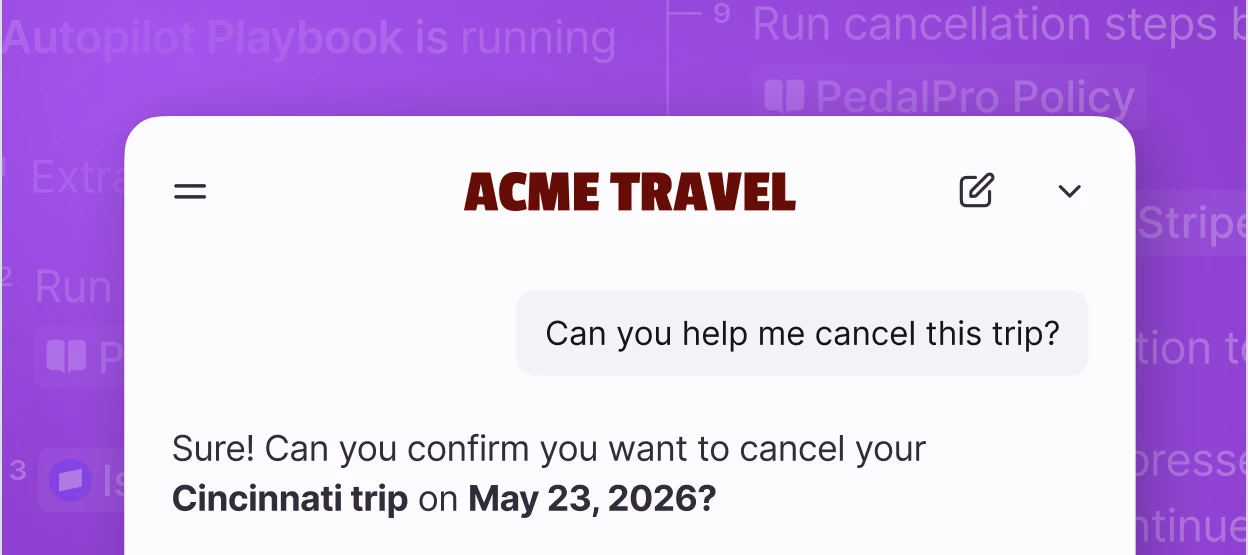
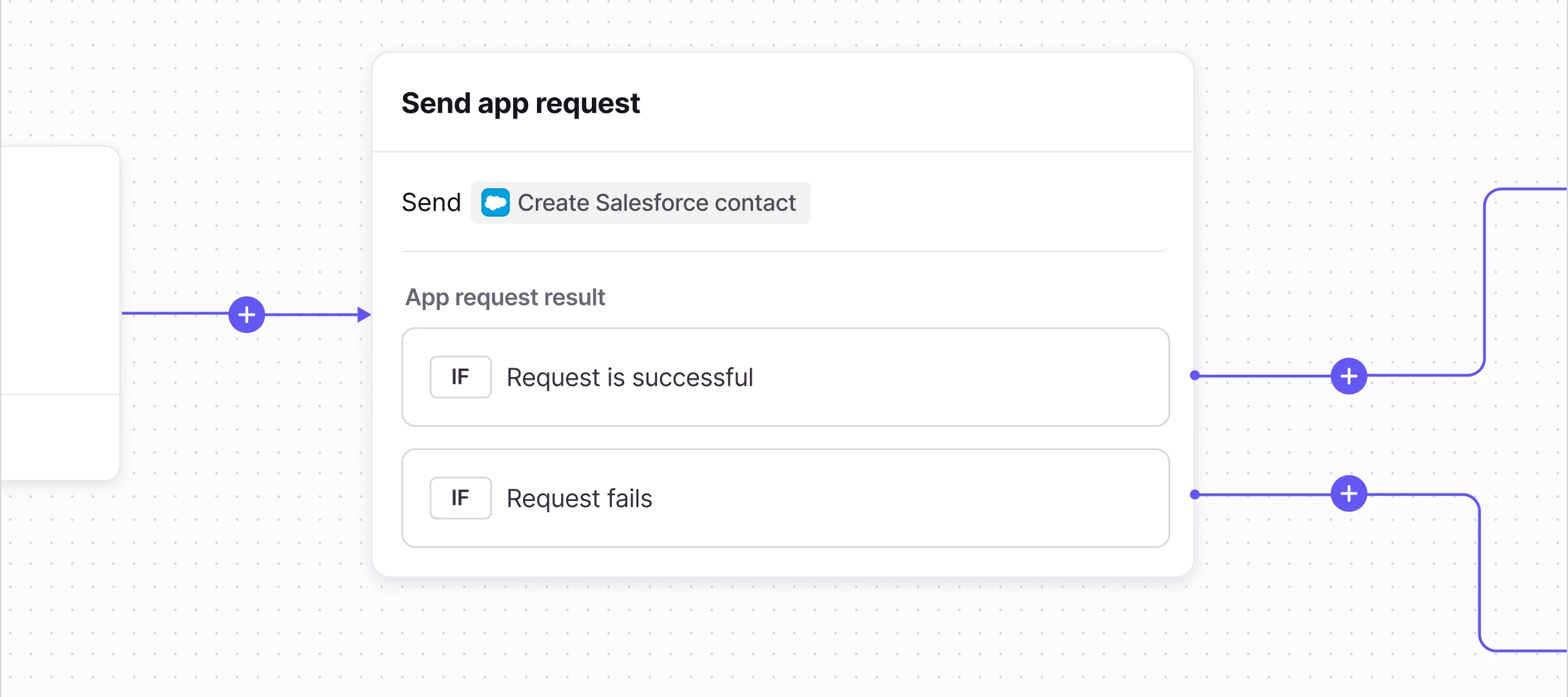
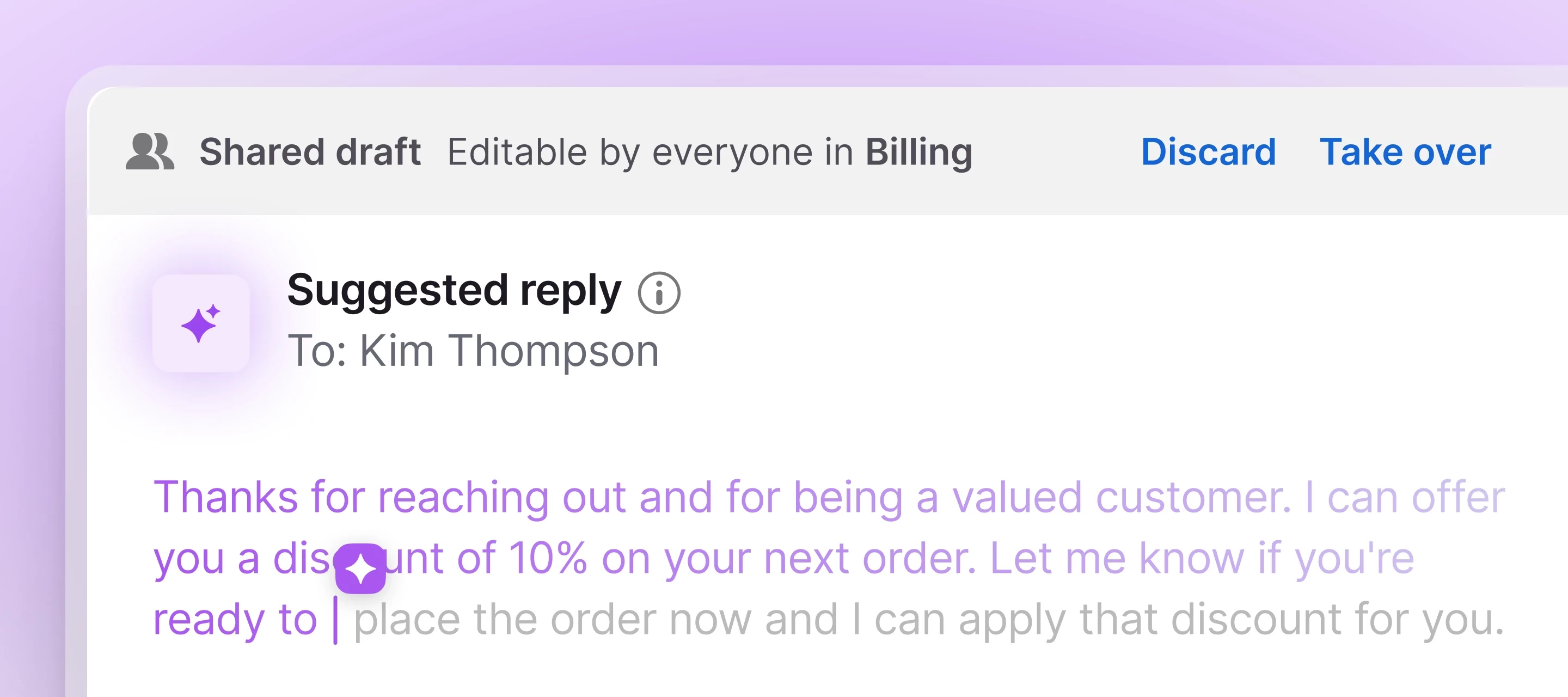
Today we're launching the next phase of Front AI: Autopilot Playbooks, Autopilot Resolve, and an all-new Copilot, built to move complex customer work from request to resolution, across systems, teams, and channels. Here’s what’s new:Autopilot Playbooks automate the complex processes your business depends on Autopilot Resolve lets your customers complete requests from start to finish right in your app or website The all-new Copilot gives your team an AI assistant to figure out next steps, find information, and solve problems right from your inbox How to get accessAutopilot Playbooks and Resolve are part of the Autopilot add-on and must be enabled by the Front team. Join the waitlist. Copilot is available as an add-on on our current plans, or included in the latest Enterprise plan. Learn more in our latest blog post.
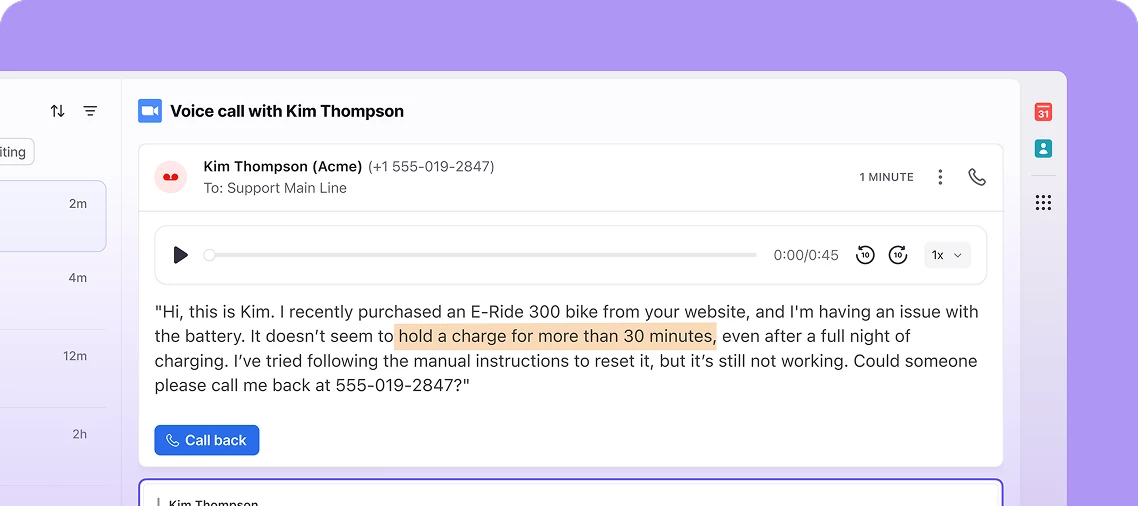
Now open: request access to the Amazon Connect beta (voice and SMS in Front) If your team is handling phone calls and texts in a different tool from the rest of your customer conversations, this one is for you. We just opened requests to join the beta for our Amazon Connect integration, which brings voice and SMS into Front alongside the email, chat, and everything else you already manage here. Once it is connected, you can place and receive calls, send and receive SMS, and pull up call recordings, transcripts, and AI summaries right in the inbox. The full history of a customer lives in one place instead of scattered across systems. This is a private beta and we are screening who joins, but if you are on the latest Professional plan or above and have a real voice or SMS use case, you are very likely a fit. You can preview the full setup steps in our Help Center. Want in? Request to join the beta group here.We will review and get back to you. Members get a dedicated space for updates an
Hermes Worldwide is coming to our community for a live webinar on how their luxury transportation business has been able to create lasting and high quality client experiences through Front. In this fireside chat, their President and CEO, Jorge Sanchez, will share their before-and-after of how they moved from ad-hoc checks of client communication quality to how upleveling the global business by implementing Front’s AI-powered quality assurance feature. Date: Tuesday, July 21, 2026Time: 9AM PacificRegister here Hope to see you there!
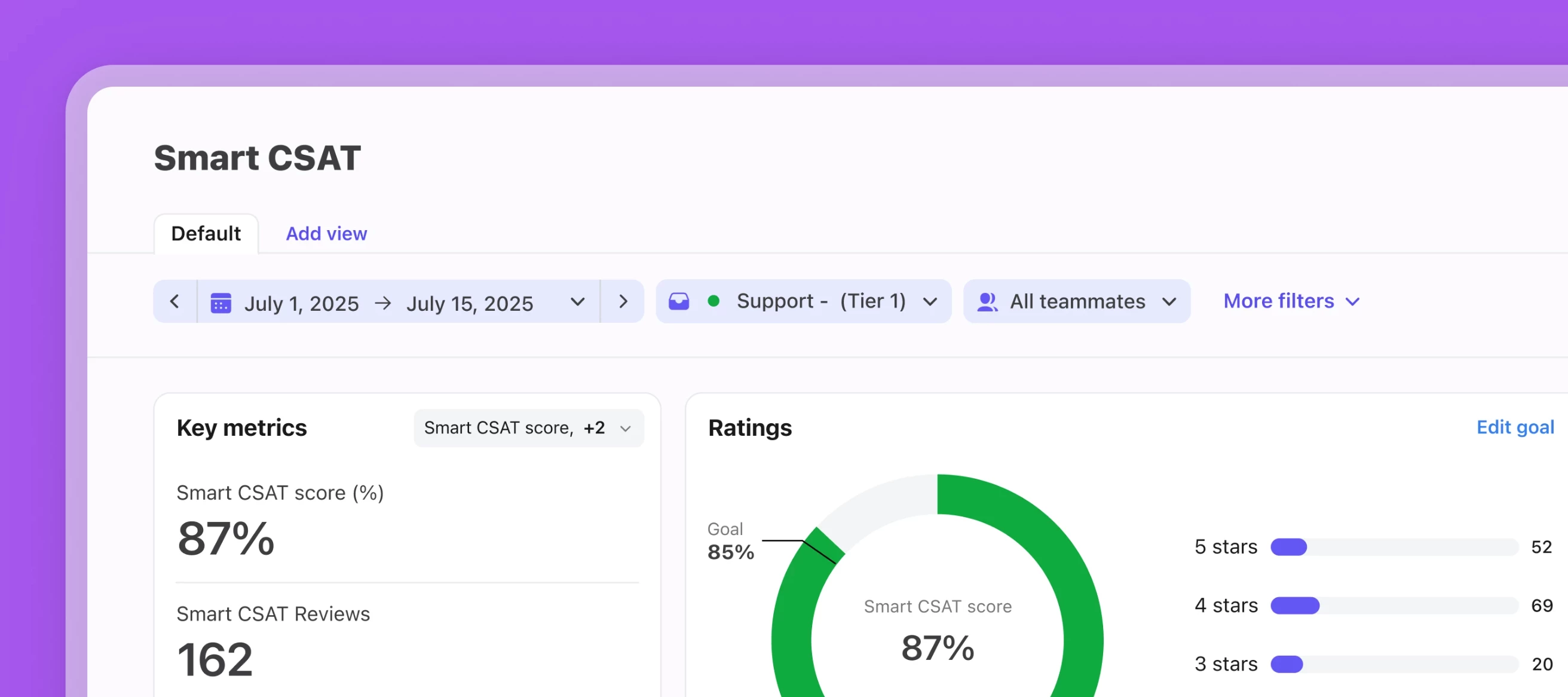
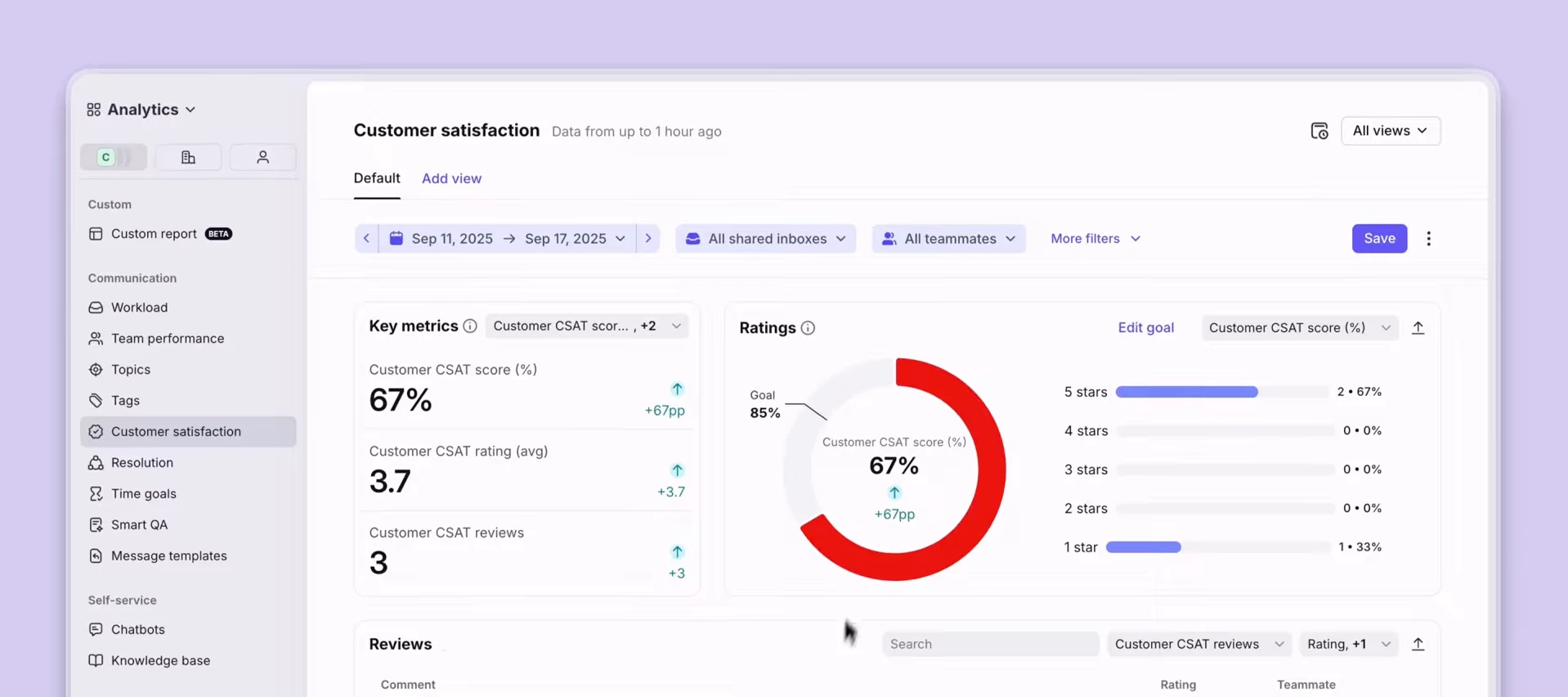
Hey there 👋,Replay our live training on how to set up and use Smart CSAT and Smart QA, two incredible functionalities powered by Front AI. You can rewatch the training here.Here’s what we covered:How to properly set up Smart QA and Smart CSAT for customer insights How to understand your AI-powered analytics reports How to make business decisions and create new workflows based on your results Live Q&A with our Product Education TeamIf you have any questions or need help setting up your Smart products, let us know!
Autopilot Resolve is Front’s AI-native support channel you can embed on your website or in your Front help center. It enables your customers to self-serve through an AI chat experience using the content from your connected knowledge sources, and hands over to a human when needed.What Resolve can doInstant answers to common questions 24/7 Chat-like support that can escalate to a live agent (real-time or async) Faster resolutions with less repetitive work for your teamSetup summaryRequires admin (or shared inbox + AI settings permissions) and the Autopilot add‑on or trial Deploy via your webpage or Front-hosted page help centerSetup guideStart your Autopilot trial if you haven’t yet Set up Resolve Note on Autopilot Playbooks: Playbooks is a separate Autopilot feature that allows you to run defined, complex workflows through Resolve such as having back-and-forth conversations or collecting customer information. It is available on a rolling basis to Autopilot users and not available in sel
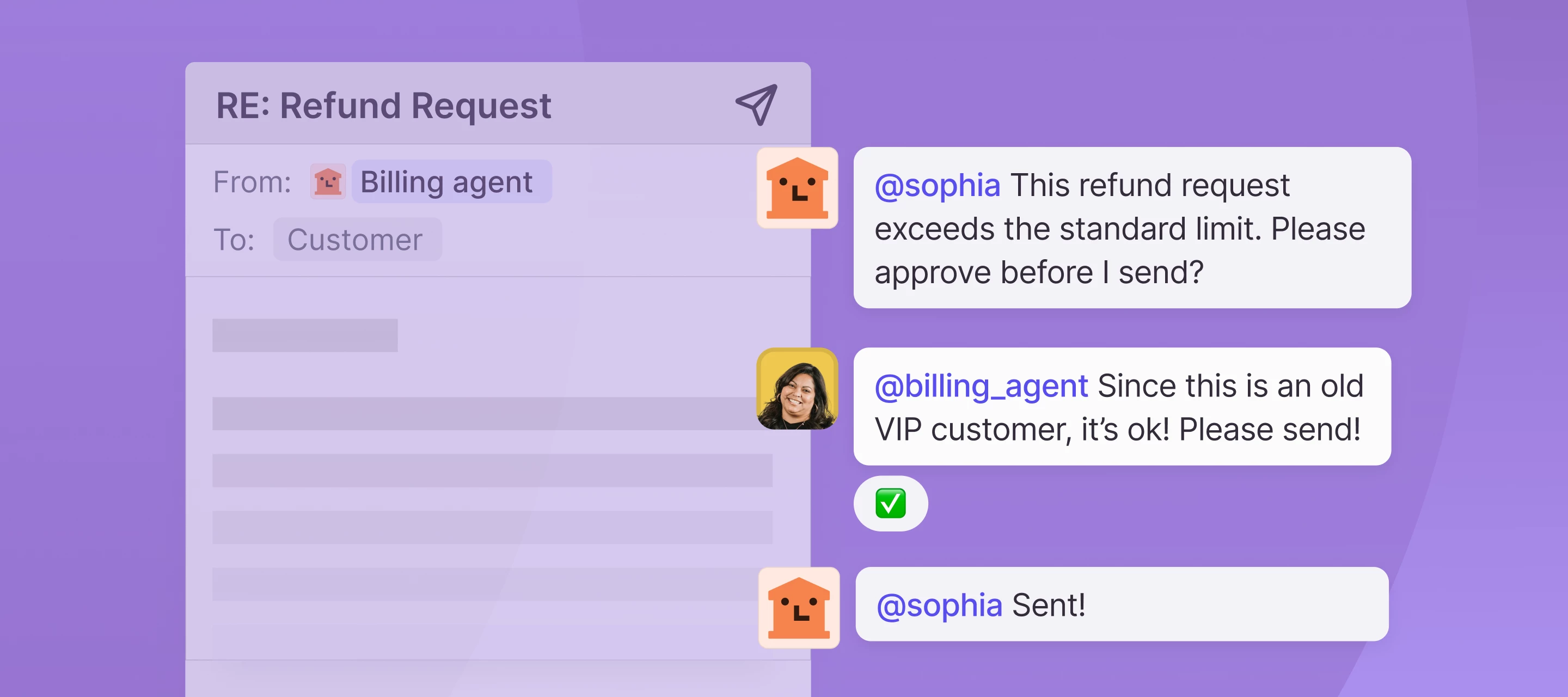
We're building a way for external AI agents to operate as real teammates inside Front — assigned conversations, their own identity, clean handoffs to humans, and @mention support. No more webhook workarounds or human accounts standing in as proxies. If you've already built an agent or are actively working on one, we want to hear from you. We're in early development and looking to understand real use cases before we build. Interested? Join our beta group to get started.
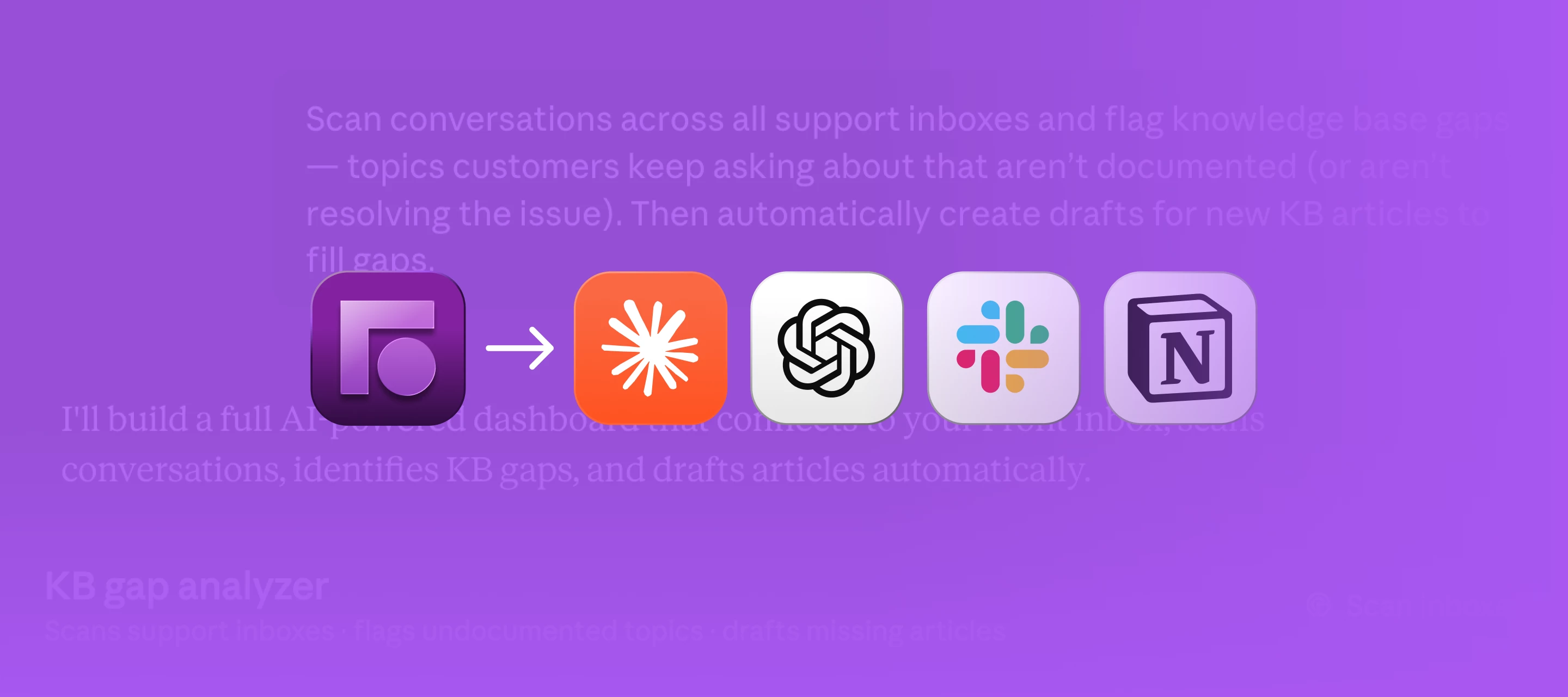
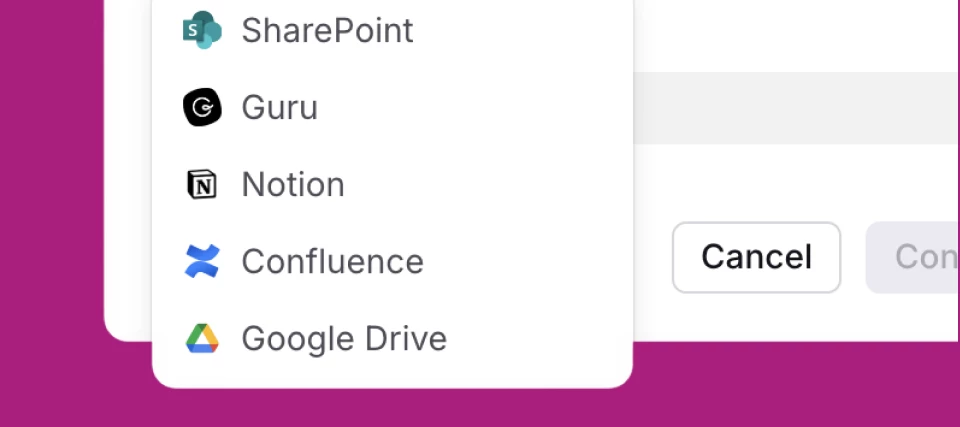
This month’s updates help you build confidence in what your team (and AI) can act on, reduce the busywork that slows down follow-through, and support customers across more of the channels your customers use — so you can move faster without losing context. New featuresSmarter AI in, better knowledge out Connect Confluence + Guru as knowledge sources so Front AI can reference more of the content your team already maintains. Use contact notes to capture fast-changing details that don’t belong in a full doc (and still make them usable for Front AI). Improved visibility into AI sync + filtering so admins can troubleshoot AI ingestion and understand how to improve knowledge. Bring any voice channel into Front Zoom Contact Center integration for voice (and SMS) alongside your other channels. Voice Channels API to build custom voice channels and sync call events. Get from intent to automation faster Rule/macro templates for Salesforce + Asana actions (start from a template instead of buil
If you missed April’s email newsletter, here’s your catchup: Front AI, step by step — what it can do today, and how to put it to work in your day-to-day. If the thought of implementing AI in Front has been intimidating for you, think of it as a ladder in which you can access the exact level you need, from quickly summarizing conversations to confidently automating workflows. You decide which step to ascend to for your needs:Step 1 — Observe: start with visibility into why customers reach out and spot patterns faster. Step 2 — Assist: speed up replies, keep control (AI copilot suggests drafts based on past conversations + knowledge sources). Step 3 — Evaluate: measure quality at scale (Smart QA + AI evaluation to coach consistently). Step 4 — Automate: resolve common issues automatically when it’s ready for the right use cases. And if you’re not convinced about AI or it isn’t pulling its weight for your team yet, you’re not alone — Front conducted an in-depth survey which found that eve
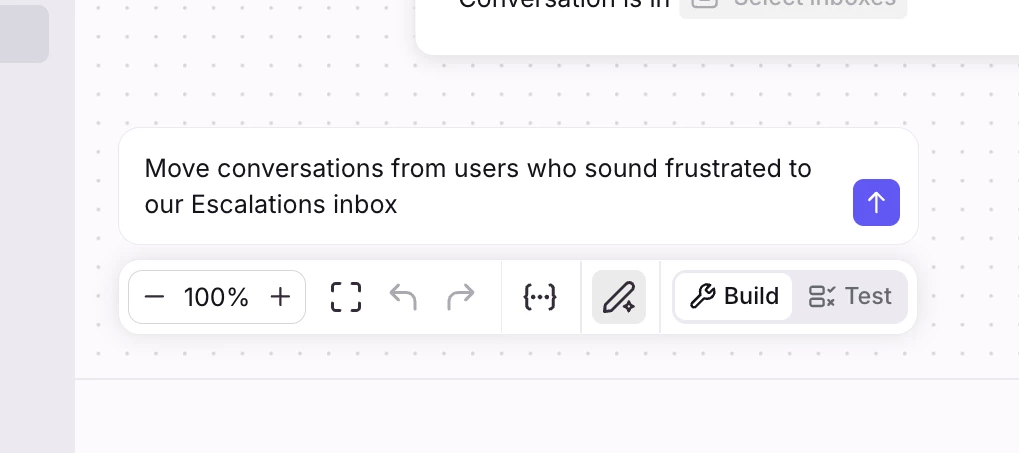
Hey everyone 👋We're opening up early access to something I've been really excited about: Build with AI for branching rules. Build with AI input on branching rules You'll now see an "Build with AI" button right inside the editor. Click it, describe what you want in plain English, and the rule gets built (or refined) for you. Similar to our other features, changes show up inline in the builder with a diff view, so you can see exactly what changed before you save. Undo/redo work the way you'd expect and nothing goes live until you hit save.A few example prompts we've been testing:"When an inbound email with subject containing 'invoice', move it to the Billing inbox"!--> "Move conversations from users who sound frustrated to our Escalations inbox" (this one uses an AI node under the hood)It also works great for refining rules you already have like "also notify the on-call teammate", etc. Want in?We're hand-picking a small group of companies to get early access before we roll this out m
Check out a highlight reel of what’s new in Front this past month: And below, you’ll find links to all the updates we covered:New analytics features for Smart QA + custom fields: Schedule Smart QA reports straight to your inbox, and unlock deeper insights with analytics for your custom fields. AI Translate (SMS, chat, Facebook Messenger): Instantly translate messages in synchronous channels so conversations keep moving. Guru as a knowledge source: Sync your Guru knowledge base to power Front AI replies and suggestions. Build with AI (Macros + dynamic variables): Describe the workflow you want and let Front generate macros and dynamic variables for you. Clone message templates: Clone templates in a few clicks to reuse and adapt what works. Customer Champions Program: Apply to become a Front Customer Champion — our brand new program — and choose how you’d like to participate. Early AI access (beta groups): Join beta groups like AI Admin and AI knowledge sources to shape what’s coming. Up
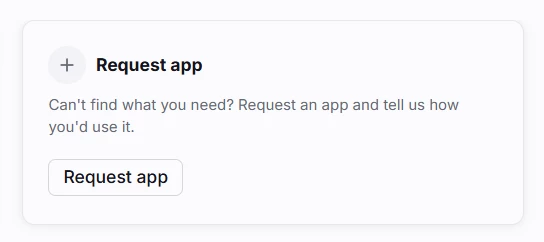
Can’t find a native integration on Front’s App Store? Now you can request one for our team to consider prioritizing.Simply navigate to Settings > Company >App store to search for an app or view one of our collections. You should see a button to Request app in the results or at the end of the collection.Please let us know how you’d like to use the app so we have the correct context regarding the functionality needed!
CX automation is not about “can we automate it?” It’s about making defendable decisions about where automation is safe, where AI should assist while humans stay accountable, and what should remain human-led.Join Kevin Yang (Director of AI at Front) and Alyssa Medina (VP of Customer Support at Fathom) for a practitioner conversation on frameworks, guardrails, and real-world trade-offs — plus live Q&A. 📍Register to save your seat and get the Customer Operations Automation Field Guide after the session.
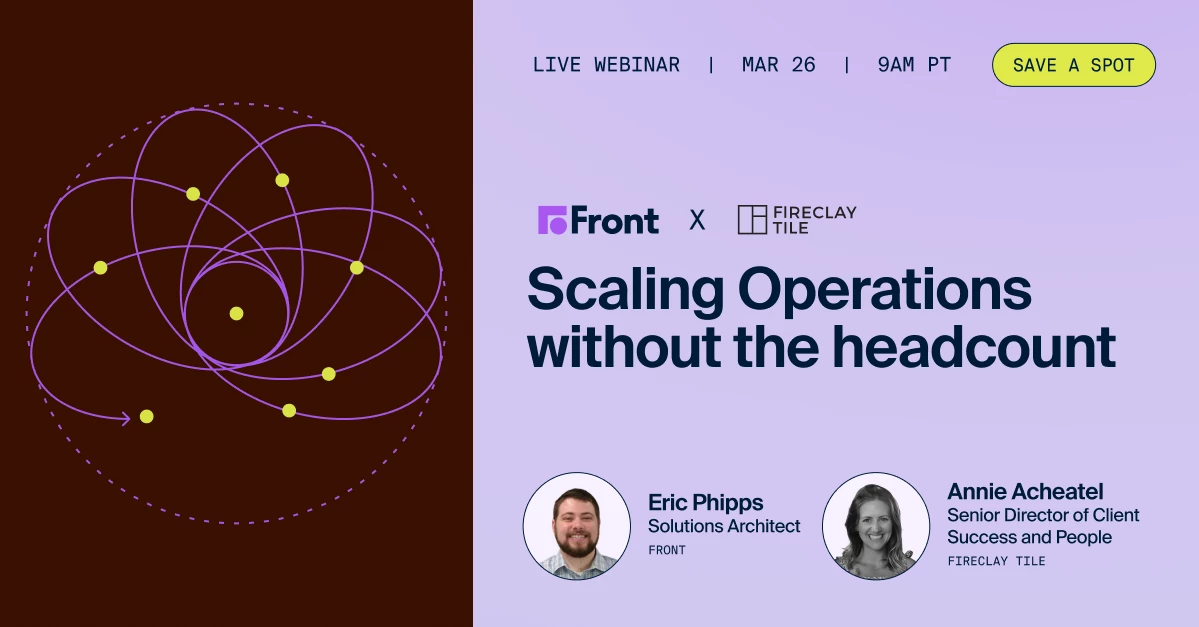
How do you build workflows that perform under pressure? Manufacturing customer operations are not built for ticket queues.When a shipment is delayed or a quote changes, it requires sales, service, finance, and more, to coordinate — fast.And when communication lives in siloed inboxes? Ownership blurs. Context disappears. Escalations surface late. And revenue is at risk.Join a 40-year U.S. manufacturer, Fireclay Tile, for a candid conversation on how they scaled from $20M to $50M, without doubling headcount. They'll discuss how they: Fixed handoffs across sales, service, and operations to increase production without the headcount. Balance premium, high-touch service with automation. Allow AI to assist their teams, rather than replace human judgment If you’re navigating lean teams and rising expectations — this is for you. 📍Register now
New submissions to this program are currently paused.We're looking for customers who want to help shape Front's no-code Connectors framework, integrations, App Store, API, and SDK features - and get early access in the process. These may sound technical, but we’re looking for any customers who are interested in connecting Front to their external systems, such as your CRM, order management system, TMS, proprietary databases, and more. What is a Design Partner?Design partners are customers who work closely with our team to test, refine, and influence these capabilities before they're widely released. You'll get early access to new features, participate in feedback sessions, and help us understand what works (and what doesn't) for real-world use cases. What you’ll get access to:Beta access: Try new Connectors features, integrations, App Store improvements, and API capabilities before general release Workshops & feedback sessions: Share your thoughts on what you're building, barriers y
Hi Front Community! 👋This month, we shared a collection of educational resources to help you get the most out of Front and AI features. Whether you're planning your rollout or deepening your expertise, here's one place to review all the goodies: 🚀 AI 101 Basics: Get StartedType: Tips with short videosStart here for the big picture. We walk you through the strategic framework: how Topics reveal what customers need, how Copilot assists your team, when to scale with Autopilot, and how knowledge sources power accuracy. Perfect for planning your AI rollout or understanding how the pieces fit together.Read and watch tips 🎥 YouTube Playlist: Front AI FeaturesType: Short videos seriesReady to configure? These bite-sized setup guides show you how to connect knowledge sources, enable Topics for automatic categorization, and turn on your first AI features. Essential viewing for admins getting their workspace AI-ready.Watch playlist 🎓 New Academy Course: Try Front AI CopilotType: CourseNow pra
I wanted to highlight a feature that hasn’t gotten a big spotlight recently, as our Autopilot and Copilot features have. It’s very powerful nonetheless, so don’t sleep on it: Smart CSAT.This is an AI-powered feature in Front that infers customer satisfaction for every meaningful conversation, without relying on your customers filling out surveys. Instead, Smart CSAT automatically analyzes sentiment and effort to give you a more accurate, reliable view of the customer experience.Traditional CSAT surveys only capture feedback from the happiest or most frustrated customers, leaving you with an incomplete picture of customer satisfaction. The majority of your customers are silent.We created a new short video to show you how Smart CSAT:Fills in the gaps left by manual CSAT surveys Analyzes sentiment and effort automatically Surfaces actionable insights directly in conversations Provides a more complete view of customer experience over time👉 Watch the video here (1:30)Comment below if you h
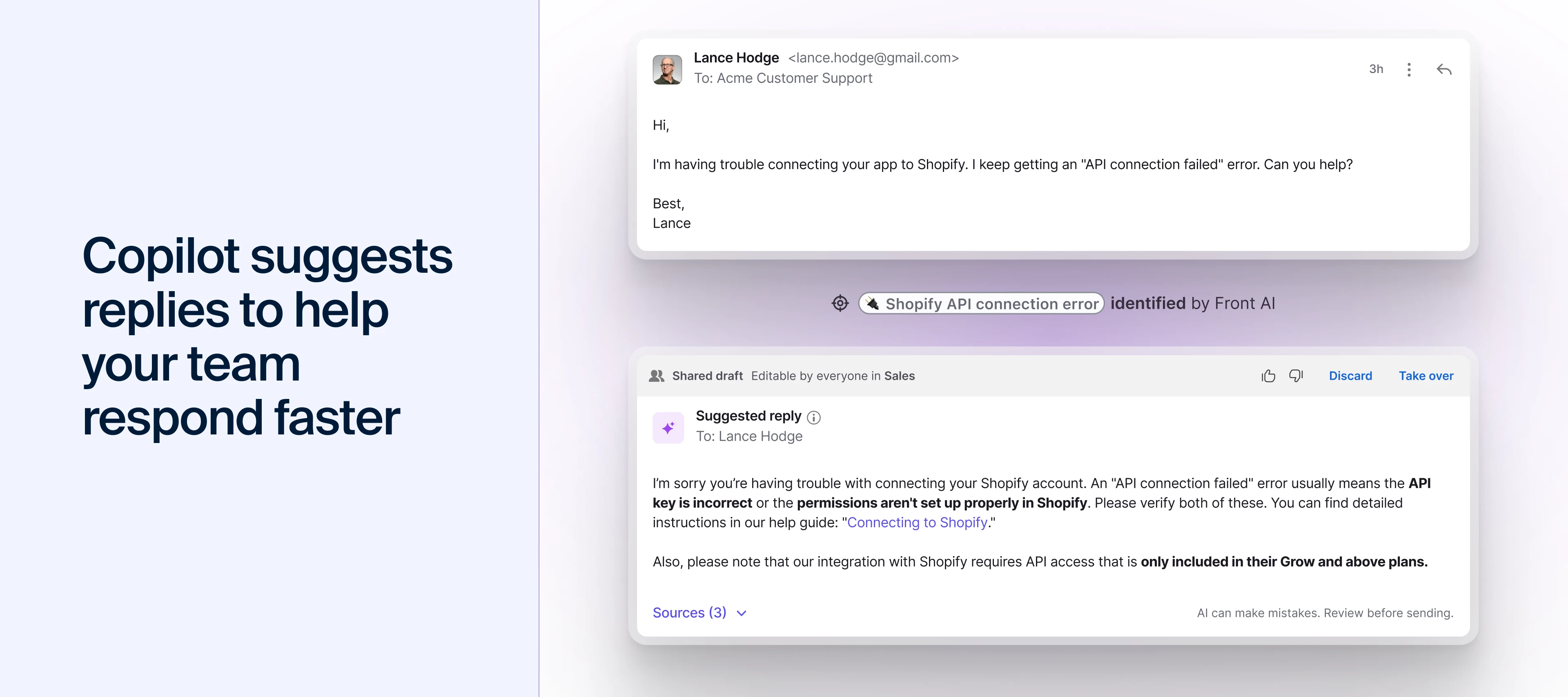
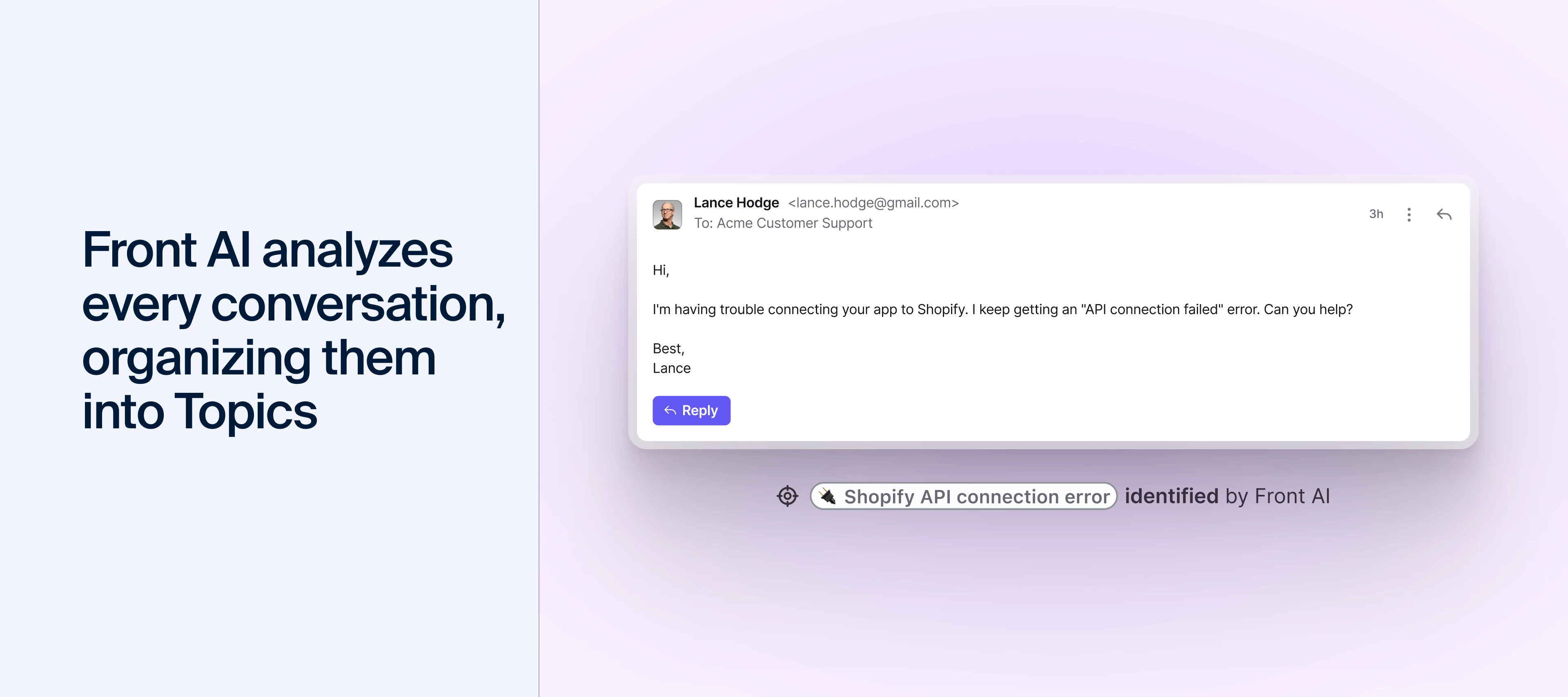
Hey there, I’m Matthew, Front’s Director of Product Education, and I wanted to get on here and write to you all directly about Front AI. I know the constant "AI this or AI that" can feel like drinking from a firehose, and I've been there too – it's easy to get inundated with marketing instead of real help. That’s why I wanted to write directly to you with synthesized tips on how my team and I actually use Front AI.I'm biased, but I truly believe Front’s approach – integrating AI with your team, not replacing them – is the way of the future. Using it has genuinely helped my team stay productive, kept our customers happy, and maintained my sanity.So, here are 4 helpful tips to get started with Front AI, coming from a real person (me) and not an AI bot 😉. 1. Use Topics to decode the why in secondsHave you ever stared at a mountain of emails and wondered, "What are people actually asking about?" Without data, you’re just guessing. I see so many teams hit a bottleneck because they’re manu
We’ve shipped 15+ product updates designed to make support teams faster, clearer, and more consistent in Front, all inspired by you. We go over them all here: You’ll see the latest features, including:A faster, clearer inbox that cuts through the noise Sharper AI replies that reduce editing time Automation that finally handles complex workflows Slack auto-replies powered by your past conversations and help content Redesigned Salesforce and HubSpot integrations to keep your CRM up to dateP.S. Click Subscribe on this post to get updated when we answer Q&As from the session!
Join Front’s community team for three hands-on Connectors workshops starting this week on January 15th! Connectors allow you to easily integrate with external services without writing any code! Follow along as we automate workflows between Front and your 3rd-party tools. January 15: Salesforce <> Front workflows: Use Connectors to update Salesforce objects directly from your inbox. January 22: HubSpot <> Front workflows: Use Connectors to easily manage customer data in HubSpot. January 29: Jira <> Front workflows: Use Connectors to create Jira tickets from Front with just a few clicks.Register nowCan’t make it? No problem! Join the community group to access self-paced examples and view the workshop videos later.
We’ve put together a new YouTube playlist to help you and your team get up and running with Front AI in just a few minutes. These short, focused videos walk through Front’s suite of AI tools, built to support your business and save your team time with smarter automation. You’ll find:A general overview of Front AI and where to use it How to set up knowledge sources so AI can answer accurately Using Topics to categorize what customers email about Composing messages with AI Copilot Using suggested replies to speed up responses …and more!Share the playlist with your team so everyone can learn how to use Front AI consistently and get more value from the tools you already have.👉 Check out the Front AI playlist
In this course, you’ll learn how Copilot supports you throughout your workflow — summarizing long threads, surfacing helpful insights, suggesting polished replies, and helping you draft or refine messages with ease.Through hands‑on activities, you’ll explore how to:Understand conversations instantly with AI Summaries Use similar conversations and knowledge articles to find the right information Respond faster with suggested replies Draft and refine messages using AI Compose Communicate clearly with Translate and Rewrite toolsBy the end of the course, you’ll know how to combine these features to reduce manual work, improve response quality, and keep your communication consistent across every channel.This course is perfect for anyone new to Front AI — or for teammates who want to work smarter with the tools they already have.👉 Start the course: Try Front AI Copilot for faster and smarter responses
While the season is full of gifts destined for regifting, these product updates aren’t. Your feedback has played a huge role in shaping our latest updates, including: A faster, clearer inbox that cuts through the noise Sharper AI replies that reduce editing time Automation that finally handles complex workflows Slack auto-replies powered by your past conversations and help content Redesigned Salesforce + HubSpot integrations to keep your CRM up to date You can see all 15+ features in action in the full blog recap with demo videos. Join our upcoming webinar on Jan 13 at 11 am PT / 2 pm ET for a walkthrough of the updates you helped inspire.👉 Save your spot for the live product recap on Jan 13
Since the inbox redesign this summer, we’ve heard what you love—and what could be better. Based on your feedback, the improved inbox is available to try out starting today, December 15th. The new inbox will be off by default, but can be turned on in your personal settings until February 9th, 2026. Here’s what’s new: One-click navigation: We’ve moved the navigation menu to the left-hand sidebar for quick access to your calendar, analytics, and more. Customizable sidebar: Add Discussions and Tasks to your sidebar, drag and drop items within sections, or reorder sections using arrows to organize your workspace. Inbox and workspace indicators at a glance: Shared inbox indicators are back (optional for global admins to enable). Users can also toggle between reply time goals and timestamps to quickly identify which messages should be prioritized first. Expanded to see more tags and objects: Users can expand the conversation header to see more app objects and tags for more context upfront.Th
You can now @mention contacts in the email body to boost visibility and ensure the right people are included automatically. Simply type “@” and a contact’s name and select from the list of contacts that appear. They will also be added directly to the sender field so you can ensure the right contacts receive the right message. See a 30-second demo: This was a popular request! Share your feedback with us by replying to this post.
We’ve received a lot of thoughtful feedback about the inbox experience in Front after the new UX launched this past July. We hear you!So, to focus our efforts where it matters most, we’ve created a dedicated beta group for the inbox UX. In this beta group, our product team will share early designs and flows for your input. If you’re interested in shaping what ships next, we’d love to have you. 📍Join the beta and give feedback What to expect:Previews of inbox improvements Short feedback activities and quick polls Updates on what we changed based on your inputDesigns have already started being shared in the group, so join the conversation. Thank you for helping us build a better Front!
Already have an account? Login
No account yet? Create an account
Enter your E-mail address. We'll send you an e-mail with instructions to reset your password.