

































Ask questions about Front features, getting started on Front, or how to use the community.
Recently active
We are newer to Front, but for anyone managing ongoing conversations, don’t forget about the “Waiting” status, it’s a great tool for keeping your inbox organized and transparent.When you’re waiting on a client’s reply or an internal follow-up, switching the thread to “Waiting” helps signal that action is pending elsewhere without losing visibility. It also keeps response metrics clean and prevents things from falling through the cracks, especially important when turnaround time matters! This has been a game changer for our team!
What has been the single BEST tool you have used in Front?
On Windows, when I print a PDF from Front using Microsoft Print as PDF, the resulting PDF has embedded images, not text. In other words, I can’t select or copy text in the PDF using Adobe Reader or any other PDF viewer. Is there a way to print a PDF that would enable me to copy text from the PDF?
Hi, is it possible to have Claude read all of Front’s transcripts and extract insights? Grain (our call recording software) has an MCP integration https://grain.com/release-note/06-18-2025 that is wildly helpful for marketing teams to understand patterns. One use case is, “What are people reaching out most about in the last 30 days in Front. Extract exact quotes and replies that our team said. Then group by themes”. We’ll then set up webinars for these topics. There’s just so much raw data in Front that it’s hard to make sense of it manually for marketers, so an integration would really help!
Hi I’ve been struggling to have our contact list up to date and it would really help me to have the ability to mass delete auto-created contacts. Perhaps you can integrate this feature or at least allow front support to have an internal way to achieve this.
We’re excited to share a new way to connect inside Front Community — industry groups! 🎉 These dedicated spaces bring together Front customers who work in similar industries to share insights, ask questions, and learn from one another’s experiences using Front. This has been one of the most highly requested features for our community, and we’re so glad to bring you more options to connect with peers in meaningful ways. Our first three groups are now live:🚚 Front for Logistics🏨 Front for Hospitality💡 Front for Technology You can find these groups in the Groups tab from the navigation bar, and join the group to get notified about new posts. Jump in to join discussions, exchange best practices, and meet peers solving similar challenges in your field using Front. We’ll be adding more industry groups over time as we hear from you about what would be most valuable. So join a group, share your thoughts, and invite your teammates to join the conversation too!👉 Visit the Groups tab to explo
We know you work in Front all day long, and there are so many AI features to get you much more out of your time. Join us for Front AI 101: Introduction to Front AI — your training and setup guide, a live session designed to help you feel confident using AI in Front. We’ll walk through the best Front AI features to get started with, how to train them for your inbox, and share best practices for setting up to save time and boost productivity. You’ll leave with tips you can put to use right away. 🗓️ Save your spot:→ Register here for US time zone→ Register here for EMEA time zoneThe recording will be emailed to all registrants after the webinar. This is the first course of a Front AI educational series, so stay tuned for Front AI 201 and Front AI 301!
Hi, I am new to front and wanted to learn from others that have a small group of 2-5 sales reps and how they are currently using front and what type of automations are helpful to ensure a smooth customer experience while ensuring the app is being used proficiently?
Hello, I’d like to raise another problem I encounter regularly after the new interface and see if other users also struggle with this. I have several teams using Front and swap between them in the Settings pane. I am used to design where the selection pane/sidebar on the left in off-white shows my selections.How come the workspace is only a small letter “I” icon? Then I have to look over into the white configuration pane to confirm I am looking at the “IT Ops” workspace which takes me away from locating my setting, next my eyes go back to the left selection pane to click on Rules (which are also too far down for a commonly-edited settings page).When I swap over to the next workspace, it shows a green letter “I”. Why are they just “I”s and can’t be the full workspace name in the off-white sidebar? It’s unnecessary that I cannot see the workspace selection on the left and am given only different colors of “I”. Green I for IRPurple I for IT
Missed the webinar? Catch the recording and Q&As below! Deflection is cheap. Churn isn’t. If your AI strategy ends at deflection, so will your customer relationships. That’s why your escalation paths and behind-the-scenes collaboration can make or break your customer experience. See our newest feature releases that bridge safe automation with exceptional, VIP-level service and hear about the latest strategies from the frontlines. Plus, hear directly from Front customer, Erik Finch, Director of Operations at Boundless Immigration, about his game-changing AI workflows in action. You’ll walk away with:A first look into Front’s new AI agent and other AI features that make resolutions lightning-fast More ways to bolster service quality with a reimagined Slack integration and next-gen tasks Recognizing the common pitfalls of AI-led deflection An understanding of how to maximize the benefits of AI within your support operations ▶️ Watch on demand! P.S. Subscribe to this post to get
I have customers who are filing tickets through our portal, and when they file via our help center, they are being prompted to verify their email address. They will confirm their email by clicking the button below, but will be prompted again when they submit another ticket. The customer will verify their email above, directing them to their requests.Need guidance on why this is happening and any solutions to allow customers to only verify their email once. Thank you.
I have one primary inbox with a channel setup of incoming email. I route based on rules to a series of other Inboxes based on client’s domain from their email address. All of the forwarded-to Inboxes work as expected except for one. One of them, and the moved messages that land in it, does not allow me to forward or reply to the message. The button is missing and there are no options to do so. Also, when I choose resend or forward as a new conversation, I don’t get the normal email message popup. It feels like a rights config issue, but I’m the admin on teh account, so I’m not srue what’s missing. Thanks in advance!
I have been using front for about a week, and initially had no topics. Then on Sept 30th, four topics were created. No new topics were created since then.My questions on topics are:Will they automatically appear or does it take 30 days (as per your docs) for Front to evaluate new topics? If it does take 30 days since the last discovery, is there a way to “trigger” new topic discovery? If a flood of new emails come in about a new topic, such as a live site issue, will Front be able to create a new topic on the fly as needed without having to wait 30 days?Thanks in advance for your clarifications!
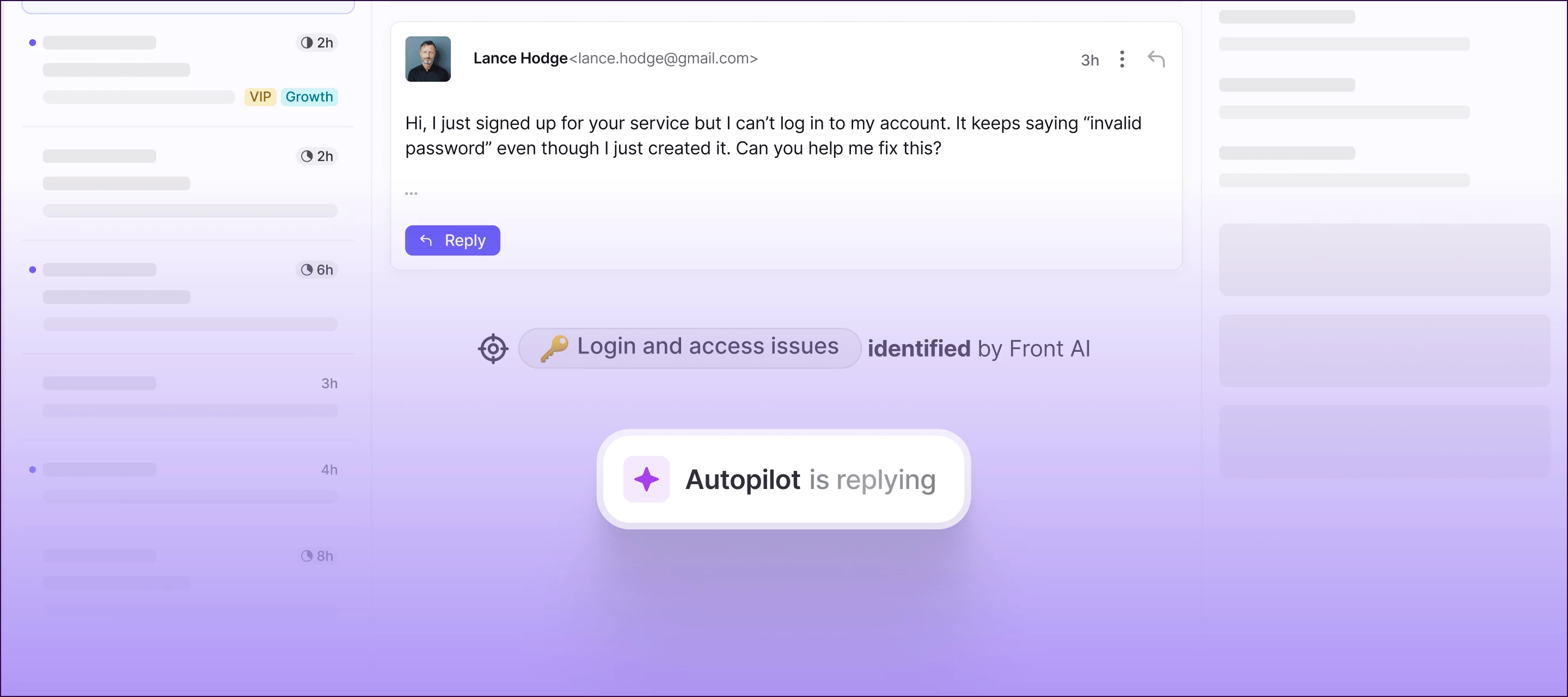
At Front, we believe AI should work differently: it should help your team deliver faster answers without ever compromising the customer experience. That’s why we’re excited to announce our latest product updates that help you scale VIP-level service. Here’s what’s new:Autopilot: Autopilot is Front’s new omnichannel AI agent that gives admins control over automation. Autopilot lets you decide exactly which Topics should be handled by AI and which should go to humans. Resolve routine questions in seconds with AI-powered auto-replies informed by your help content and conversation history. Autopilot Playbooks: Define how you want Autopilot to handle customer interactions with repeatable workflows — including custom AI prompts where you need them.Front AI on more channels: Front AI is now available on more channels including email, SMS, WhatsApp, Front Chat, and customer portal, so you can uplevel your customer experience no matter where the conversation is happening: from instantly unders
At the moment, at the new interface version all inboxes on the sidebar are merged together. There is no clear distinction, so it seems that all inboxes merge together. It would be great if certain boundaries were marked. Is separation planned?
What setting can we use to stop this from happening? What is the use case for which it is _useful_ to unassigned a conversation just because of a change in inbox?
We're excited to announce an update to our Create your ticketing system with Front course in Front Academy. Whether you're a seasoned Front user or just getting started, this updated course provides valuable insights and practical guidance to streamline your workflows and enhance customer service. Here's what you can expect to learn:🎟️ Ticketing fundamentals: We'll cover what ticketing is, why it's important, and how it works within Front. 🤝 Hands-on guidance: Learn how to enable ticketing, utilize ticket statuses (including new custom statuses), and leverage ticket IDs. 🔃 Workflow optimization: Discover how to automate actions using rules and macros based on ticket status. 📈 Performance insights: Understand how to track and analyze ticketing metrics within Front Analytics. 🔑 Customer portal mastery: Learn how to empower your customers with Front's new Customer Portal.This updated course will equip you to provide exceptional service, delight your customers, and keep all your ticke
At my company we have a group of several people working in different time zones. I would like to know how I can automate a response timer that would work for everyone individually without having to automate a separate rules for each member?
Is it possible to view and download Front email attachments when viewing the message directly in Slack?
Updated splash screen Updated Windows installer.
Hi everyone! 👋 Our team has been exploring Front’s analytics dashboard to better understand our response patterns. One insight we noticed is that while our average response time is within target, the distribution is uneven—some inquiries are answered in minutes, while others take much longer depending on the time of day or who’s on shift. I’m curious: How do you use analytics to identify bottlenecks in your workflows? Do you set up custom tags or rules to track specific types of conversations (e.g., billing vs. support) and then measure performance separately? Has anyone tied Front’s analytics into external tools (like a BI dashboard) for deeper reporting? Would love to hear how others are using these metrics not just for reporting, but for improving team efficiency in real time.
Hello Front Community,Today I noticed the URL link icon is gone when creating a message. It used to be at the bottom a few icons to the right of the attachment one. Does anyone know how to get it back? I used it extensively. Thanks in advance!Amy
HiI have been a customer of Front for 1.5 years, and during this time, I’ve seen so many integrations added, but not GitLab yet. This is a thread to discuss why we have not seen this yet implemented.I tried to create an idea months ago, but it got merged into an invisible idea, so sadly the community can’t see it and maybe upvote it!Merged idea for Gitlab integration to an invisible idea I wonder if this because Front is already working on it or if they don’t care about integrating with Gitlab?I wonder if I’m the only member of the community waiting for a Gitlab integration? Raise your hand if you are looking for a Gitlab integration too!I’m not asking much, just same capabilities as the Github integration would be nice.Hopefully Front and the communty sees this post
Hi everyone! 👋 We’ve recently started using Front shared inboxes for cross-functional collaboration (support + operations). It’s been great for transparency, but sometimes threads get a bit messy when multiple teammates chime in. Has anyone here set up rules or tags to better organize internal vs. external conversations within the same thread? For example, auto-tagging internal notes or routing customer-facing replies separately? Would love to hear how you’ve structured this in your team to keep workflows smooth.
We’re excited to share some big news: Front has officially crossed $100 million in annual recurring revenue. The achievement is a rare milestone reached by less than 1% of SaaS businesses and reflects Front’s continued focus on building technology that combines human connection with operational excellence. And this milestone sets the stage for Front’s next major evolution. The next chapter of Front is about reimagining how AI and humans work together. That means delivering customer experiences that are not only faster and more personal, but fundamentally better.To learn more about the announcement, check out our blog post. Thank you again for being part of our story. We can't wait to show you what's ahead.
Already have an account? Login
No account yet? Create an account
Enter your E-mail address. We'll send you an e-mail with instructions to reset your password.