































Ask questions about Front features, getting started on Front, or how to use the community.
Recently active
Hi everyone, I am new to Front App and I will be playing a role as company administrator for my business. I am wondering what are the benefits to become a certified Front administrator. Can anyone share more information with me on this? Regards,Alex
Hello Team,We noticed some changes in the Front UI and were hoping you could help us understand them better. It looks like the 'Workspaces and Shared Inboxes' tab is missing from the 'Teammates' section, and we're having a bit of trouble creating new users since we can't add the requested workspaces for them. Any guidance you can provide would be greatly appreciated.
Hi everyone, I am Alex and I am new to Front App. During my journey to sign up with Front, I can see that some features are only available with Enterprise plan whilst I am with Professional plan at the moment. I would like to know where or when to review the differences between and learn if current Professional plan is sufficient enough for the team or not. Thanks for any inputs. Regards,Alex
Hi I am working for a logistics company I want to know your best advices for a new front user.What are the best way to make automatization flows and how can AI improve my team efficiency? I will aprecciate your experience and advises.Thanks
Is there any way to connect multiple Front instances? We currently have 2 separate Front instances, and want to keep them separate. However we have a few users that need access to both. Is there anyway to grant a user access to 2 Front instances under the same user account?
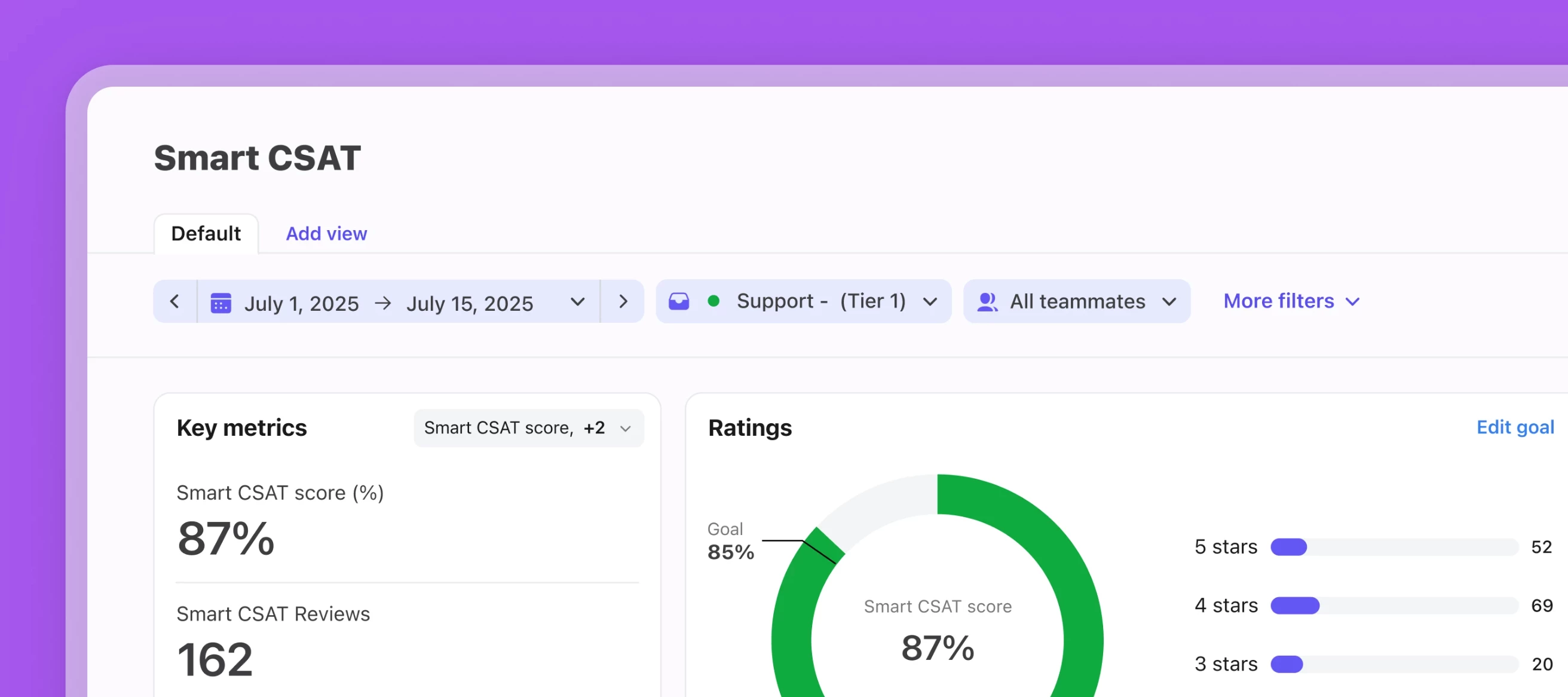
Hey there 👋,Replay our live training on how to set up and use Smart CSAT and Smart QA, two incredible functionalities powered by Front AI. You can rewatch the training here.Here’s what we covered:How to properly set up Smart QA and Smart CSAT for customer insights How to understand your AI-powered analytics reports How to make business decisions and create new workflows based on your results Live Q&A with our Product Education TeamIf you have any questions or need help setting up your Smart products, let us know!
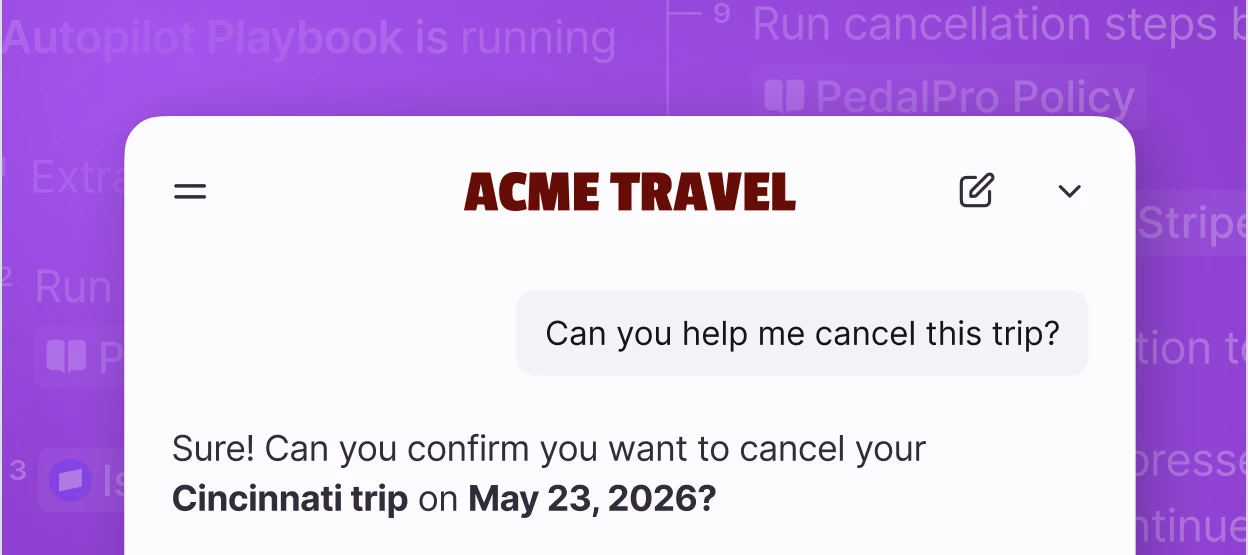
Autopilot Resolve is Front’s AI-native support channel you can embed on your website or in your Front help center. It enables your customers to self-serve through an AI chat experience using the content from your connected knowledge sources, and hands over to a human when needed.What Resolve can doInstant answers to common questions 24/7 Chat-like support that can escalate to a live agent (real-time or async) Faster resolutions with less repetitive work for your teamSetup summaryRequires admin (or shared inbox + AI settings permissions) and the Autopilot add‑on or trial Deploy via your webpage or Front-hosted page help centerSetup guideStart your Autopilot trial if you haven’t yet Set up Resolve Note on Autopilot Playbooks: Playbooks is a separate Autopilot feature that allows you to run defined, complex workflows through Resolve such as having back-and-forth conversations or collecting customer information. It is available on a rolling basis to Autopilot users and not available in sel
I’m a delegate for my boss’s inbox and I’ve been asked to create rules and automations for it. I already know there are certain things I can’t do as a delegate, like send emails as the person, but it doesn’t seem like I can set rules for the delegated inbox either. Does this sound correct? The best solution I’ve come up with so far is to write the rules myself and set them up while I am in my boss’s actual inbox. I just want to make sure there’s not some workaround I can do before I let my boss know. Thanks for the help!
Hi Front Community,We're exploring ways to improve collaboration between our Support and Sales teams when managing customer conversations.Currently, support agents often identify upsell opportunities, renewal questions, or product interest during routine support interactions. We're considering a workflow where: Support applies specific tags when an opportunity is identified. Rules automatically route or notify the appropriate sales representative. Internal comments are used to provide context before handoff. Shared inboxes maintain visibility for both teams. Our goal is to avoid information getting lost between departments while keeping the customer experience seamless.For teams that use Front across multiple departments, how have you structured your workflows? Have you found effective ways to manage ownership transitions, notifications, and reporting across teams without creating duplicate work?I'd love to learn from any examples or best practices you've implemented.After publis
We're building a way for external AI agents to operate as real teammates inside Front — assigned conversations, their own identity, clean handoffs to humans, and @mention support. No more webhook workarounds or human accounts standing in as proxies. If you've already built an agent or are actively working on one, we want to hear from you. We're in early development and looking to understand real use cases before we build. Interested? Join our beta group to get started.
Electron upgraded to v40
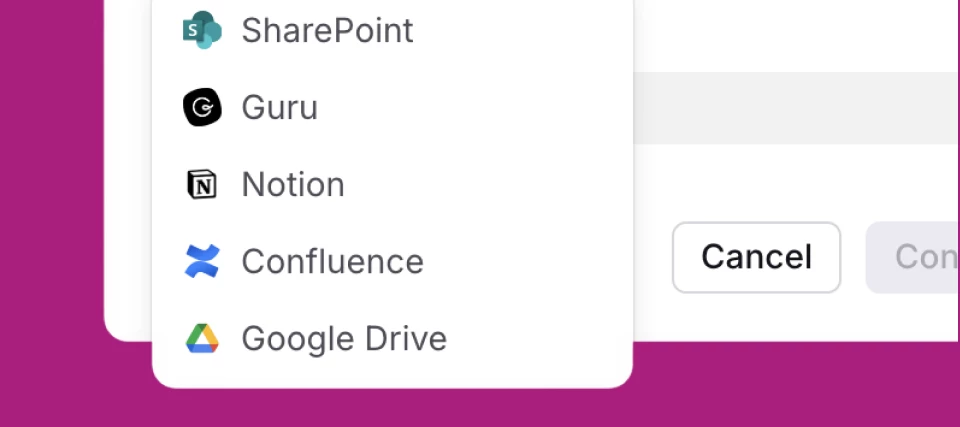
This month’s updates help you build confidence in what your team (and AI) can act on, reduce the busywork that slows down follow-through, and support customers across more of the channels your customers use — so you can move faster without losing context. New featuresSmarter AI in, better knowledge out Connect Confluence + Guru as knowledge sources so Front AI can reference more of the content your team already maintains. Use contact notes to capture fast-changing details that don’t belong in a full doc (and still make them usable for Front AI). Improved visibility into AI sync + filtering so admins can troubleshoot AI ingestion and understand how to improve knowledge. Bring any voice channel into Front Zoom Contact Center integration for voice (and SMS) alongside your other channels. Voice Channels API to build custom voice channels and sync call events. Get from intent to automation faster Rule/macro templates for Salesforce + Asana actions (start from a template instead of buil
If you missed April’s email newsletter, here’s your catchup: Front AI, step by step — what it can do today, and how to put it to work in your day-to-day. If the thought of implementing AI in Front has been intimidating for you, think of it as a ladder in which you can access the exact level you need, from quickly summarizing conversations to confidently automating workflows. You decide which step to ascend to for your needs:Step 1 — Observe: start with visibility into why customers reach out and spot patterns faster. Step 2 — Assist: speed up replies, keep control (AI copilot suggests drafts based on past conversations + knowledge sources). Step 3 — Evaluate: measure quality at scale (Smart QA + AI evaluation to coach consistently). Step 4 — Automate: resolve common issues automatically when it’s ready for the right use cases. And if you’re not convinced about AI or it isn’t pulling its weight for your team yet, you’re not alone — Front conducted an in-depth survey which found that eve
Hi everyone,We’ve been experiencing consistent performance issues with Front across multiple users, and I wanted to check if anyone else has run into something similar.The main problems we’re seeing:Frequent freezing: when switching between conversations or navigating through the app, the UI becomes unresponsive for several minutes unless the page is refreshed Incorrect conversation rendering: selecting one conversation sometimes shows a completely different thread in the main view Wrong assignment display: conversations appear assigned to the wrong users in some casesThis has been happening across different users, devices, and both web and desktop versions. It started recently and wasn’t an issue before.We’ve already tried clearing cache/cookies and doing fresh reloads, but the issue persists and comes back intermittently.Has anyone experienced similar behavior? If so, were you able to identify the root cause or find any reliable workaround?Appreciate any insights.
Hi everyone,I’ve been reviewing how we use tags in Front, and I feel like things can get messy if not structured properly.Currently, we use tags like:Billing Technical issue Follow-up UrgentBut over time, more tags keep getting added, and it’s becoming harder to maintain consistency.I’m wondering:How do you structure your tagging system (simple vs detailed)? Do you limit who can create tags? Any best practices to keep things organized long-term?Would really appreciate insights from teams who’ve scaled this well!
Hi everyone,We've been exploring Copilot's suggested replies feature and ran into a couple of things that have us a bit puzzled. Hoping someone here has experienced something similar or can shed some light!For context, we use WhatsApp exclusively and have our knowledge base set up with Q&A entries.The "email" thingWhen a suggested reply gets skipped, we hovered over the ⓘ icon and saw this tooltip:"Did not suggest a response because it looks like the original email does not contain any question."The message was sent via WhatsApp. Why does the tooltip reference "email" here? Is this expected behaviour, or something else?The matching feels very literalThis one was eye-opening. We have a Knowledge base article titled "Can I use contraception while breastfeeding?", Copilot only generates a suggested reply when a user types that question verbatim. The moment someone asks anything slightly different e.g., "Can I take family planning while breastfeeding?" it skips entirely, even though th
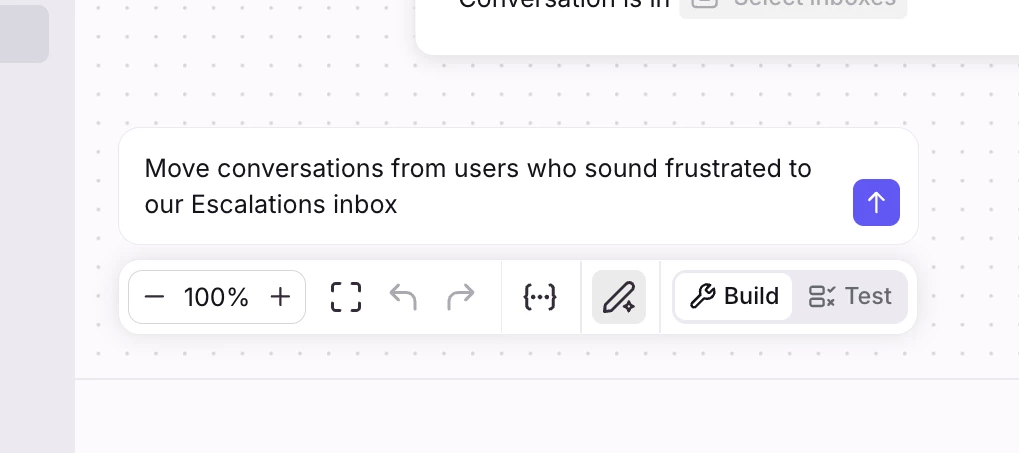
Hey everyone 👋We're opening up early access to something I've been really excited about: Build with AI for branching rules. Build with AI input on branching rules You'll now see an "Build with AI" button right inside the editor. Click it, describe what you want in plain English, and the rule gets built (or refined) for you. Similar to our other features, changes show up inline in the builder with a diff view, so you can see exactly what changed before you save. Undo/redo work the way you'd expect and nothing goes live until you hit save.A few example prompts we've been testing:"When an inbound email with subject containing 'invoice', move it to the Billing inbox"!--> "Move conversations from users who sound frustrated to our Escalations inbox" (this one uses an AI node under the hood)It also works great for refining rules you already have like "also notify the on-call teammate", etc. Want in?We're hand-picking a small group of companies to get early access before we roll this out m
I tried integrate Live Chatbot widget to our documentation page but the app does not dynamically change the background image. Any suggestion? Thank you.
We are new to Front and happy to be here. We will be using Front in a new Scaled Customer Success Model. What tips would you provide in using Front for this specific model?
Hi,Is there a possibility to use data (e.g.Company Names) imported from Salesforce to create specific Views tied to this Data?Right now it is a workaround of adding Tags and then create a View with the Tags, but it would make more sense to use the imported data that is already there.
What recommendations do you have for any new users coming into Front for the first time? What’s the first thing you would recommend they do to set themselves up for success in using the tool effectively?I look forward to the discussion.
How do I import my emails with the help of API to front from an email platform other than Gmail and Microsoft 365?
Hello Team,I’d like to get the community’s perspective on how best to interpret workload metrics at the inbox level.For my team, I typically track performance using tickets created vs. tickets resolved across each inbox. However, in the Front workload report, we have the following metrics available:New conversations Moved into inbox Moved out of inbox Resolved conversations Unresolved conversationsGiven these, I’m trying to establish the most accurate way to calculate true ticket creation and resolution per inbox.My current approach is:Created = (New Conversations + Moved into Inbox) – Moved out of Inbox Resolved = Resolved ConversationsThe idea is to reflect the net workload that actually lands and stays within an inbox, rather than inflating volumes through internal ticket movement.I’d appreciate your thoughts:Does this approach align with how you measure workload? Or is there a better way to represent “Created” and “Resolved” at the inbox level?Looking forward to your insights.Thank
Check out a highlight reel of what’s new in Front this past month: And below, you’ll find links to all the updates we covered:New analytics features for Smart QA + custom fields: Schedule Smart QA reports straight to your inbox, and unlock deeper insights with analytics for your custom fields. AI Translate (SMS, chat, Facebook Messenger): Instantly translate messages in synchronous channels so conversations keep moving. Guru as a knowledge source: Sync your Guru knowledge base to power Front AI replies and suggestions. Build with AI (Macros + dynamic variables): Describe the workflow you want and let Front generate macros and dynamic variables for you. Clone message templates: Clone templates in a few clicks to reuse and adapt what works. Customer Champions Program: Apply to become a Front Customer Champion — our brand new program — and choose how you’d like to participate. Early AI access (beta groups): Join beta groups like AI Admin and AI knowledge sources to shape what’s coming. Up
The recent update put the delete button behind an ellipses. That’s a terrible idea. My laptop does not have a delete button. Give me my button back :(
Already have an account? Login
No account yet? Create an account
Enter your E-mail address. We'll send you an e-mail with instructions to reset your password.