


































Ask questions about Front features, getting started on Front, or how to use the community.
Recently active
I tried integrate Live Chatbot widget to our documentation page but the app does not dynamically change the background image. Any suggestion? Thank you.
We are new to Front and happy to be here. We will be using Front in a new Scaled Customer Success Model. What tips would you provide in using Front for this specific model?
Hi,Is there a possibility to use data (e.g.Company Names) imported from Salesforce to create specific Views tied to this Data?Right now it is a workaround of adding Tags and then create a View with the Tags, but it would make more sense to use the imported data that is already there.
What recommendations do you have for any new users coming into Front for the first time? What’s the first thing you would recommend they do to set themselves up for success in using the tool effectively?I look forward to the discussion.
How do I import my emails with the help of API to front from an email platform other than Gmail and Microsoft 365?
Hello Team,I’d like to get the community’s perspective on how best to interpret workload metrics at the inbox level.For my team, I typically track performance using tickets created vs. tickets resolved across each inbox. However, in the Front workload report, we have the following metrics available:New conversations Moved into inbox Moved out of inbox Resolved conversations Unresolved conversationsGiven these, I’m trying to establish the most accurate way to calculate true ticket creation and resolution per inbox.My current approach is:Created = (New Conversations + Moved into Inbox) – Moved out of Inbox Resolved = Resolved ConversationsThe idea is to reflect the net workload that actually lands and stays within an inbox, rather than inflating volumes through internal ticket movement.I’d appreciate your thoughts:Does this approach align with how you measure workload? Or is there a better way to represent “Created” and “Resolved” at the inbox level?Looking forward to your insights.Thank
Check out a highlight reel of what’s new in Front this past month: And below, you’ll find links to all the updates we covered:New analytics features for Smart QA + custom fields: Schedule Smart QA reports straight to your inbox, and unlock deeper insights with analytics for your custom fields. AI Translate (SMS, chat, Facebook Messenger): Instantly translate messages in synchronous channels so conversations keep moving. Guru as a knowledge source: Sync your Guru knowledge base to power Front AI replies and suggestions. Build with AI (Macros + dynamic variables): Describe the workflow you want and let Front generate macros and dynamic variables for you. Clone message templates: Clone templates in a few clicks to reuse and adapt what works. Customer Champions Program: Apply to become a Front Customer Champion — our brand new program — and choose how you’d like to participate. Early AI access (beta groups): Join beta groups like AI Admin and AI knowledge sources to shape what’s coming. Up
The recent update put the delete button behind an ellipses. That’s a terrible idea. My laptop does not have a delete button. Give me my button back :(
Does Front automatically change your availability status from “Available” to “Busy” when you join a meeting that is on your Outlook calendar and synced to Front? Right now, when I join a meeting through my Front calendar my availability doesn’t change automatically, so I still appear available. It feels like this is a feature that should automatically work.
All outbound emails through Microsoft365 receive - Remote server returned '550 5.7.708 Service unavailable. Access denied, traffic not accepted from this IP. Can anyone assisit in troubleshooting. Sending emails from outlook no worries, just front. P.S. we are in trial mode.
We’ve released Front Desktop v3.71.1, which resolves an issue that caused a “file not found” error when the application was installed in directories containing space characters.
Hello! So our plan is to quickly setup and use Front to handle all customer feedback, organise it and make sure we do not miss anything important. We will have a few mail channels and maybe a couple of other types in time to come. Based on your real world experience what are the most important steps to follow in order to ensure a clean base setup in front?
Since there’s no native Google Chat channel, how is your team bridging the gap between internal chat and Front without losing context?
Hi, does Front support sending WhatsApp voice notes via web or mobile without third-party integrations like Vocal?
Can’t find a native integration on Front’s App Store? Now you can request one for our team to consider prioritizing.Simply navigate to Settings > Company >App store to search for an app or view one of our collections. You should see a button to Request app in the results or at the end of the collection.Please let us know how you’d like to use the app so we have the correct context regarding the functionality needed!
Hey Front Community! My job consists in a lot of introductions between my clients and our ecosystem. I am therefore trying to add as many variables as possible in my email templates (Name, Company Name, Job title, LinkedIn, etc) that I have populated in my ‘Contacts’ to automate most of that recurring task. So far, I have not been able to use variables such as {{recipient_1.first_name}}, {{recipient_2.first_name}}, etc. and it seems it is not an option. Do we know if front is planning on developing such a feature. Moreover, have some of you found workarounds? Thanks a lot. Pierre
Whether you’re just getting started with Front or are a seasoned pro, you’re bound to come across questions — even our own Front teammates learn new ways to use Front all the time! So, to ensure you have easy access to all the education and content we produce, here’s a roundup of them all. And of course, if you have any questions at all, post them here!We recommend that you bookmark these links in your browser under a Front folder:🌎 Front Community: You’re already here! Join fellow users in our community to chat about the product, learn what others are doing, read about updates, and submit your own feature ideas. 🎓 Front Academy: Get all your Front knowledge through thoughtfully-crafted courses containing videos, GIFs, and quizzes, made for all skill levels to help you get the most out of Front. We highly recommend these learning paths: To set up Front: Take our Front Administrator Certification program to not only fully set up Front for your company, but also earn a certification w
Is there a single place you can look at everything that occurred with a conversation with time stamps and who touched what instead of going to the bottom of the individual conversation
We are implementing Front and all very new to the system. Does anyone have additional information on the Salesforce integration? We currently use the Salesforce plugin as well as Calendly for meetings and want to ensure events and emails flow through correctly to Salesforce. Thanks!
Hi guys, I`ve started exploring the Dialpad integration in Front and was curious to know if anyone could share some best practices and how to best leverage this integration. Thanks in advance!
Hi Front community,we are migrating from Freshdesk to Front and setting up our taxonomy from scratch. We need consistent reporting and automation across multiple teams, so we are trying to choose the right balance between tags and custom fields.Our main use cases are tracking client, request type, priority, and SLA category, while keeping rule maintenance and agent usage simple. In your experience, what should be modeled as a tag versus a custom field in Front when you care about long term analytics quality? Are there common pitfalls you would recommend avoiding early (for example tag sprawl, inconsistent tagging, too many fields, or fields that become obsolete)?Thanks in advance for any guidance.
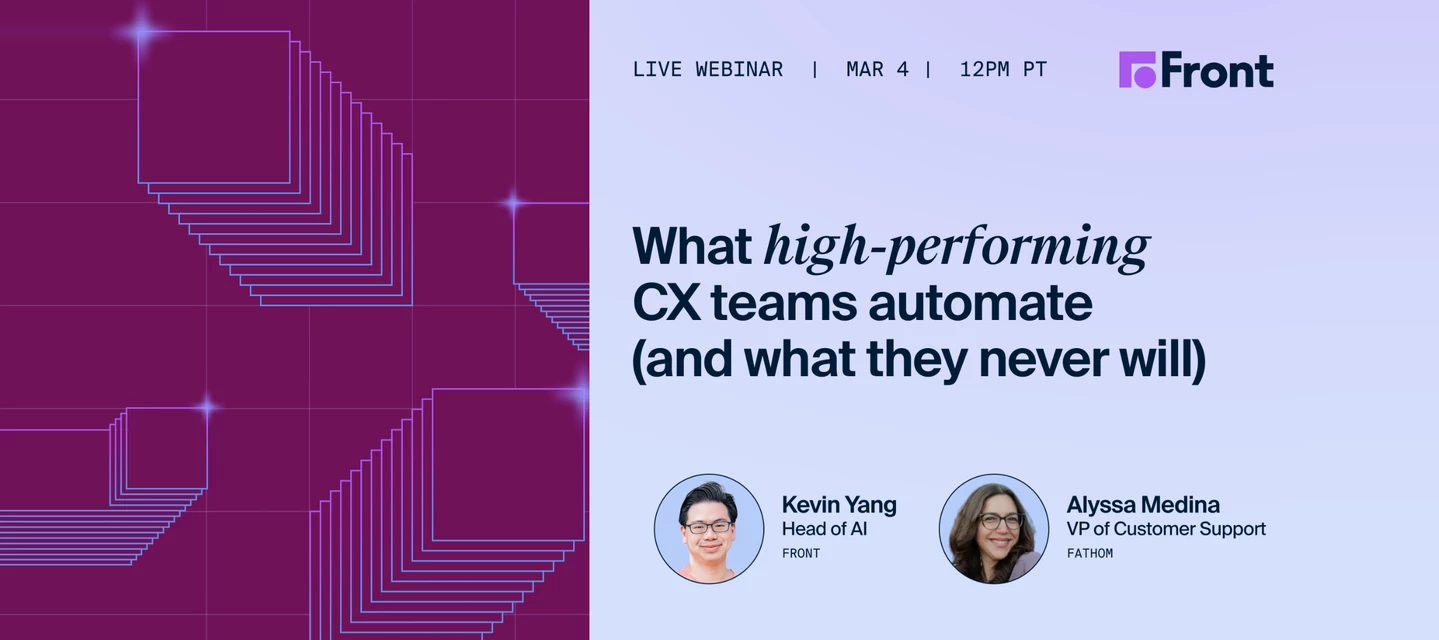
CX automation is not about “can we automate it?” It’s about making defendable decisions about where automation is safe, where AI should assist while humans stay accountable, and what should remain human-led.Join Kevin Yang (Director of AI at Front) and Alyssa Medina (VP of Customer Support at Fathom) for a practitioner conversation on frameworks, guardrails, and real-world trade-offs — plus live Q&A. 📍Register to save your seat and get the Customer Operations Automation Field Guide after the session.
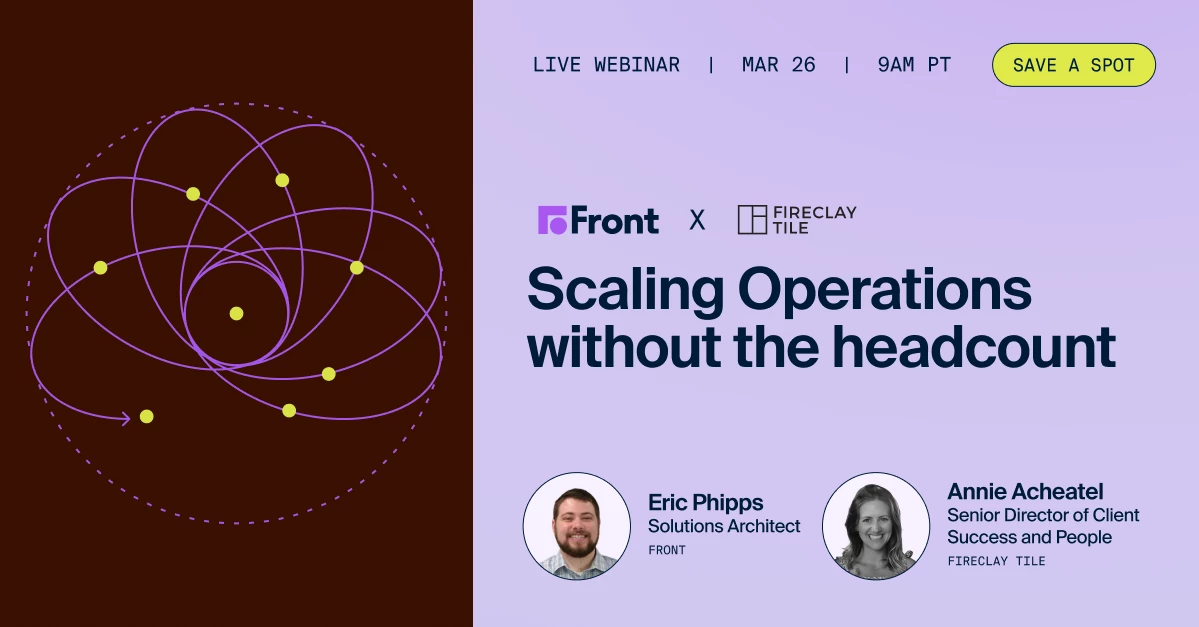
How do you build workflows that perform under pressure? Manufacturing customer operations are not built for ticket queues.When a shipment is delayed or a quote changes, it requires sales, service, finance, and more, to coordinate — fast.And when communication lives in siloed inboxes? Ownership blurs. Context disappears. Escalations surface late. And revenue is at risk.Join a 40-year U.S. manufacturer, Fireclay Tile, for a candid conversation on how they scaled from $20M to $50M, without doubling headcount. They'll discuss how they: Fixed handoffs across sales, service, and operations to increase production without the headcount. Balance premium, high-touch service with automation. Allow AI to assist their teams, rather than replace human judgment If you’re navigating lean teams and rising expectations — this is for you. 📍Register now
I am happy to access a new promotion allowing me to Utilize Front further in helping my team!
New submissions to this program are currently paused.We're looking for customers who want to help shape Front's no-code Connectors framework, integrations, App Store, API, and SDK features - and get early access in the process. These may sound technical, but we’re looking for any customers who are interested in connecting Front to their external systems, such as your CRM, order management system, TMS, proprietary databases, and more. What is a Design Partner?Design partners are customers who work closely with our team to test, refine, and influence these capabilities before they're widely released. You'll get early access to new features, participate in feedback sessions, and help us understand what works (and what doesn't) for real-world use cases. What you’ll get access to:Beta access: Try new Connectors features, integrations, App Store improvements, and API capabilities before general release Workshops & feedback sessions: Share your thoughts on what you're building, barriers y
Already have an account? Login
No account yet? Create an account
Enter your E-mail address. We'll send you an e-mail with instructions to reset your password.