





























Ask questions about Front features, getting started on Front, or how to use the community.
Recently active
New app icon and updated colors matching the new Front identity unveiled during Frontlines.
Updates to Electron 32.1.0
Front’s Knowledge Base has two superpowers you can take advantage of:Collects all your information into one place for customers to easily access Powers AI features in Front that will save you time exponentially Want to learn how to do the above? Take our course and we’ll walk you through step-by-step. At the end, you’ll know how to build a robust knowledge base that works in tandem with Front to serve your customers better and faster. If you have questions, drop them below!
Unable to send emails in Front. Getting error that we have used up our Office 365 storage quota, but when we look at Office 365, we are well below our storage limit. Is there an issue on the Front side?
Hi Front team,Our team operates 24/7 on a rotating shift basis, but our clients and partners are often unavailable outside their normal working hours. We frequently need to snooze conversations until their morning hours, which requires calculating time zone conversions.To simplify this, we decided to use your 'Add snooze' feature for different time zones. It works well for time zones behind us (e.g., US Pacific), but not for those ahead (e.g., Asia Pacific) since snoozing for a particular hour (not a number of hours from now) is only available for the same day, not the next. Can you please add a feature of setting up 'Add snoose' for the next day?Or even better to snoose according to Zulu time?
Hi, Do you know how I can export my message templates in a .csv file ? Or any other way to export our templates ?Thanks for your help !
In a dynamic variable for a rule, I’m looking for a way to filter a group by another group, and I’m struggling to figure out how to do this with the existing options.Essentially, I have two groups of teammates: Group A (specific teammate group) and Group B (participants). I want a new group that is everyone in Group A that is NOT in Group B.The goal is to limit duplicate notifications for a single conversation by notifying only the members of the specific teammate group who are not already subscribed. Mobile notifications can become very noisy when a team member is already subscribed to a conversation and then receives further notifications for the same message because of triggered rules.
Team is receiving a draft failure unknown email error when trying to send emails?
Has anyone tried to move from FreshDesk to Front and what are your thoughts and experiences?
I have found document on how to share your calendar with others in order to also see them in Front. However, does Front offer calendar delegation and if so what types of delegation does Front offer (full access, invite only, etc.)?
Hi, We use Numbers for our whatsapp communication and some of our clients use a emoji on a question or even sends only an emoji as a responds. This only shows blank on FrontSimilar, when a client send or forwards a previous message in the same chat this just shows as a blank. Is there a way to show the emoji’ responses or the forwarded messages?
I’m looking for advice and best practices on setting up inboxes in Front for an operations team that manages accounts and workflows. Our goal is to organize inboxes in a way that helps the team efficiently handle account-specific communications while maintaining clear visibility and collaboration. Specifically, we need guidance on structuring shared inboxes, using automation or rules to route messages to the right team members, and managing workflows between team members as tasks or requests evolve. If anyone has experience with setting up Front for this type of operational use case, I’d love to hear how you’ve approached it and what’s worked well for your team!
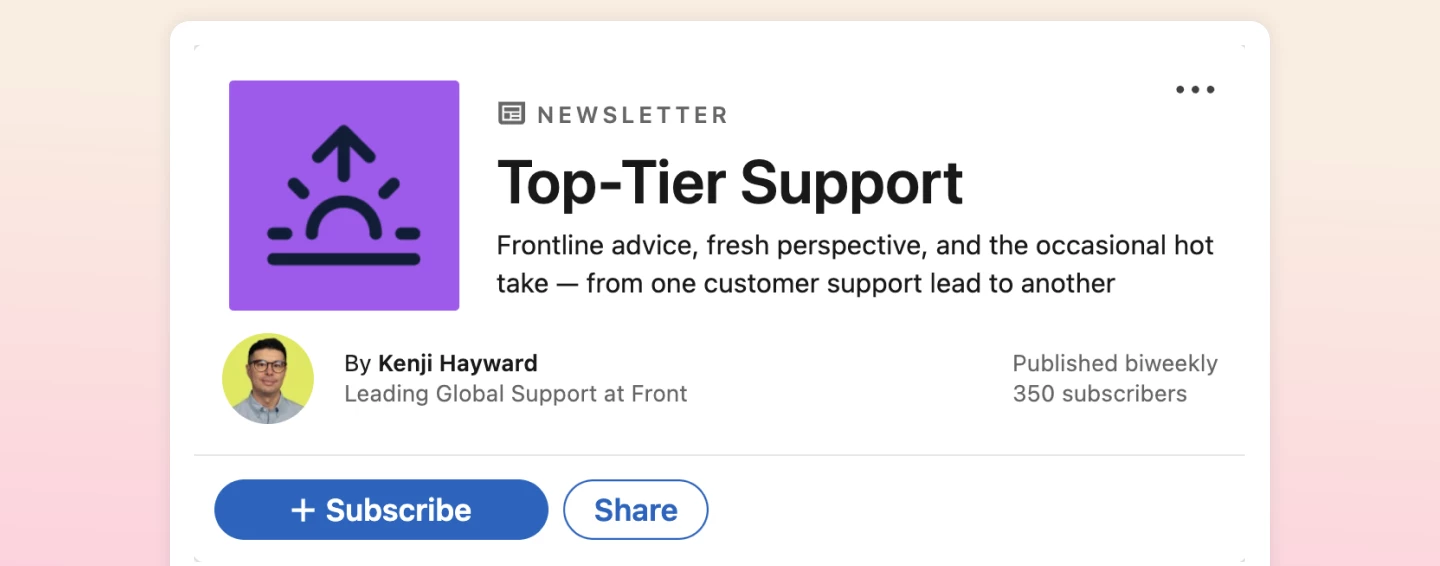
Top-Tier Support, a new newsletter by Front’s very own Head of Support, Kenji Hayward, packed with actionable frontline advice, fresh perspectives, and a hot take or two! I’ve gained invaluable knowledge working with Kenji for the past six years, and now you will, too. Every two weeks, he’ll be sharing lessons learned during his time leading Front’s customer support team — scaling his scrappy team of three (which included me!) into a global, award-winning team at a high-growth startup. Expect veteran tips and conversation starters designed to exchange ideas, strengthen your own teams, and inspire your customer experience strategy. 👉 Subscribe today for inbox-worthy fresh takes
I need a way to reduce the amount of messages sent to our customer support team. For that, I want to create a quiz on my website, that answers user questions before they are able to contact me with a contact form. Only when a certain path thru the quiz is taken, a contact form becomes visible that submits tickets to our Front Inbox. Do you know a solution for that?
Hello 👋🏻As someone new to Front I would love to hear any thing that you found difficult during the implementation time period that you wish you had more resources on? Thanks@
Hi! My name is Libby and I work for a property management company. We are diving into utilizing Front as a communication solution for our Owner Liaison team (aka client relations team), who work directly with the home owners for our rental properties. We currently operate using individual cell phones and personal phone numbers. While this works just fine for us in the day-to-day, it creates challenges when a team member leaves or a home is assigned to another team mate. We want to incorporate a platform that will sync with Front for calling and texting with owners, so we have a reference record of those communications as well.We are looking into Dialpad, but that seems to require all of the team to change their phone numbers or go through a lengthy porting process.Does anyone use a program that allows you to use an existing phone number for this purpose?
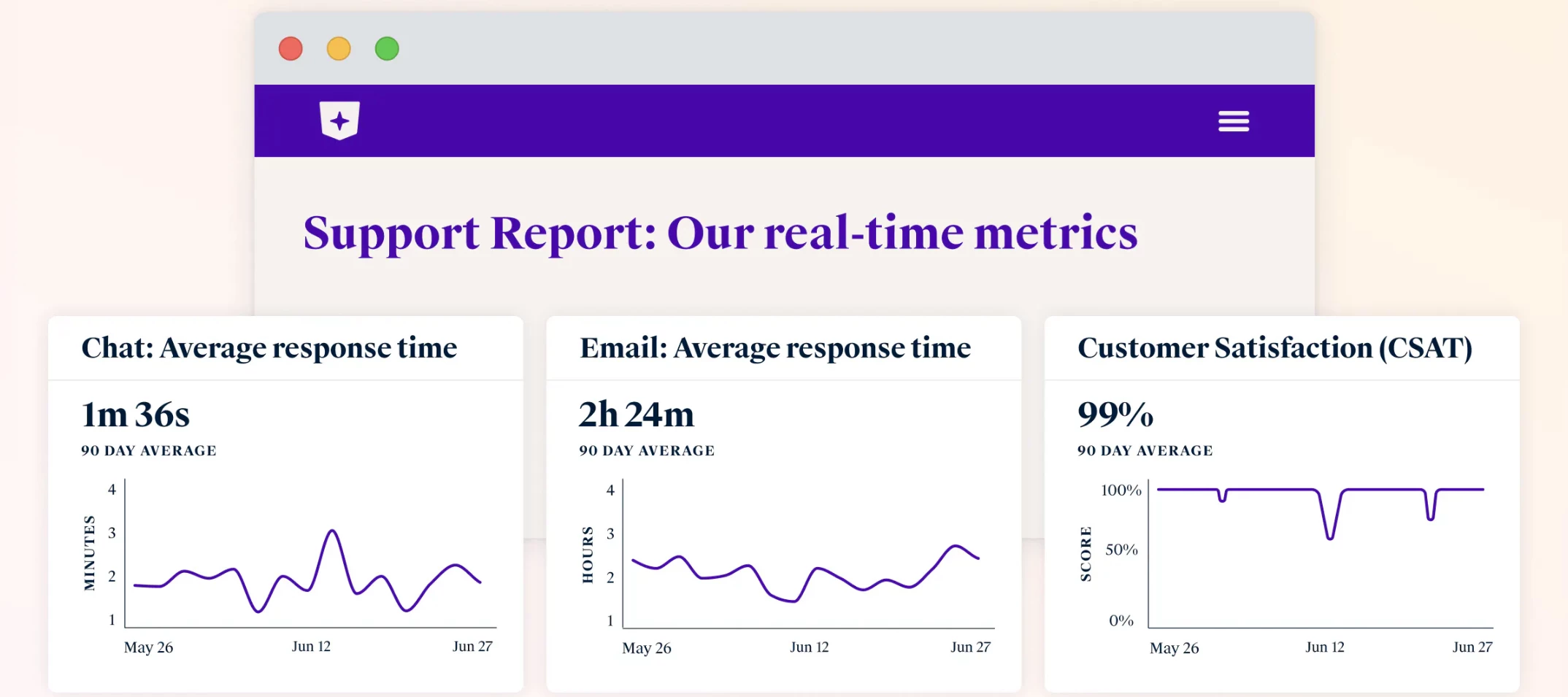
Since publishing our real-time support metrics last year, we’ve gotten lots of questions about how we did it. So we thought...why not just let you build your own? Meet Support Report: the easy way to share key service metrics like response time and CSAT with customers in real time. Curate your metrics in analytics and publish the page to your Front knowledge base in minutes—no web dev resources required. You’ll be able to showcase your CX with transparent, real-time data sourced directly from Front. Build trust with customers, hold your team accountable, and use your amazing service experience as a lever for growth. 📍 Get the full scoop on the blog Ready to build your own Support Report? Use this getting started guide in our help center. Edit: Front’s support leader, @Kenji, just wrote a newsletter today all about his thoughts on Front’s public Support Report and why we believe in it as a company. Great read if you’re interested in this topic!
Hi there, We’re super happy with the ability to be able to set business hours and have SLAs/automations (like auto repliers) work based on them. The only thing we’re running into now is there’s no way to account for special days or holidays when configuring our business hours. Google solves for this by adding the ability to configure one-off day schedules (see below). Is there any way or plans to support special hours?
HelloEvery once in a while we have an old email show up in our personal inbox. When I review the conversation details, I can see the conversation shows “Reopened in office 365 Inbox.” This is odd, because for the person that this happened to most recently has not opened outlook at all. We connect Front through Office 365. So, we are trying to understand what “Reopened in office 365 inbox” means so we can prevent it from happening again.Thanks
One of the consistently positive pieces of feedback we get from customers is how robust Front’s Help Center is – and we owe that to our very own @karen_nguyen, who manages help.front.com. I’ll toot my own horn and say that before Karen, I managed our help center and set some basic foundations – but Karen has truly elevated it and enabled our AI to automatically deflect countless questions from our support team and allow customers to get answers faster than ever. In this blog post, Karen shares her best tips on how she maintains our help center: how she structures the articles, leverages users’ search terms, consolidates content, and more – all through the lens of allowing AI to better use these articles to help customers. 👉 Read her blog post here
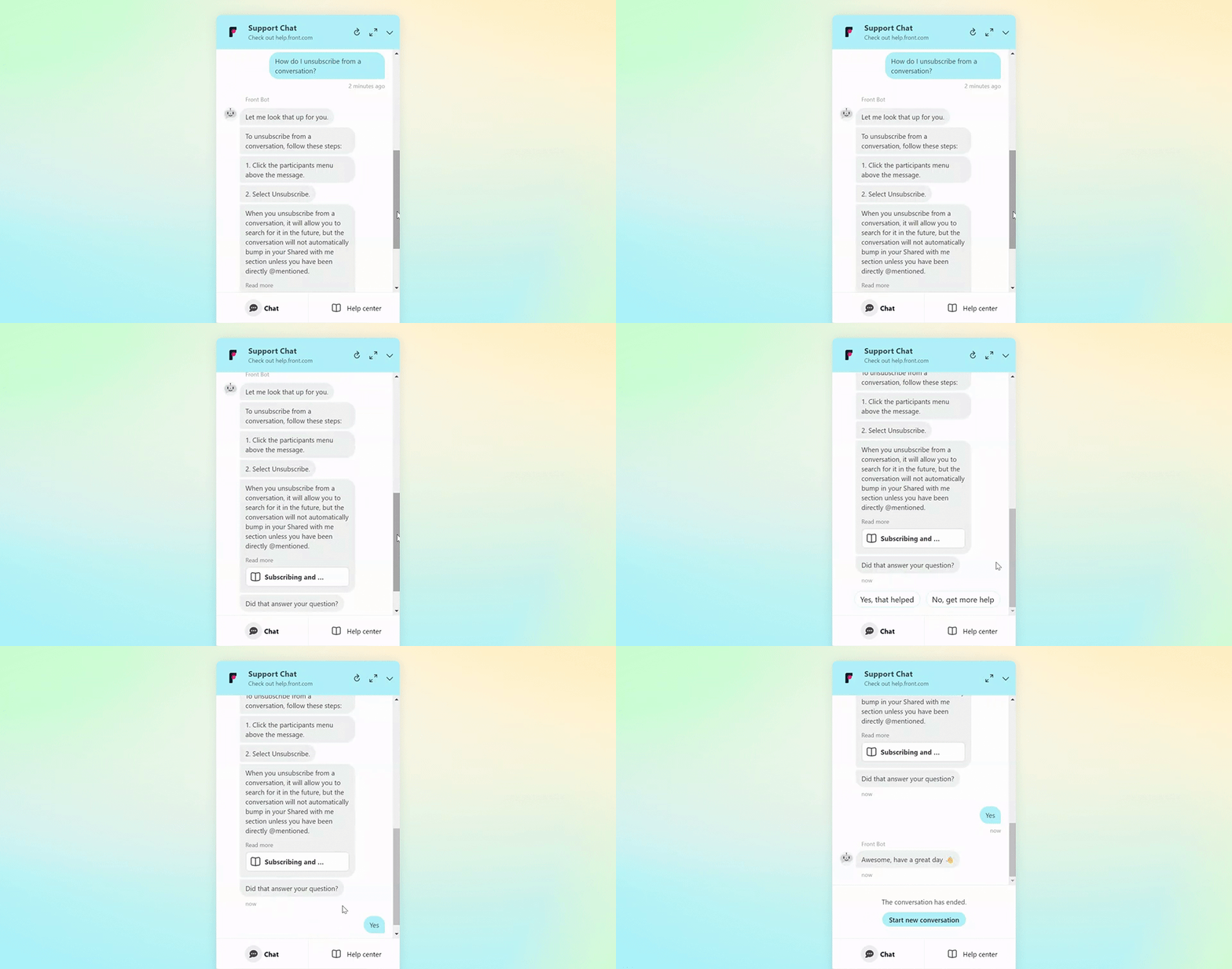
Many of you are already using Front’s Knowledge Base to power your AI chatbot to automatically resolve customer inquiries – and we’re so proud to see those deflection rates! And now, we’ve created a detailed guide to help you maximize your knowledge base to answer as many questions as possible, freeing up your time to answer the truly complex questions. In this guide, you’ll learn:How to structure your articles for optimal AI learning How to document, measure, and update articles Best-in-class practices from real article examples 👉 View the guide here
Did you know you can pull in information from your third-party systems directly into Front with dynamic objects? Simplify and automate your communication workflows using the orders, shipments, accounts, and other business objects that your communications center around.If you’re curious to know more, you’ve come to the right place! We have our Product Manager @robby_p here to answer all your questions about dynamic objects and how to use them with your systems. 📹 Here’s a demo showing dynamic objects in action and how to set them up: If that looks interesting to you, you can use these additional guides to help you set up:How to create dynamic objects Create dynamic objects with third-party dataAnd now, fire away with your questions below! This could get technical depending on how deep you want to go, so we welcome all your questions as you’re setting up, or general questions about how you might use this feature. Robby will answer them all on Tuesday, December 5 (but questions after tha
Updates Electron to v30.4.0
We currently using Front for e-mail communications. We have received calls from clients indicating that they have sent e-mails to us, and we do not receive them. To confirm, we go into Outlook and there are e-mails from our clients that have not been pushed to Front. Has anyone else experienced this? We are trying to only use Front for both internal and external communications, but if certain e-mails are not coming through, we will be forced to check Outlook periodically as well and that is inefficient. If anyone has had this issue, what did you to resolve it? We need help.
Hi All!Is it possible to stop front unassigning a conversation when it is moved from one shared inbox to another? We use inboxes to track workflow so it is confusing those on the team when they move their conversation to the next step in the flow (the next inbox) and it unassigns itself from them.Thanks in advance!
Already have an account? Login
No account yet? Create an account
Enter your E-mail address. We'll send you an e-mail with instructions to reset your password.