
































Ask questions about Front features, getting started on Front, or how to use the community.
Recently active
Want a closer connection between customer feedback and product decisions? At Front, we’ve built a system that works: quarterly Support Fix meetings. These syncs help surface recurring support issues, highlight customer pain points, and drive actionable product improvements. ✅ Align on customer impact✅ Track fix progress with a shared spreadsheet✅ Empower support to influence product decisions 💡 Check out the article to see how to run your own Support Fix meeting👉 Download the template
How does Front work with Microsoft DLP, aka Purview? For compliancy, outbound messages need to be scanned for sensitive information, leakage, and security. Also, things like labels for content, etc.
As a new Front user, I have just recently begun to experiment with the "Invite guests to conversations or internal discussions" feature. This feature allows you to bring external collaborators—such as clients, vendors, or contractors—into specific email threads or internal discussions without granting them full access to your inbox or workspace.Benefits I’ve noticed: Improved collaboration: Instead of forwarding long email chains or creating new threads, you can bring a guest directly into an existing conversation. This helps reduce confusion and ensures everyone is aligned. Streamlined communication: It keeps all related messages and participants in one place, cutting down on scattered emails and improving response times. Controlled access: Guests only see the conversations they’re explicitly invited to, which helps maintain security while still enabling collaboration. Challenges as a new user: Understanding permissions: Initially, it wasn’t entirely clear how much visibility a gu
New to Front and wondering if anyone has SLA tips and tricks for a team that covers all time zones in the US?
Hey Front Community! 👋I’m curious to hear how others are approaching Rules in Front. Have you found it easier to create rules based on custom fields at the account level or the inbox level?What has worked best for you? Have you run into any challenges with either approach?Thank you!
Our latest research reveals that fast responses, seamless resolutions, and a blend of AI-powered efficiency with human care are non-negotiable for building loyalty. Customers demand more than just answers — they want solutions delivered quickly and personally, with 59% ready to churn after just a few negative experiences. This report dives into the shifting dynamics of customer service, showing how exceptional service isn’t just a nice-to-have, but a revenue driver. Discover how to exceed expectations, build lasting customer relationships, and position your brand as a leader in service excellence. 📌 Download the full report now and stay ahead of the curve.
Will it be possible to integrate our Telus phone application into Front ?
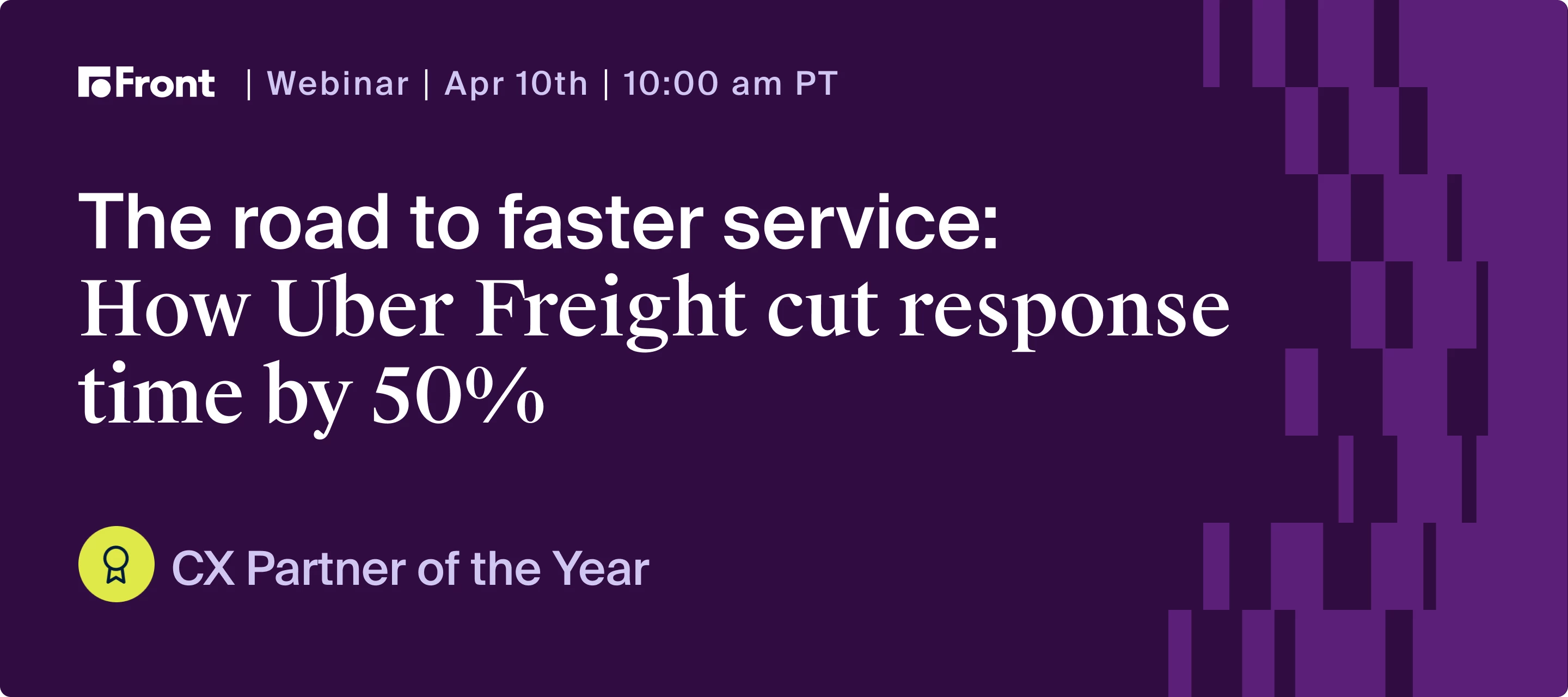
See how Uber Freight boosts speed, accountability, and customer satisfaction with AI and automation. When your company oversees a network of $20b of freight under management, it’s vital to ensure teams can manage the complex logistics and provide fast, high-quality communication necessary to keep goods moving efficiently. Learn how Uber Freight unified their teams and tools in Front, transforming how they work by reducing silos and fostering stronger teamwork. Join for insights on how they:Reduced reply time by 50% while raising the bar for response quality Seamlessly rolled out Front to 1,200 users in just six months Monitor and improve communication quality in real time using Front Intelligence Use Front’s advanced rules engine and no-code interface to quickly implement and test solutions Gather data-backed insights from Front analytics to help leadership prioritize and make quicker, better decisions 👉 Register today for key strategies on improving the quality and quantity of your c
Hello, Are there limits to the two levels of Admin types? What I mean is how many workspace Admins and how many Company Admins are permitted in a given plan?
I often review multiple schedules, identify shared openings, and provide clients with options.Is there a scheduling assistant or AI integration that can automate this? Ideally, I’d love to select team members and get a summarized availability report to copy/paste into emails—or even have AI pull this from Front calendars.Any suggestions?
Hello,I like to think that I am pretty well versed in Front. But I was trying to create a message template for an email that I have to send out weekly/biweekly/etc and noticed that it has a subject option but does not allow you the option to preselect whom it goes to?I am kind of big into saving time. 😊Sometimes I send these emails to the same group of people and thought that if that wasn’t something that exists for message templates maybe it could be added?Thanks,Brandy Ferguson, CFEAn Veritas Accounting
I’m doing a name/email address change for one of my Microsoft 365 users. They have a user mailbox in Exchange, but a shared mailbox in Front. Should I… One, do the name/email address change in Microsoft 365 and hope everything syncs over to Front and hope for the best? Two, should I delete the Teammate, Inbox, Channel, and Rules associated with that user and start from scratch? Or three, is there something else I should be doing? Thanks!
Hi everyone!I have tags saved in sidebar for quick access to the list of emails per tags. However, i noticed that archived emails with tags are not showing up on those sidebar list. Is there a way to include Archived emails (with tags) in the sidebar?when i search for the tag in the search box [TAG: XXXX] it would show all the tags despite of being in Archived. Essentially i am wondering if the sidebar tags can work the same way.
How do you typically use custom fields, and what use cases have been most valuable?
Hey team, we’re absolutely loving Front so far, but are having some pretty big adoption issues on the Calendar (getting people out of Outlook) due to the lack of the ability to forward an invite that isn’t created by the user. I know if the user owns the meeting they can edit details and add a participant, but often we forward external meetings and/or internal meetings that aren’t owned by the user. Has anyone figured out how to handle this use case? Or @Support can we prioritize please :)!!
This is a mobile app only issue.After successfully signing in with MS Outlook on iPhone, I get the following error:You can’t get there from hereYou must use Microsoft Edge to access this resource.Since I am not about to install Microsoft Edge, I’d like to know if there are any other ways to log in. F.ex. by associating a Google Account with my Front App account? Note: I have no issues logging in with the Desktop App. Update: A quick work around is to use the email / password sign in.
We need assistance on how to send "opt-in" messages to be able to message our customers either outside the 24-hr window or to initiate a message with a new contact/customer. Pls. advise.
Currently when someone comments on our Facebook story with an emoji/reaction it gets picked up on our system and gets tagged as a “member problem”. We want our members to be able to message us with an issue and we’ve got trigger words that activate that. We can’t just turn off all Facebook messages/reactions as we need to reply to some of them. This is where it gets tricky. We also have a rule where if the “Conversation Subject doesn’t contain: mentioned you on an; Commented on your; “ then add Member problems. We found this stops comments on Facebook posts flooding our views. What we’re finding is when we put a post up on our story and it gets a reaction really quick. People are messaging in and it just floods the “member problems” view with these messages. We then have to manually go through and add a tag to separate the different types of messages. Is there a way to separate a reaction/emoji from a genuine message?Is there also a way to put messages in our Facebook Group into it’
Hey team, we are in the process of rolling out Front for our company. We have some employees that have been users in the past. Currently, we are trying to decide if we should leverage workspaces, various inboxes, or rules for assignment. The employees that have used Front before used the same shared inbox with other distinct teams that are on the same client account. However, they mentioned the assigning can be quite burdensome. What would you recommend here?
In addition to the CSAT, which is great, is there a way to track or infer customer sentiment in a particular email?
I save Most of my files to my Company SharePoint Site, and when I try to attach a File the only options are from my Computer or Google. Wonder if there is a way to select from the Company SharePoint site.
Hey Front Community! 👋When rolling out tags in Front, did you take a phased approach—starting with a few and refining as you went? Or did you launch with a more defined set of tags from the beginning, knowing they might evolve over time?What worked best for your team? Any lessons learned or strategies you’d recommend?Thank you!
New user to Front and was wondering if anyone felt it more beneficial to archive in Microsoft Outlook before migrating over to Front? Or doing it inside Front once setup? Appreciate any suggestions!
I have a team workspace set up. One of the team members has all team emails set up to be forwarded to her personal inbox. She also has her settings set up to send& archive. After she responds to the email, it archives in the team’s inbox automatically, but not her inbox. Is there a way to get the email to automatically archive in both inboxes?
How did our customer support team care for our customers while attending our week-long company offsite in Mexico? Front’s Head of Support @Kenji Hayward spills the beans on what it takes, including turning everyone at Front into a temporary customer support agent! As Kenji puts it: This isn't about getting someone else to do our job — it's about getting everyone closer to our customers and product. With company-wide queue coverage, our support team was able to take a well-deserved break (even though it was only three hours — they’re true heroes!) to team bond and enjoy themselves. 👀 Read Top-Tier Support newsletter to find out how we had fun and maintained 100% CSAT the whole time.
Already have an account? Login
No account yet? Create an account
Enter your E-mail address. We'll send you an e-mail with instructions to reset your password.