




























Ask questions about Front features, getting started on Front, or how to use the community.
Recently active
We have multiple lists that serve different purposes. I’d like to identify all of the lists with a specific word in the name and add them to a master list. I don’t see a way to add a list to another list, and even if I exported the list of shared contacts, it doesn’t look like it would indicate what lists they already belong to. Any suggestions?Use case example: Add all the groups with “Software” in the name and add them to the Business Continuity list to create one master distribution list.
Hi! We’re a small wireless team of five supporting 2,000+ customers. We use Front to automatically flag emails about service outages when customers use phrases like ‘no service.’ But we’ve noticed many urgent reports slip through when people describe problems differently, like ‘can’t connect’ or ‘no signal.’Right now, our team manually checks these emails during busy periods, which delays responses to real emergencies. We’d love advice or any examples of how you handle this.
Our company is looking to take advantage of the “Create reply time goals” to establish a warning and be notified of a breach. The only problem is that during our busy season, the emails that have breached the reply time goal are moved to appear as if they are the newest emails at the top of our lists. Becuase it rearranges the message to appear as the oldest, we do not use this function. We absolutely would use this function if the email would remain in the order that it was received and would only gain a flag to show it needs to be addressed immediately.
Is it possible for responses from customers that aren’t replies to threads that are already active to automatically merge into the thread that is in regards to their concerns? This would allow my team members to continue discussing the subject with the customer versus the email being delivered to the general inbox.
What strategies have worked best for you when onboarding new team members in Front that are resistant to change and struggle with new platforms? What was the most challenging aspect and how did you overcome it?Thank you
Can anyone share some insights about importing client Accounts and Contacts from Salesforce into Front and if changes to any contacts attached to a Salesforce account are synched in Front Accounts? Such as contacts moved to a a different account, new contacts added or deleted in Salesforce accounts? Any particular Front settings that should be switched on/off?Thank you
Hi Front team,We’d love to request a feature that allows users to tag entire teammate groups (e.g., @payments-team, @customer-support) in comments or notes within a conversation.Right now, we can only tag individuals, which limits visibility and creates communication gaps when collaboration is needed across functions or shifts. Especially in high-volume scenarios or when handling complex bookings and endorsements, being able to tag a group ensures nothing slips through the cracks, even if specific teammates are out of office.Suggested functionality: Allow admin-created groups to be mentionable with an @ symbol. Teammate groups should receive a notification, just like individual mentions. Group tags should be manageable from the team settings. This small enhancement would significantly improve team coordination and reduce manual steps in reassignments or follow-ups.Thanks so much for considering!
Hi All, Not sure if this was part of the recent changes, or if I clicked something accidentally to get the submenus. Any help would be appreciated.
We’re in the very early stages of moving from Zendesk (where we’ve been for 15 years) to Front. It seems like there are a lot of things that will be eaiser to manage (rules, schedules, reports), but what’s one thing you miss, or that surprised you when you moved?
Our company is onboarding with Front, how do you accurately report on cross-team ticket resolution when conversations move across multiple inboxes before closure?
What are your strategies for prioritizing chat over email in load balancing while respecting teammate assignment limits?
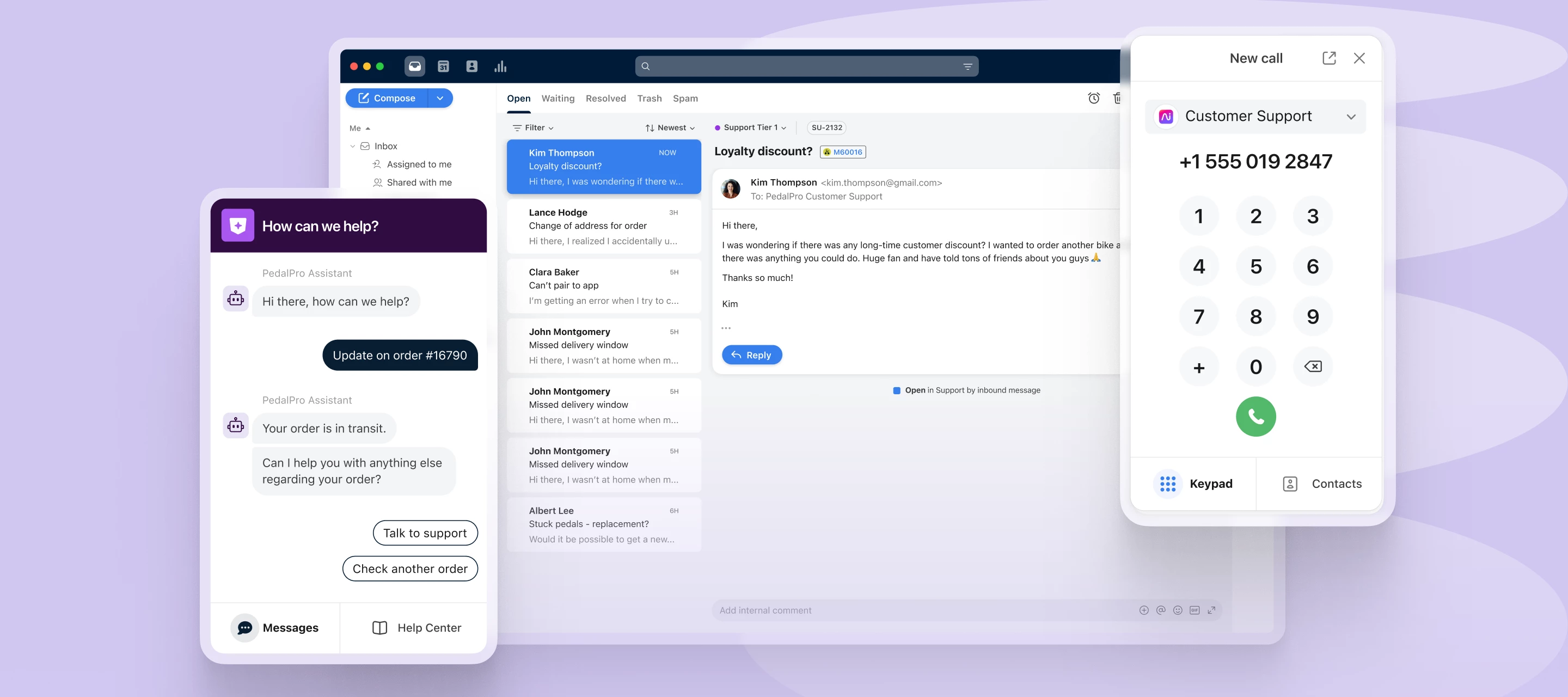
Today we’re announcing new features to boost your omnichannel support including AI-powered Smart QA, an all-new Dialpad integration, and improvements to Front Chat: Smart QA: Automate service quality reviews on every interaction through customizable, AI-powered scorecards. Get comprehensive and accurate agent performance insights for faster feedback loops. New Dialpad integration: Handle voice calls and SMS alongside your other channels in real time. With our all-new, enhanced voice integrations you can seamlessly handle calls from your inbox, search and comment on transcripts, and more. Dialpad is live now, with more coming later this year! Chat enhancements: Help your team deliver top-quality chat support with deeper insights, seamless mobile experiences, and third-party data in every conversation. And coming soon, you can engage customers before they ask with proactive outbound messaging. Learn more about how these new features can enable your team to deliver quality support on ever
Faster, more transparent, and more human — that’s what logistics customers want.We surveyed 900+ professionals who rely on logistics tools and services to understand what’s driving loyalty and growth in 2025. Key insights:66% would pay more for standout support 72% say it's too hard to reach a person 80% say service shapes their perception of a business 📥 Get the full report Whether you're scaling operations or strengthening relationships, this report gives you data-backed strategies to lead in 2025.
Support work is hard, and it deserves to be celebrated. At Front, we’re big believers in recognizing the people who power incredible customer experiences.From regular kudos in Slack to meaningful surprise bonuses, here are five ways we show our support team how much they matter.You’ll find ideas you can steal — from personal spotlights to public shoutouts and team traditions.💡 Read the full post for ideas on how to refine the culture of appreciation on your own team.
Great onboarding sets reps up to deliver great service. Whether you're onboarding your first support hire or scaling your team fast, a clear structure makes all the difference. This guide breaks onboarding into manageable milestones over the first 4 weeks, including: ✅ What to cover in week 1 vs. week 4✅ How to track rep confidence over time✅ Tips to personalize onboarding by experience level 💡 Check out the full post for templates, timelines, and tips to make onboarding more effective and scalable.
Big things are coming to Front, and we’re giving you an exclusive first look! Rewatch our live webinar below to explore our latest product roadmap and discover new features designed to supercharge your team’s collaboration and productivity. Here’s what we covered:✅ Recent Product Improvements – A deep dive into the latest enhancements and how they can benefit your team.🎨 Modernized UX – A sleek, intuitive design to help your agents work smarter and faster.📮 Ticketing – Updates like portal enhancements, bulk replies, and task management to streamline workflows.🤖 Self-Service Support – Improved chatbot capabilities, including outbound messaging and mobile SDKs.🧠 AI & Automation – Smarter agent assistance and insights to boost efficiency.📞 Omnichannel Integrations – Deeper voice and WhatsApp integrations, plus Connector improvements for a seamless workflow. Who should tune in?👉 Front users who want to maximize their toolkit.👉 Leaders focused on improving communication and team
Hi, is there a way to get Front to show you which email address returned or bounced when you have sent to multiple addresses? I get the following message “A message failed to be delivered dropped /Bounced address” but I don’t see which email it failed to be delivered to.
Upgrade to Electron 35.2.2 and Chromium 134.
Hi all, I wanted to ask if anyone has faced the following problems when it comes to integrating WhatsApp.The below error is what I am getting; is there a way of solving this issue?
Hello Team, Could you please advise on whether the archived conversation will be reopened after tagging the team members? Thanks 😍
Hey team, Could you please clarify the difference between Trash the conversation and Archiving it? Thanks 😍
Hi there,We’re a small team and half of us have a break in the logo that’s been working fine in our signatures for years. Any ideas? The code appears consistent across the team.
I’ve been using the sequencing feature to do some marketing / sales outreach. The last round of sequences I sent out went to around 800 contacts in total and I had no issues with bounces or spam.This time around, the email we were using got marked as spam by Microsoft just before the last sequence went out and they all bounced. Has anyone run into this before? Any recommendations on where to go from here? The sequences we build for the next couple of months are supposed to be sent with this email.
My signature line has disappeared and I cannot find a place within Front to work on this
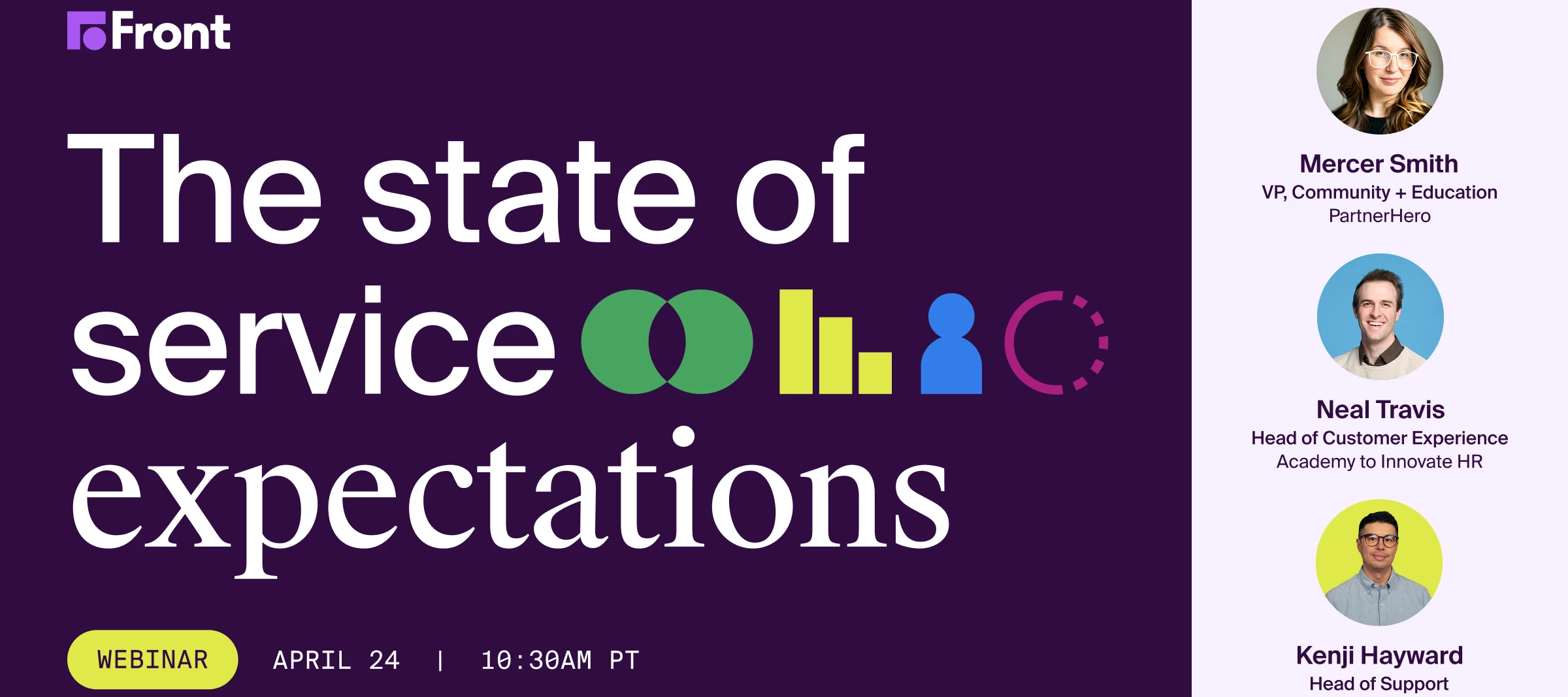
Customer expectations are evolving fast. Are you ready to meet them? Join us for The State of Service Expectations, a live panel discussion with top customer experience leaders. We’ll unpack brand-new research, share honest customer feedback, and give you real strategies to elevate your support game. ✨ What you'll learn:What customers won’t compromise on — and how to exceed those expectations How people really feel about AI-powered support (and how to do it right) Easy, impactful tactics to stand out from your competition 🎙️ Featuring:Mercer Smith (VP, Community + Education at PartnerHero, author of CXOXO) Neal Travis (Head of Customer Experience at AIHR, host of Growth Support) Kenji Hayward (Head of Support at Front) 📅 Don’t miss this one — register now and take your customer experience to the next level.
Already have an account? Login
No account yet? Create an account
Enter your E-mail address. We'll send you an e-mail with instructions to reset your password.