




























Ask questions about Front features, getting started on Front, or how to use the community.
Recently active
Hello, Currently we have a Microsoft form that submits a template into an email channel for our shared inboxes. For some reason any email sent into front with a CC, stops the SLA rule from starting(No timer shown). Wondering if anyone else has experienced this and/or has a solution? Thanks!
Hello.Is there a way to remove the unused, standard, fields when viewing contacts in Shared Contacts? For example, a clients X handle is not something we need to track and it pushes the Shared Contacts custom fields we do want to track lower or off scree entirely.Maybe being able to sort the order of all of the fields would work as well. Where we just move the fields we are not using to the end.Thank you!
I just finished setting up our front platform and hopefully it is set for launch date! Any advice on what’s the best CRM tool available as a plugin for us to use?
What you’ve been waiting for ever since we announced ticketing: you can now use ticket statuses in rules and macros to automate even more tasks for your team! Here’s just one example of how you can use this – notify managers when a ticket has been open for a certain amount of time: 📍 To read all the details, see our help article.
It is not easy to see the difference between an incoming email and an outgoing one.Is there a way to make it more obvious ? Maybe using colours ?
I am not receiving any email notifications on my Mac, using the Front 3.57.5 app. I have enabled all notifications in the app. I have enabled banner notifications on my Mac. I do receive Front calendar notifications with no problem, but never any email notifications. The closest I get is a badge on the icon. Any thoughts here?
Everyone seems to be talking about BIMI for better brand recognition and verification/ trust for those receiving your company emails. Does front offer BIMI within the app? or is there another way of implementing it?
AI is raising the bar on customer expectations, where 85% are willing to go out of their way for better customer service.¹ For customer service teams to meet and exceed these new standards, they need to be equipped with the right tools and test where AI best fits in their workflows. Learn how to empower support agents to deliver exceptional customer experiences for better CSAT. This playbook covers the five steps our award-winning support team takes to routinely hit 99% CSAT with Front. Learn how you can also use Front to: Resolve customer issues faster Centralize customer communications for seamless omnichannel experiences Boost agent productivity with AI Streamline workflows through no-code automation Measure key metrics for continuous improvement 📌 Download the playbook ¹ ACA Customer Service/CX Study. Shep Hyken.
We’re thrilled to announce Create Your Ticketing System with Front, a new course designed to help you harness Front's powerful ticketing features to track, organize, and resolve customer requests seamlessly. In this course, you’ll learn how to combine the familiarity of email with the organization of ticketing, all within Front. Master efficient workflows that keep everything in one place and explore how to track valuable metrics and team performance for data-driven improvements. By the end, you’ll be set to deliver exceptional, organized service, delighting your customers with each interaction. 📌 Ready to level up your ticketing game? Take the course now.
📢 New resource alert! We’re excited to introduce a valuable new resource for our community: The Ultimate Guide to Customer Service Metrics. This guide is designed to help support teams focus on the 14 essential metrics that matter most, complete with insights and practical tips from Front’s own Head of Support, @Kenji Hayward. This comprehensive primer covers why tracking metrics is so crucial in today’s high-expectation landscape. With data from knowledge bases, chatbots, and workload reports more accessible than ever, support metrics have evolved from measuring basics like ticket volume to focusing on quality, satisfaction, and overall impact. Whether you’re looking to improve response times, enhance customer satisfaction, or build loyalty, this guide is a must-read. Get ready to optimize your support operations and elevate your customer experience to new heights. 👉 Check out the guide here
My company utilizes teams for internal communications for items that may not need a full request or ticket started. Are there plans on the Front Roadmap to allow communications with Teams channels? We’re exploring some custom projects to unify our communication channels and need to determine if it is worth the lift.
My company is still working through the initial rollout of Front, and for the most part it is going well. We have some users complaining of a delay between emails hitting their old Outlook client through an 0365 channel and showing in Front. We’ve done some testing and have not been able to replicate. I found some discussions on SMTP rate limiting, but I am curious-- are delays with retrieving emails from O365 a known issue?
We have a large number of email templates created by various employees over time, and we want to clean them up. It would be more efficient if we could export the templates into an Excel sheet for easier review. Does anyone know how this can be done or have alternative suggestions? This would be a huge time-saver for our team. Thank you!
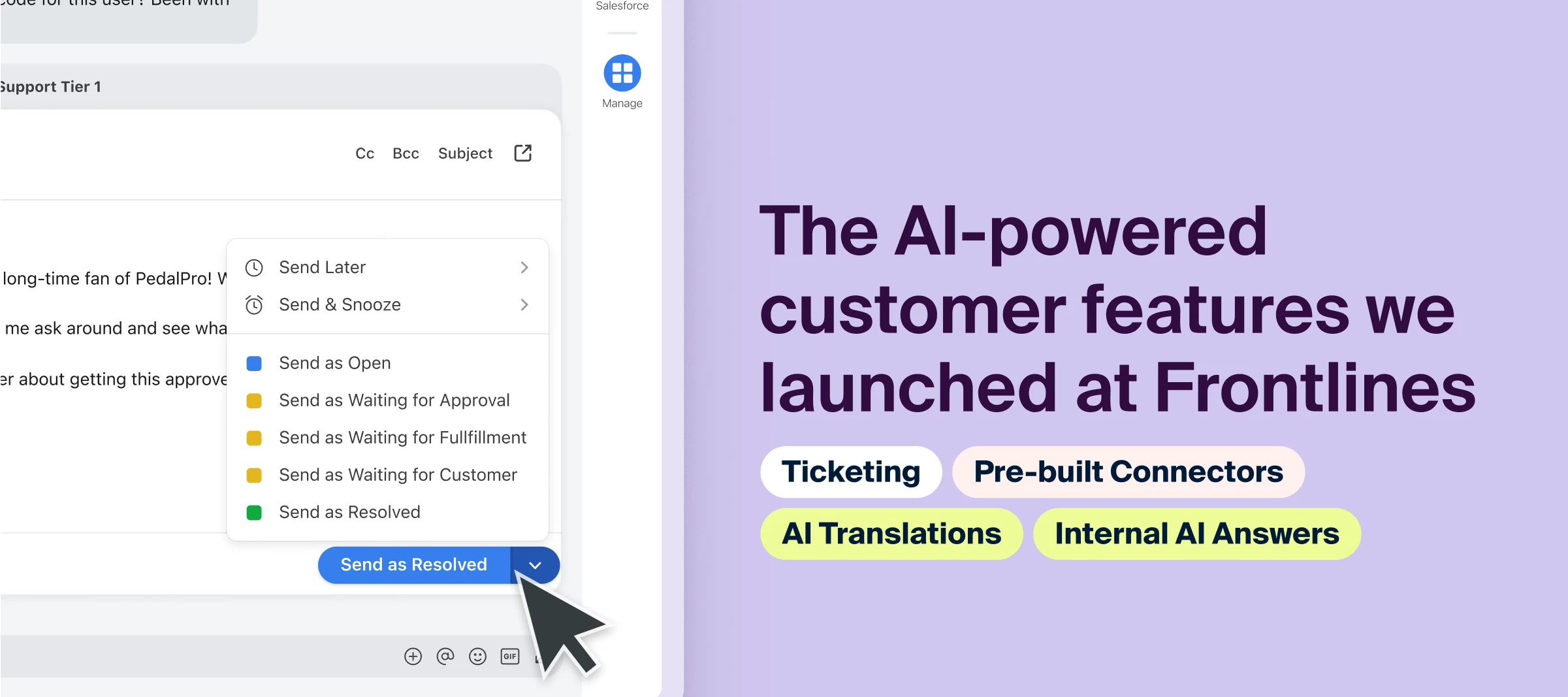
Hey community! Hopefully, you were able to attend Frontlines yesterday, our signature event of the year where we unveil the biggest features we’re working on and share our upcoming vision 🚀 If you missed it, not to worry! We have these resources for you to catch up:Read the blog: Learn about what and why we launched this exciting lineup of features. Watch the recordings: Replay the sessions of our CEO Dan’s vision of a customer-first support strategy in the age of AI, Front’s newest and upcoming product launches, and a learn from industry leaders on how to building a truly customer-first organization. Check the Q&As: Check out all the questions users had in the live chat during the event and get all the answers. Listen to the interview: As a followup to the industry panel session, Front’s Head of Support chats about how he built Front’s company support culture, in an exclusive interview for Front Community. Use this post: This is your cheat sheet for all the features that were an
The ability to see how many conversations are under the Open and Waiting tabs. Preferably directly in the interface. This is quite critical for us in customer service management.Would it be possible to add this?
Hello, I may have missed this point during the Academy training, but when you Archive emails using Front, does that also sync those actions with the connected channel inbox? Or is archiving specific to the Front platform and does not affect the channel email inbox? Hopefully this makes sense, thank you for any insight!
I am trying to link the Slack message created by the Send to Slack option, but I cannot figure out how to do that. I would like to either see the Slack conversation in the Front conversation or, at minimum, see a link to the Slack message in the Front conversation. Is there a way to do that?
I am looking to snooze conversation when a specific tag is applied. I cannot seem to find a way to set this up. Can this be done?
Will macros currently set up in the team inbox eventually be allowed to use in individual inboxes? Our customer base tends to first reach out to the CSMs first and we are trying to transition them over to our Support team so responses are quite repetitive during this transition period and having macros that are currently applied in our shared inbox be allowed to be used in personal inbox would be very helpful
We received a ton of great questions in the live chat during our Frontlines event, so we wanted to ensure we share all that information with our community! Scroll down to the comment section to see all the Q&As — we’ll continue to update this post if we receive more questions, so make sure to click the Subscribe button to follow along. ❓ Have additional questions? Add a comment and we’ll answer those too. P.S. Don’t forget to check out the cheat sheet post with all the resources from Frontlines!
Hello all, I am working on setting up an integration between Talkdesk and Front. It seems this will allow me to pull in call data from Talkdesk, but I was wondering if anyone else is using this integration and what are some of the best use cases you’ve found with this integration. Thanks!
Hi Front Community!I have just moved my teams into Front over two weeks ago, everything is going smoothly but I would like them to use more the Discussions tools in Front to communicate between them, instead of Teams.The challenge I have is that we are collaborating with many teams in our business not using Fromt and using Teams, so it is difficult for my teams to understand why they should use the Discussions channels. How do you compete with MS Teams for your teams to use Front? And what tools we could be using to attract them into Front Discussions?Thanks
Connectors allow you to build integrations in Front without writing code. You can enable powerful functionality like accessing order or shipment information automatically in a Front conversation anytime a matching ID is mentioned, canceling an order without leaving Front, or updating a customer record in your CRM with new information from your recent conversation. In addition to our pre-built connectors (Jira, Highway, Tai), you can also build your own custom Connectors that link your external systems to Front. We’ve created a series of short courses to teach you exactly how, filled with videos and tutorials to ensure you learn the basics to get Connectors up and running. Ready? 👉 Learn to build Connectors
Which dashboards do you use most to track your teams performance and workload and feel provides an accurate representation?
Hey Frontiers!! How do we star mark an important email? Or is there any similar feature to quick access important emails? Help!
Already have an account? Login
No account yet? Create an account
Enter your E-mail address. We'll send you an e-mail with instructions to reset your password.