






















Get inspired by real-world Front AI workflows and use cases, or share your own!
Recently active
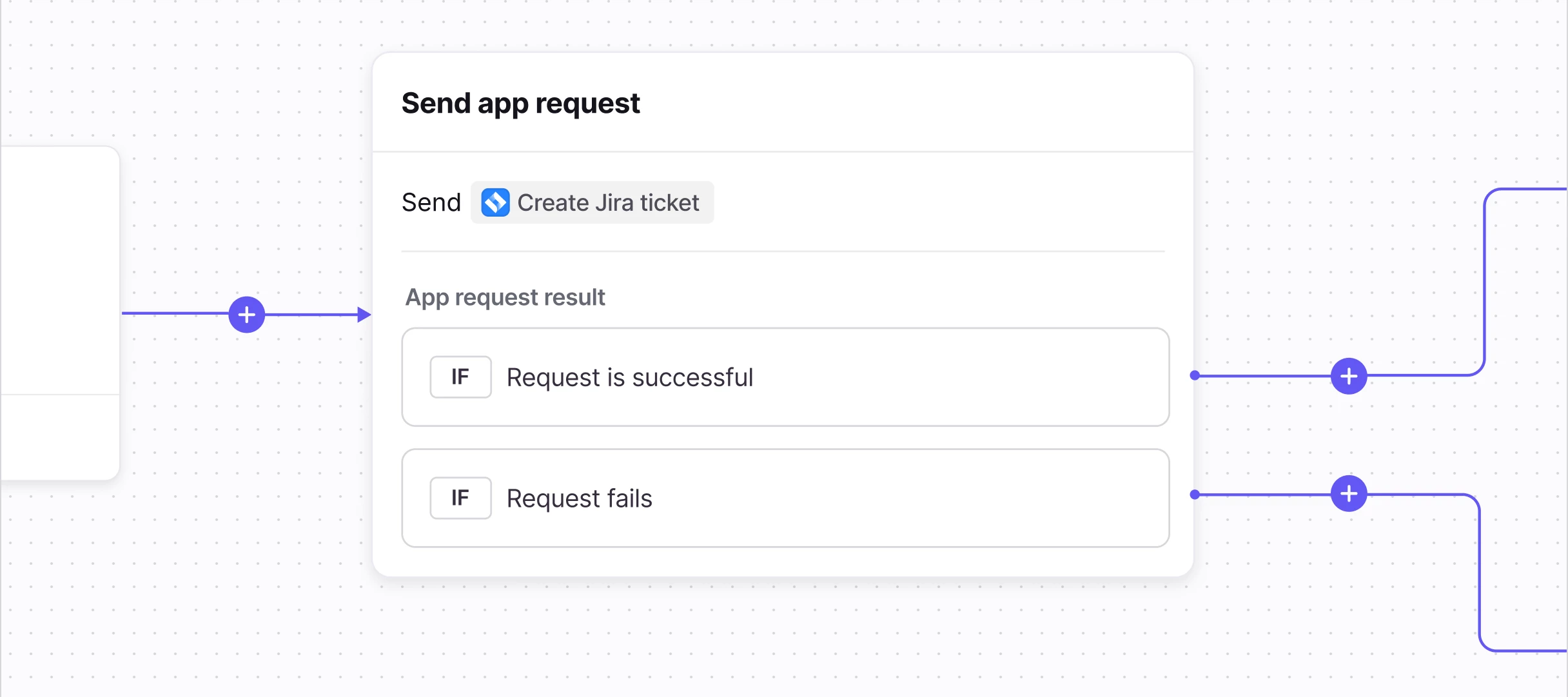
What we covered: We walked through how to build a Connector that lets your teammates create new Jira issues—like stories, tasks, and bugs—directly from Front conversations, no code required. Resources: Workshop Recording - Rewatch the session or share with teammates who couldn't attend Front Academy: API Fundamentals Course - Learn API basics like requests, responses, authentication, and how to read the docs Front Community - Explore more Connector examples and join our Connectors group to share what you're building and get help from other users Jira API Documentation - Reference for all available Jira API endpoints. Endpoints (called "app requests" in the Front Connector framework) used in the workshop include Get projects paginated, Get issue types for project, and Create issue. If you have any questions as you continue building, drop them in the comments below. We're here to help! Happy building!
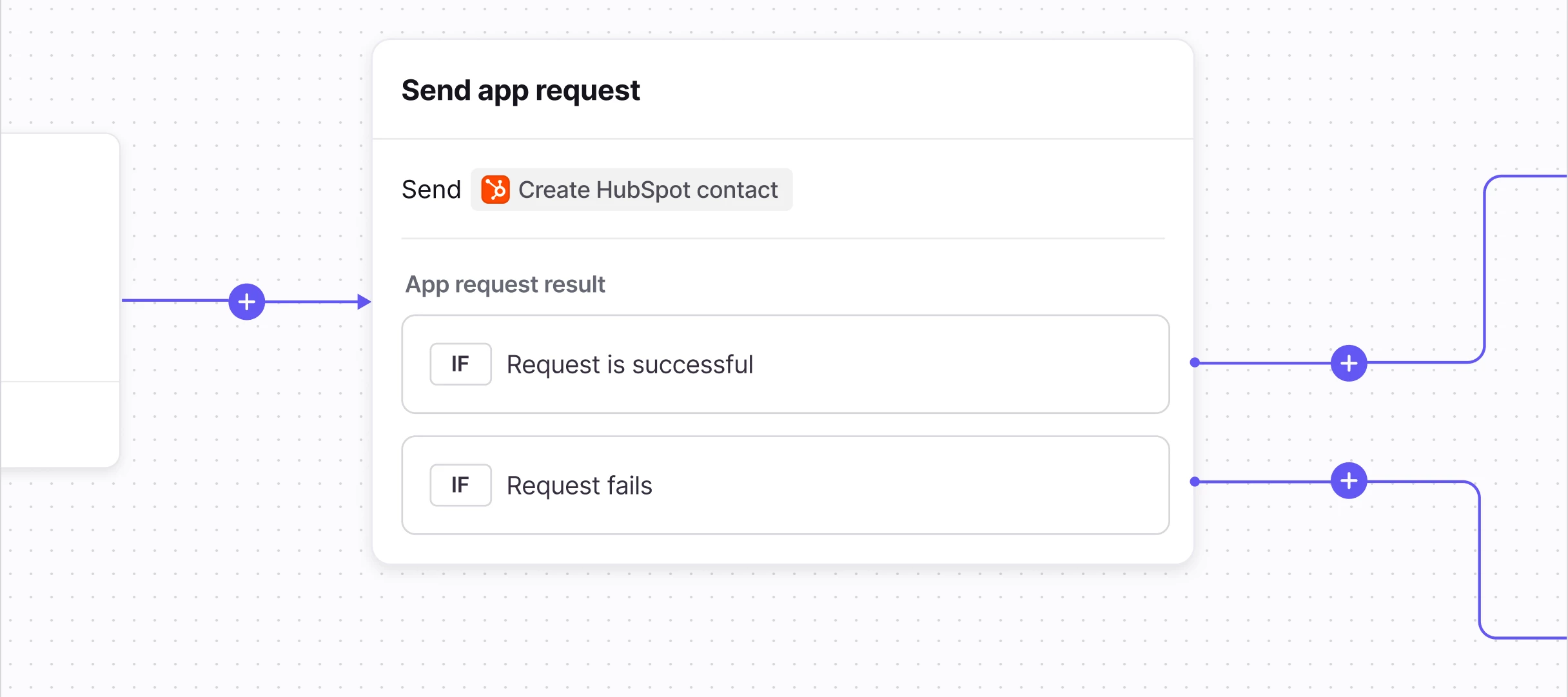
What we covered: We walked through how to build a Connector that lets your teammates update HubSpot contact properties—like names, phone numbers, and addresses—directly from Front conversations, no code required. This pattern can be adapted to update any HubSpot object, such as companies, deals, and tickets. Resources:Workshop Recording - Watch the session to learn how to set up your HubSpot Connector in just 10-15 minutesWatch a quick overview of the Connector in action here. During the workshop, there was a glitch in our system that prevented the Connector from demonstrating the phone number update! 🤦♀️ Front Academy: API Fundamentals Course - Learn API basics like requests, responses, authentication, and how to read the docs Front Community - Explore more Connector examples and join our Connectors group to share what you're building and get help from other users HubSpot API Documentation - Reference for all available HubSpot API endpoints. Endpoints (called "app requests" in th
HI! Is it possible to upload an Excel file that shows our transit time for delivery lanes into Front Knowledge base and then have that information auto-populate/suggest response into an email response based on the email containing “transit time”?
What we covered: We walked through how to build a Connector that lets your teammates update Salesforce objects—like opportunities, cases, and contacts—directly from Front conversations, no code required. Resources:Workshop Recording (starts at 3:50) - Watch the session to learn how to set up your Salesforce Connector in just 10-15 minutes Front Academy: API Fundamentals Course - Learn API basics like requests, responses, authentication, and how to read the docs Front Community - Explore more Connector examples and join our Connectors group to share what you're building and get help from other users Salesforce API Documentation - Reference for all available Salesforce API endpoints. Endpoints (called "app requests" in the Front Connector framework) used in the workshop include Execute SOQL query, Describe object, and Update record. If you have any questions as you continue building, drop them in the comments below. We're here to help!Looking for more Connectors workshops? Register for
Hi everyone,I'm currently setting up Front for a Manufacturer's Rep agency in the HVAC/Plumbing industry. We have a specific workflow where "Stocking Orders" (POs over $25,000) need to be routed differently than standard daily orders.The challenge is that the dollar amount is usually located inside the attached PDF Purchase Order, not in the email body.Has anyone found a workaround for routing rules based on text/numbers inside an attachment? Or is the best practice to train our vendors to put "$25k" in the subject line so Front's rules can catch it?Thanks!
Hello,I would like to share my wish to have an “ALL” tab within every Tag.Currently when within a tag you have to look in Open, Snoozed, Archived, Trash or Spam. It would be amazing to have an “ALL” tab where everything is listed. It would save a lot of time when looking for something to go to “all” rather than each tab.Perhaps a new year’s wish will come true ;)
Join Front’s community team for three hands-on Connectors workshops in January! Follow along as we automate workflows between Front and your 3rd-party tools. January 15: Salesforce <> Front workflows: Use Connectors to update Salesforce objects directly from your inbox. January 22: HubSpot <> Front workflows: Use Connectors to easily manage customer data in HubSpot. January 29: Jira <> Front workflows: Use Connectors to create Jira tickets from Front with just a few clicks. Register nowCan’t make it? No problem! Join the community group to access self-paced examples and view the workshop videos later. Note: To access Front pre-built Connectors, you must be on the Professional plan or above.
We recently launched a detailed video explaining how to set up a macro leveraging Connectors to process Stripe refunds for customers. This week, we expand upon that video with a useful tip for filtering your list of customers using an email address.Hope you enjoy!Video tutorial: Want to learn more about Connectors?Check out these resources:Connectors space on the Community Help Center: Understanding Connectors Developer Portal: Connectors Documentation Academy Course—Unfamiliar with APIs? Start here!This example is just one way to harness the power of Front Connectors to streamline your workflows and improve efficiency. We can’t wait to see what you’ll build! Stay tuned for more examples and happy building!
One of the actions inside a rule is to send an email. You can send multiple people each the email of course. What would be great is to send a person an email and cc another person along with it. I use a template email inside a rule, and having to send two or three people the email seems clunky.
Hey Front community!We’re thrilled to showcase a new example of leveraging Front Connectors to process refunds in Stripe directly from your Front inbox. The best part is, the full walkthrough takes less than 15 minutes and there is no coding required! This setup involves just 3 app requests and 1 macro, allowing teammates to easily select the customer, the payment to apply the refund to, and the amount to refund. Teammates will also see a confirmation message once the refund has been successfully processed in Stripe. Pre-requisites:Before diving in, make sure you’ve done the following in Stripe:Have access to your Stripe dashboard We recommend switching to your sandbox for testing Within your sandbox, you’ll want to add customers and invoices with payments charged via test credit cards so that the Front Connectors have access to usable data. You can do this in the dashboard; no coding required. Make note of your API keys for the sandbox environment (you can switch to a production key
Hello!I wanted to create a rule with a ‘Rule set data’ using keywords to assign to a specific teammate who are on Front, but there are some keyword rules that should forward the email to a teammate who are not on Front. Is there a way to create one rule, Where keywords are triggered and assigns to a teammate orKeywords are triggered but forwards the email to a teammate who are not on Front.or is creating two different rules is my only option?
We currently utilize the platform “Acadia” to house all policies, procedures, onboarding and training. I’m curious if anyone in the community has experience with Acadia and has effectively integrated Front and Acadia. What specific workflows or automations were most effective? What integration tools or methods did you use to connect Front and Acadia? Did you come across any limitations or data sync issues when connecting the two systems? What key take-aways would you offer to a company looking towards this integration?
HI! What is the best way for a team with multiple supervisors to manage SLA Breaches? Should we subscribe all supervisors to those emails once the SLA tag/rule is trigger? Should we create views instead based on certain inboxes? Or should we create customer inbox fields for Inbox owner/supervisor and set up a rule to send SLA breaches to only inbox owner ?
Hi All,How can I create an auto-response in Front that sends an email to the client, informing them that their ticket has been created and assigned to a consultant?PS: Keep in mind that we have a number of consultants, so the system (front) should automatically select the assigned consultant and insert their name into the auto-response.
Hi, Is it possible to generate a list of all the emails I’m subscribed (not assigned) to? For example, if I go on holidays and have a ton of emails subscribed but not assigned then I come back to a sea of emails - UGH! I would like to get a view or list to see what I’m subscribed to so I can manage it. Is this possible? I have tried the subscribed in the side panel but nothing appears here. What is the purpose of the subscribed on the sidebar?
Is there a way to print preview documents when printing in Front? Every time I try to print a document it shows “This app doesn’t support print preview”.
How do I unassign multiple emails in one go. In the old site I would use CTRL & SELECT the relevant emails, then click UNASSIGN. However this option is no longer displayed.Emails 1 and 3 selected, but there is no option to unassign. Is this something I need to add in the settings?
Hi everyone,We recently rolled out Front to manage our customer support inbox, and it’s been great for collaboration — especially with assignments and shared drafts. However, one thing we’re still figuring out is how to balance teamwide visibility with clear accountability.For example, if multiple teammates jump into a thread to help, sometimes the “owner” of the conversation gets blurred. On the other hand, if we stick strictly to assignments, we lose some of the fluid teamwork that makes Front powerful.I’m curious: How do you structure ownership rules for conversations? Do you let teammates “jump in” freely, or do you enforce strict ownership until a conversation is resolved? Are there any workflows (tags, rules, or analytics dashboards) you’ve set up in Front to help track individual accountability while still encouraging collaboration? Would love to hear how other teams have struck this balance!—Do you want me to also draft a reply post that you can use to comment on someone el
Hey all, Patrick from Front’s Support team here! I wanted to share a video demonstrating a workflow that our support team leverages to optimize and semi-automate customer interactions using some of our Front AI features:Topics: Automatically detect and label the topic of the customer inquiry, ensuring that each message is categorized and prioritized accurately. Copilot suggested replies: Suggests a complete reply that not only provides the full answer but also includes links to relevant help documentation, making responses both thorough and resourceful. AI Compose: Adjusts the tone of the email to match the desired style, ensuring a more personalized and empathetic interaction.This AI-powered workflow significantly reduces the time our support team spends on answering common questions, allowing us to dedicate more time to complex inquiries. The best part is customers get faster responses from us all around, leading to higher CSAT. Check it out: Let me know if you have questions or want
Hi, I am setting up a new support portal, and started an Enterprise Trial so that we would have access to application requests so that we can hit our custom API. After setting up an app request, testing it successfully (“Test Successful”), and the status is “Ready,” it is NOT surfacing when selecting the “Select app request” action in a new macro/rule workflow. See the screenshots below.This is the app request, showing “Ready” status: And when creating a new macro, it keeps telling me to setup a new application request, because it cannot find the ones I have created:Is there something wrong with my account setup? Why can’t I use the app requests in rules/macros?
Already have an account? Login
No account yet? Create an account
Enter your E-mail address. We'll send you an e-mail with instructions to reset your password.