Integrate Calendly into Front
Integrate Calendly into Front in 3 simple steps:
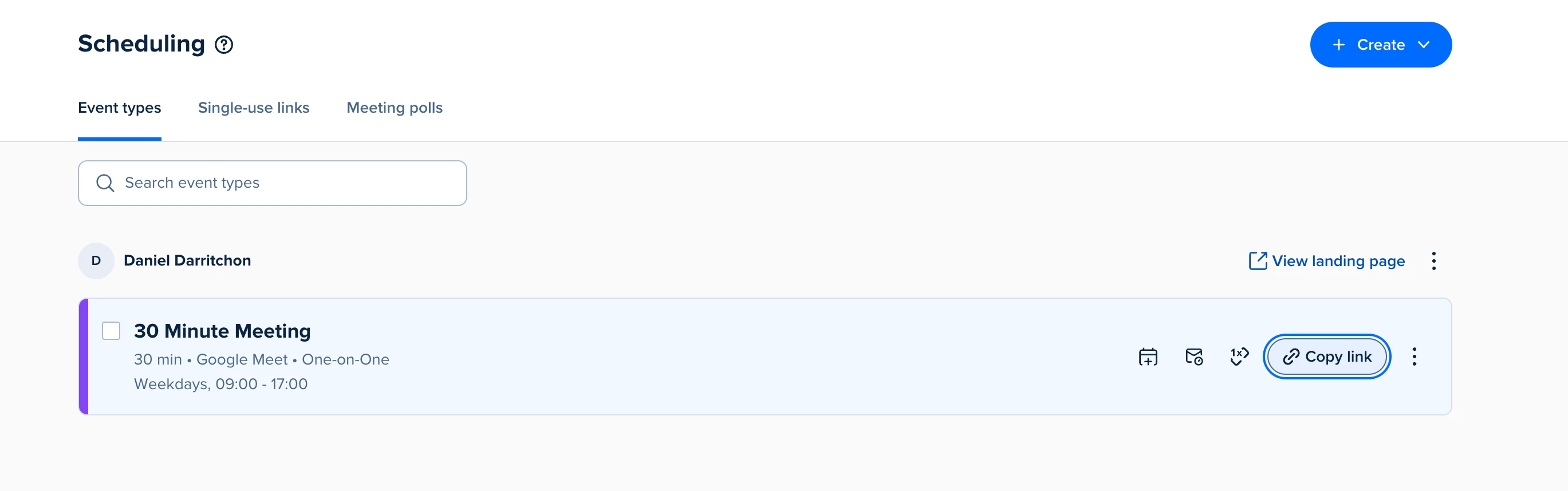
Step 1: From Calendly Scheduling links, click on Copy link.
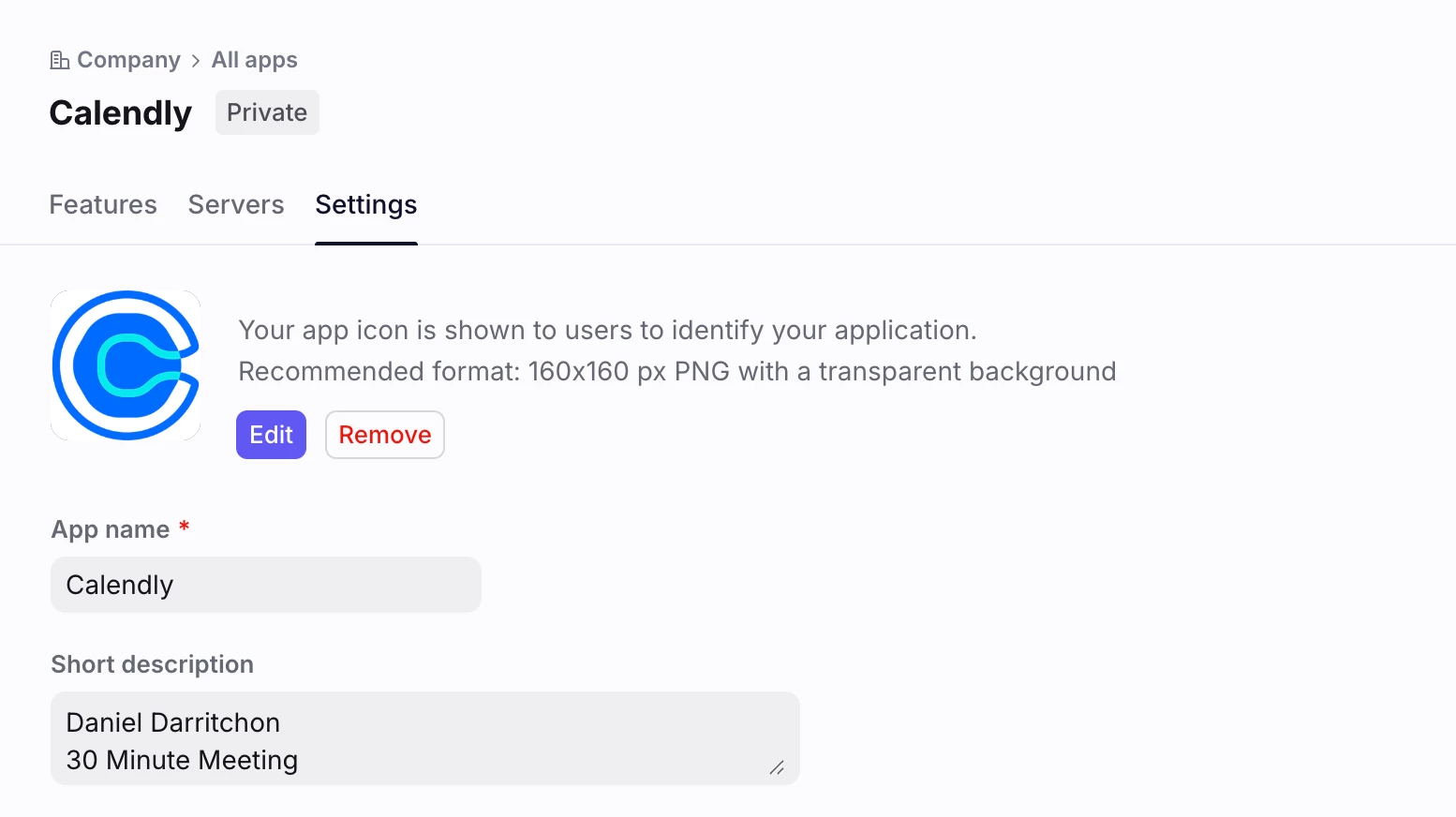
Step 2: Create a new App, add a name and an Icon you can easily recognize:
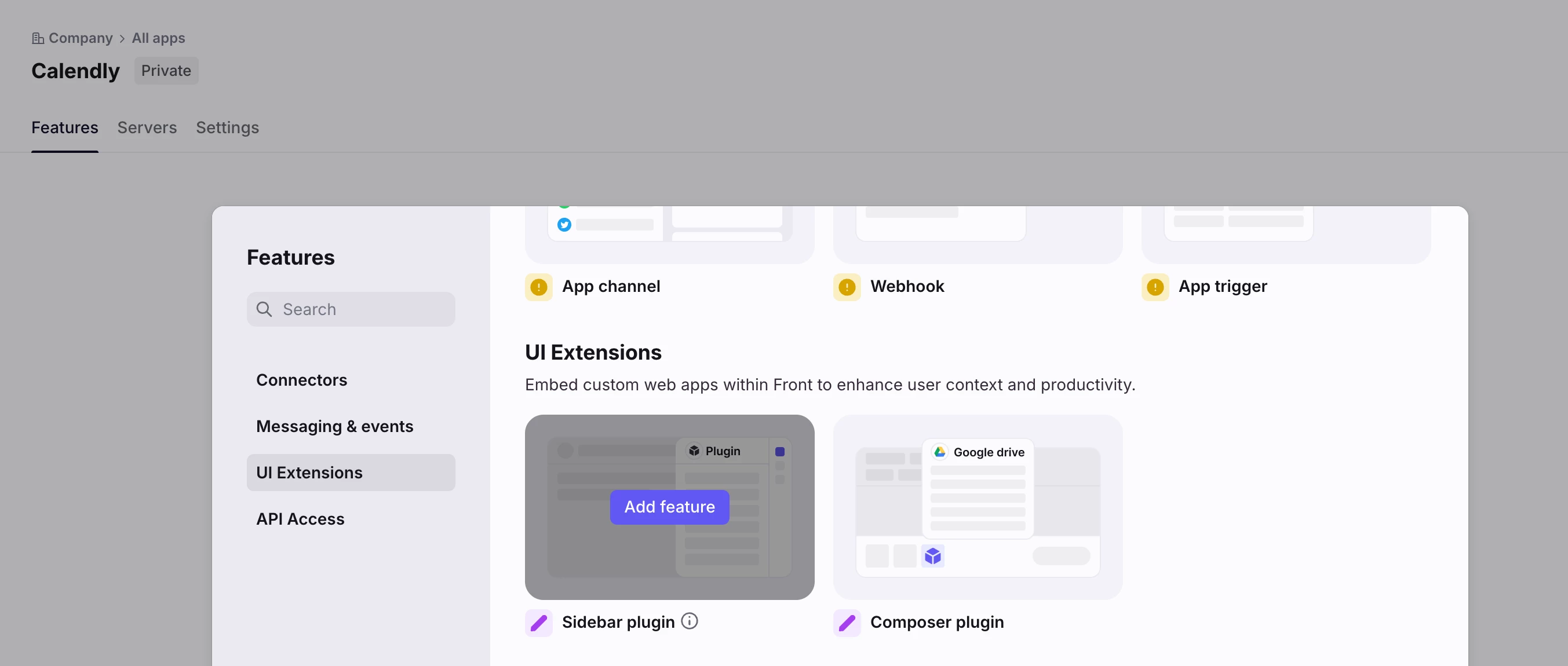
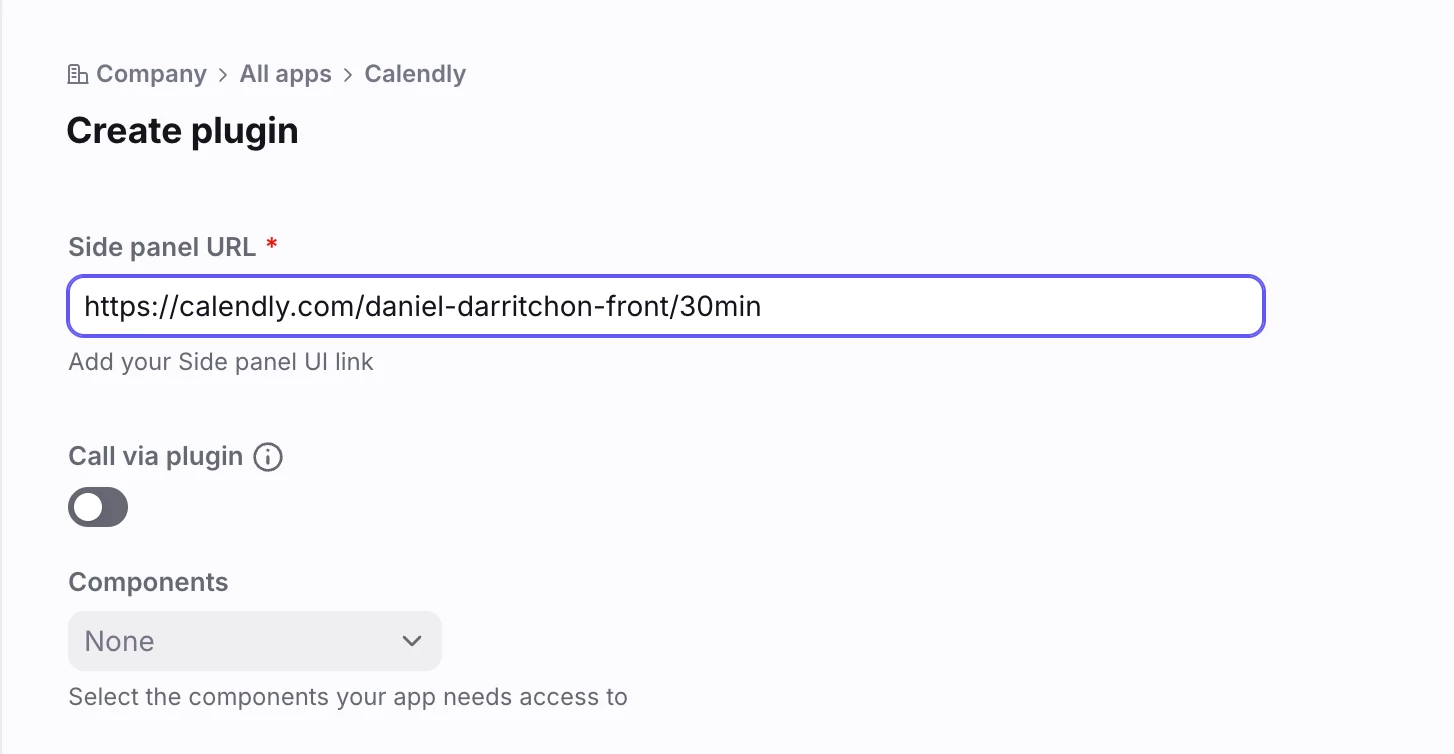
Step 3: Add the Sidebar plugin feature to your app and paste the link from Step 1:
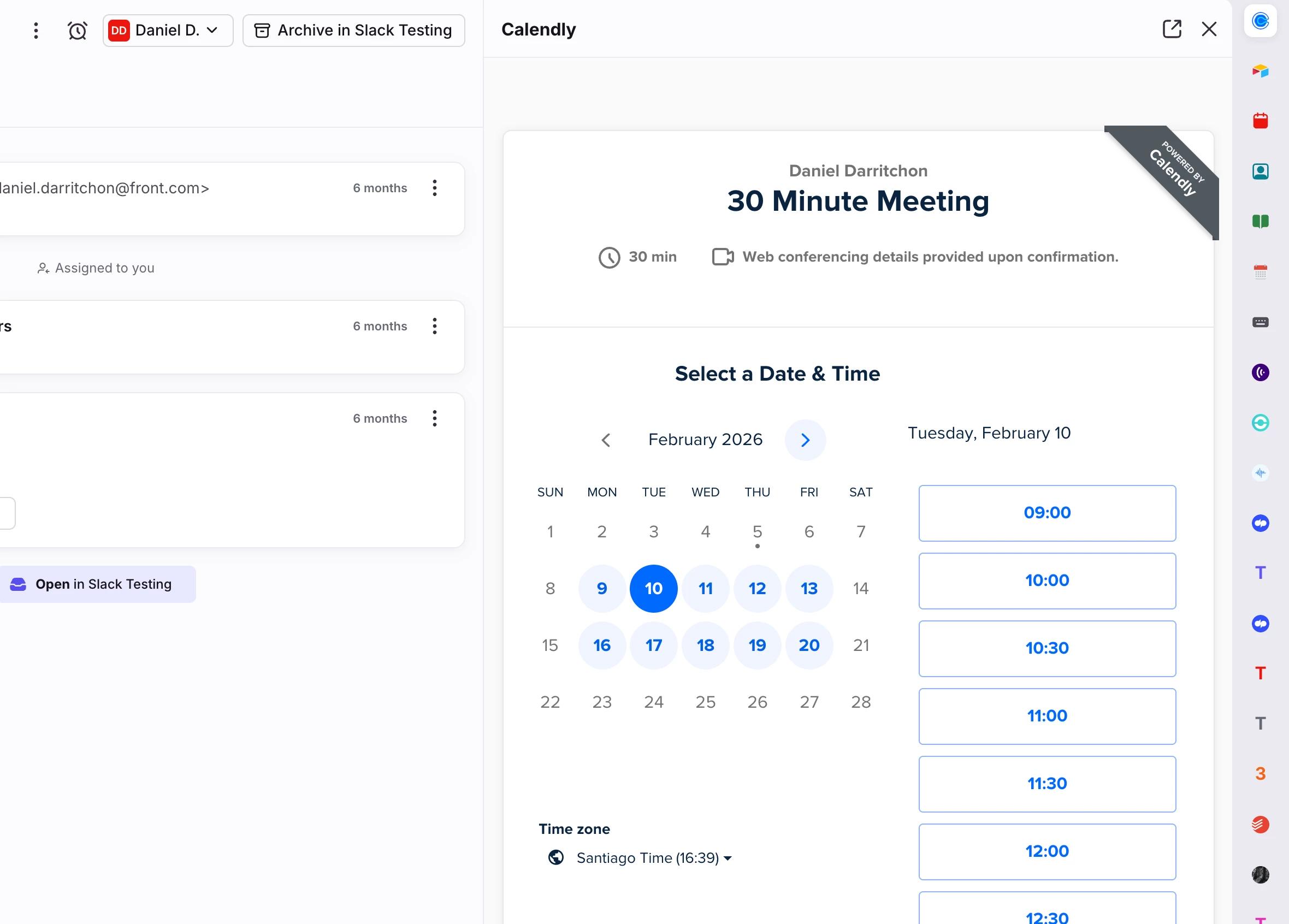
You’re all set! 😃 Go to your inbox and open your new plugin: