Integrate Google Sheets into Front

  • February 5, 2026
  • 5 replies
  • 80 views

dedarritchon
Forum|alt.badge.img

Integrate Google Sheets into Front in 3 simple steps:


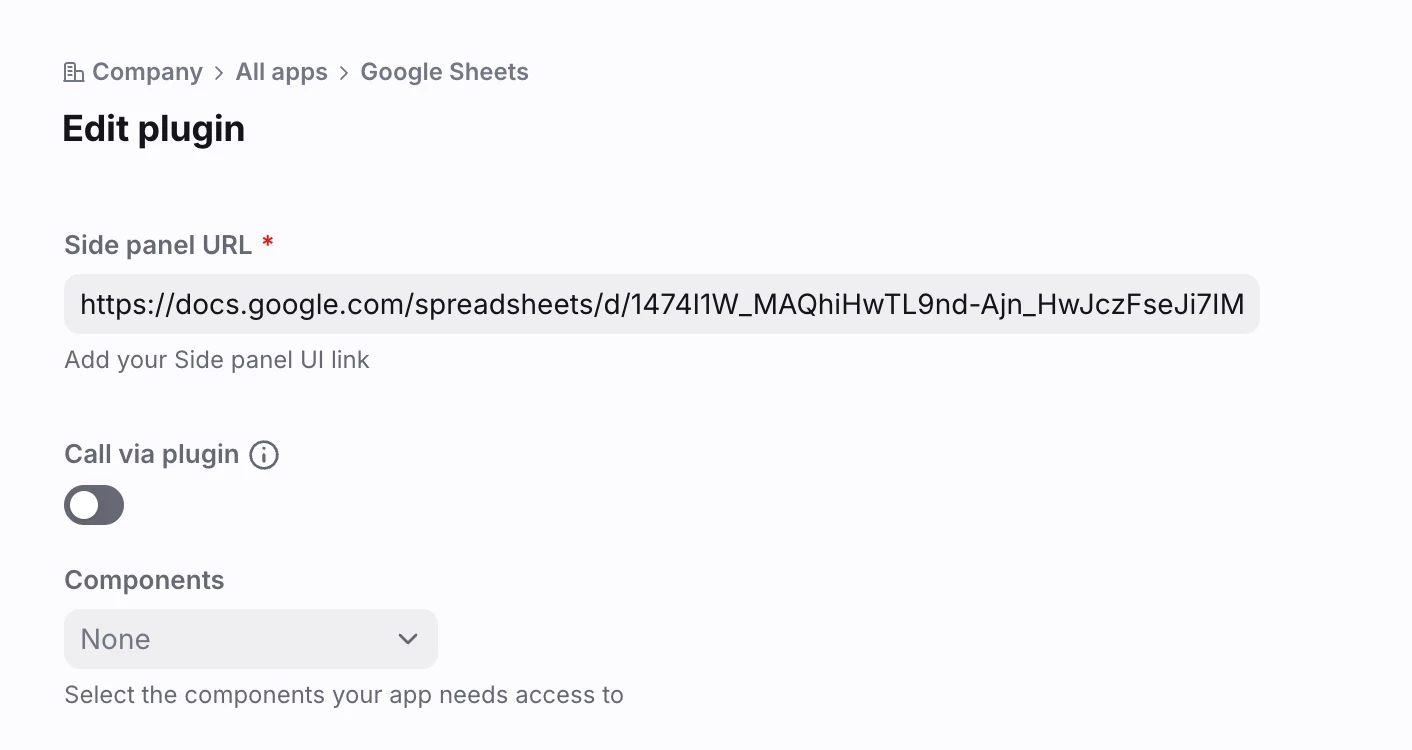
Step 1: Open your Google Sheet normally and Copy the url.
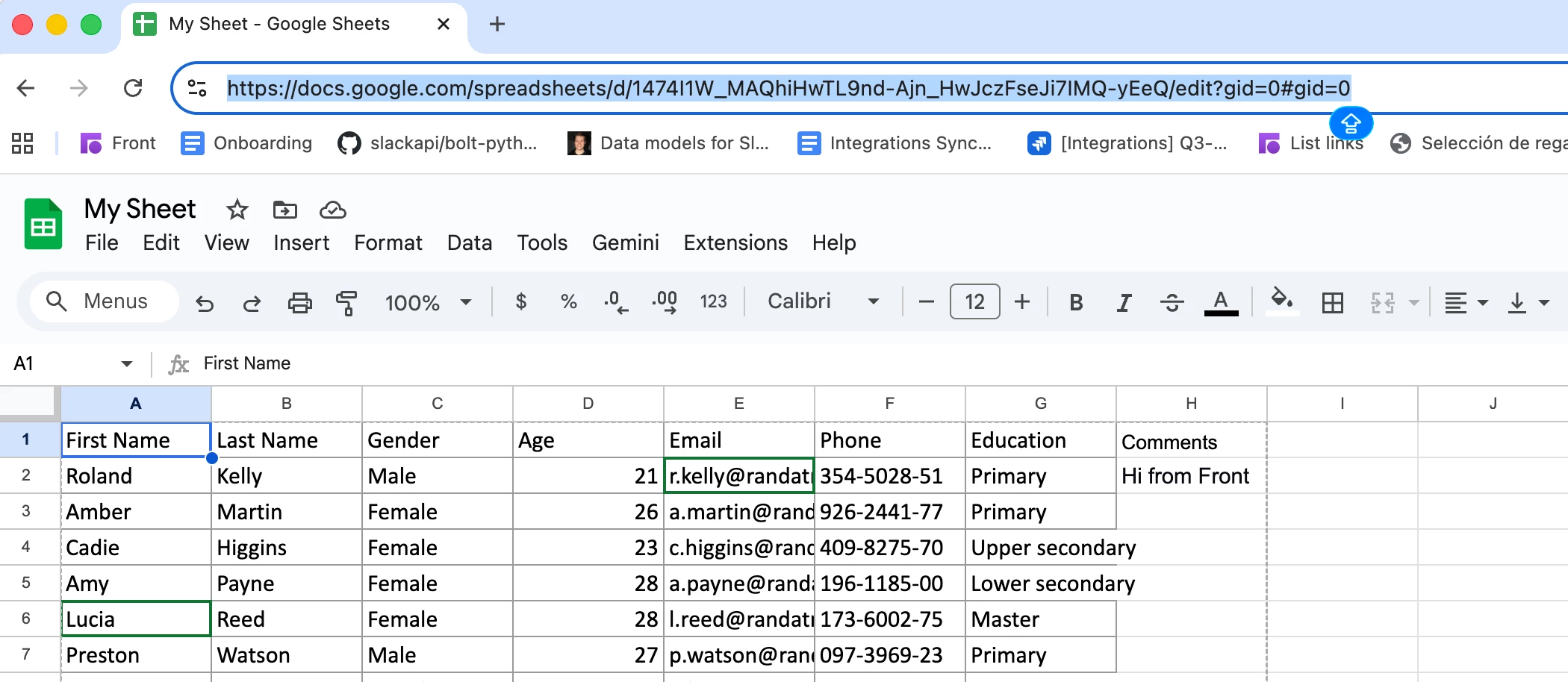
 

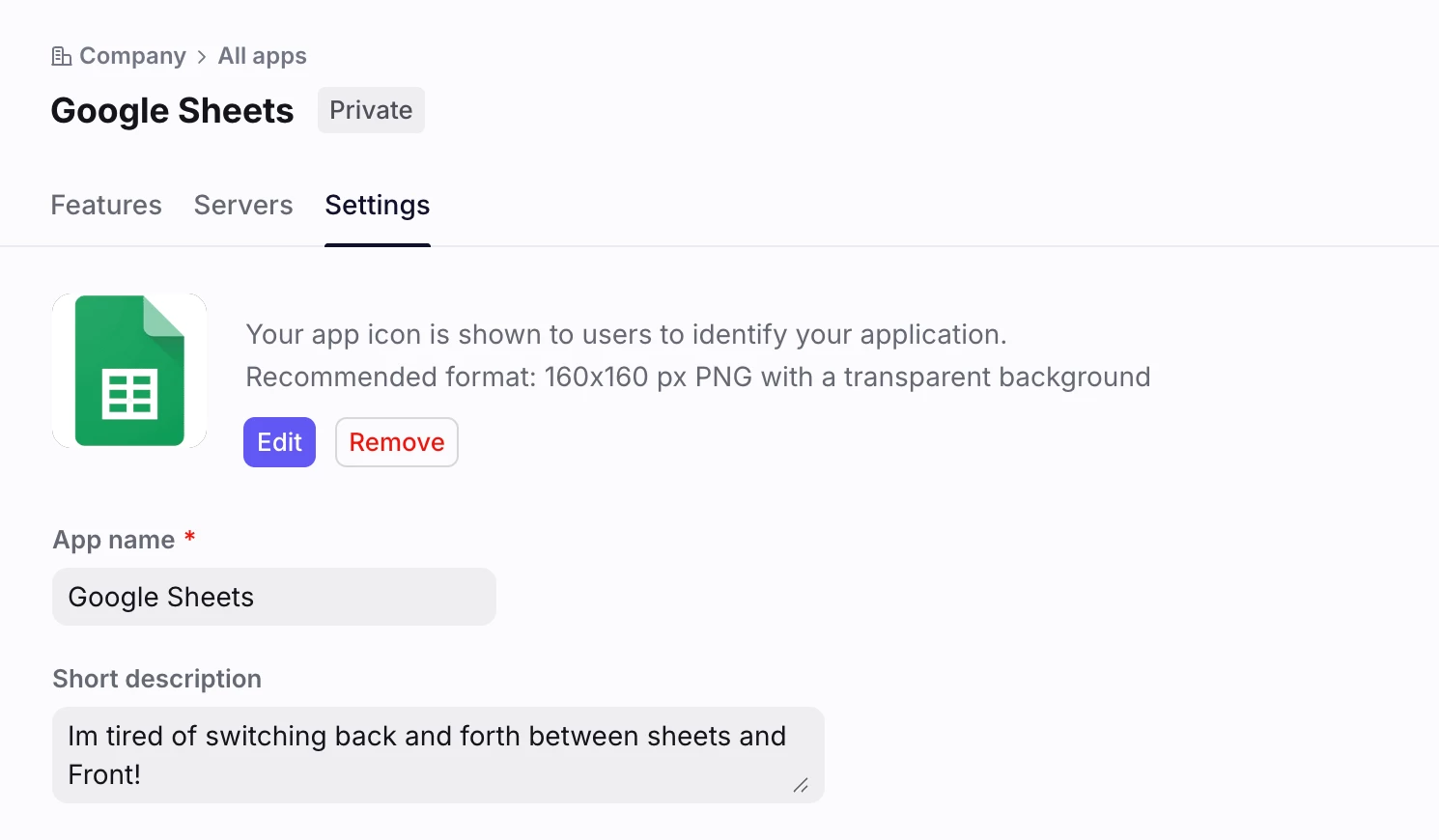
Step 2: Create a new App, add a name and an Icon you can easily recognize:
 

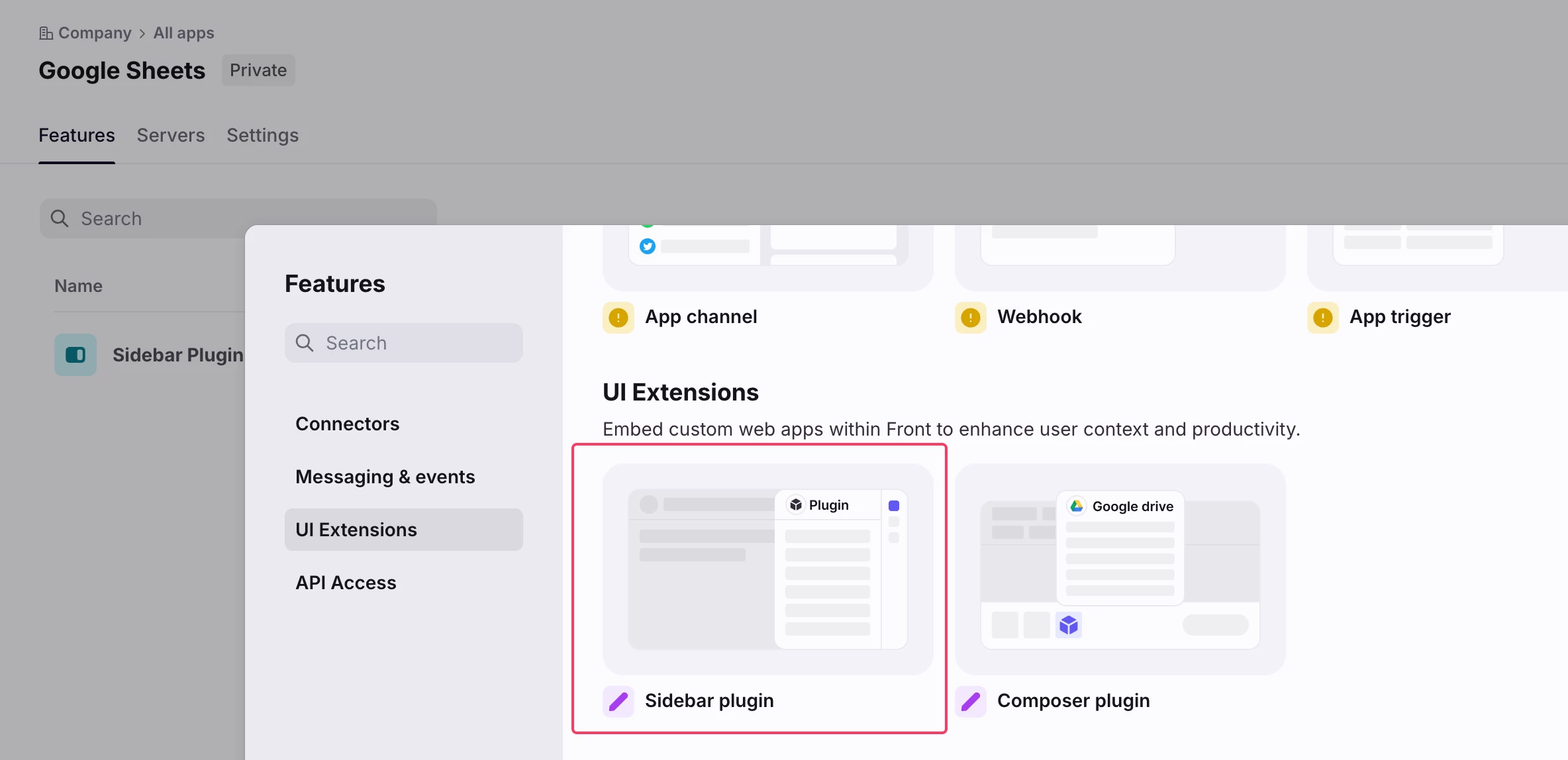
Step 3: Add the Sidebar plugin feature to your app and paste the url from Step 1:
 

You’re all set! 😃 Go to your inbox and open your new plugin:
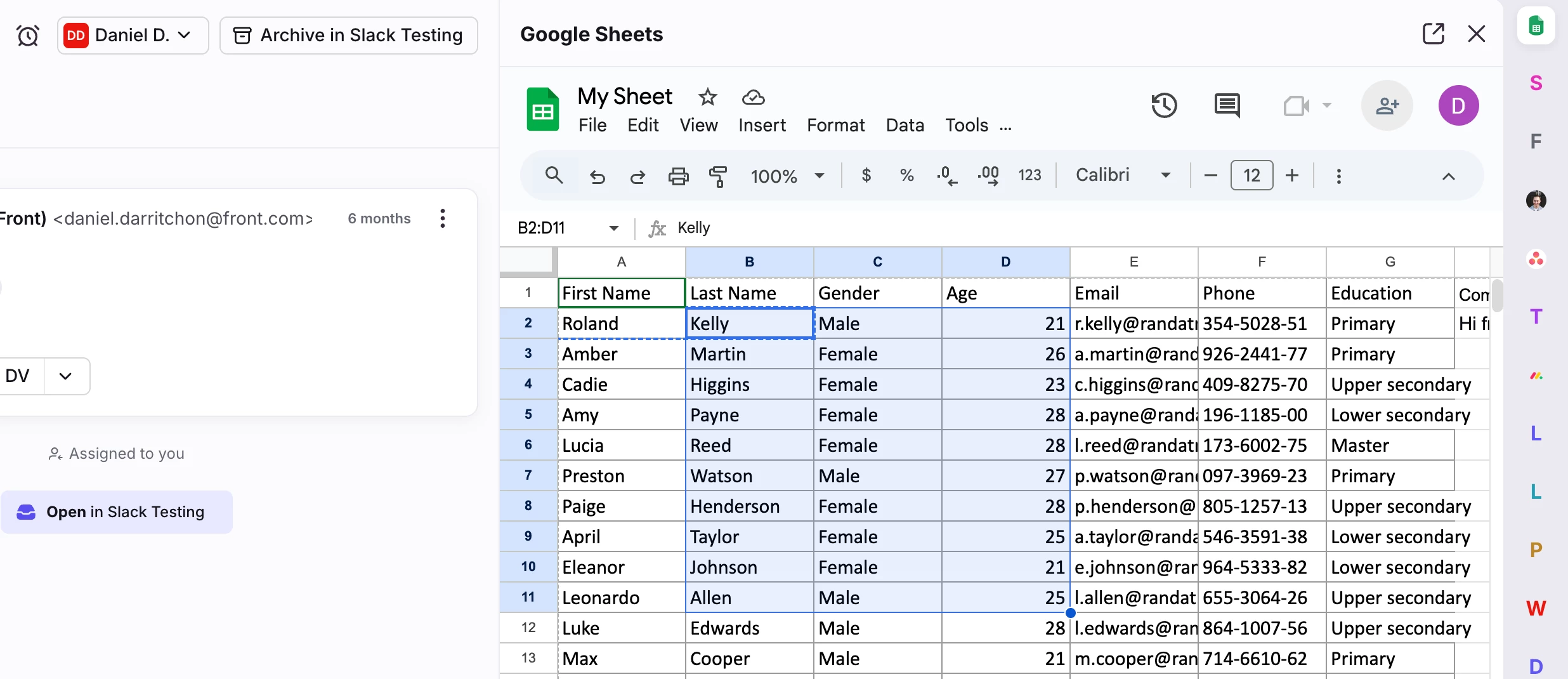
 

No more switching back and forth to copy or paste information!

5 replies

Javier - Developer Relations
Forum|alt.badge.img+9

Thanks for sharing!


dave.brehl_389
Forum|alt.badge.img
  • Conversationalist
  • February 10, 2026

Does this work similarly for viewing PDF’s? Are you able to copy and past files or click and drag PDF’s or similar like you can in Office 365?


dedarritchon
Forum|alt.badge.img
  • Author
  • Fronteer
  • March 9, 2026

Hi ​@dave.brehl_389, This guide only covers displaying a Google Sheets table in the sidebar, allowing you to copy and paste information between Front and Sheets. Copying and pasting files is outside the scope of this guide.

Do you mean copying and pasting files between Google Drive and a conversation in Front?
Best,


whitney_wynn_casey
Forum|alt.badge.img

Can this be done with other Google Suite products? Could be useful to have specific Dos or Presentations queued up in the sidebar.


dedarritchon
Forum|alt.badge.img
  • Author
  • Fronteer
  • March 11, 2026

Hi ​@whitney_wynn_casey , just validated this works in the same manner with Google Docs or slides:


Best,