


Hi Front Community! 👋
This month, we shared a collection of educational resources to help you get the most out of Front and AI features. Whether you're planning your rollout or deepening your expertise, here's one place to review all the goodies:
🚀 AI 101 Basics: Get Started
Type: Tips with short videos
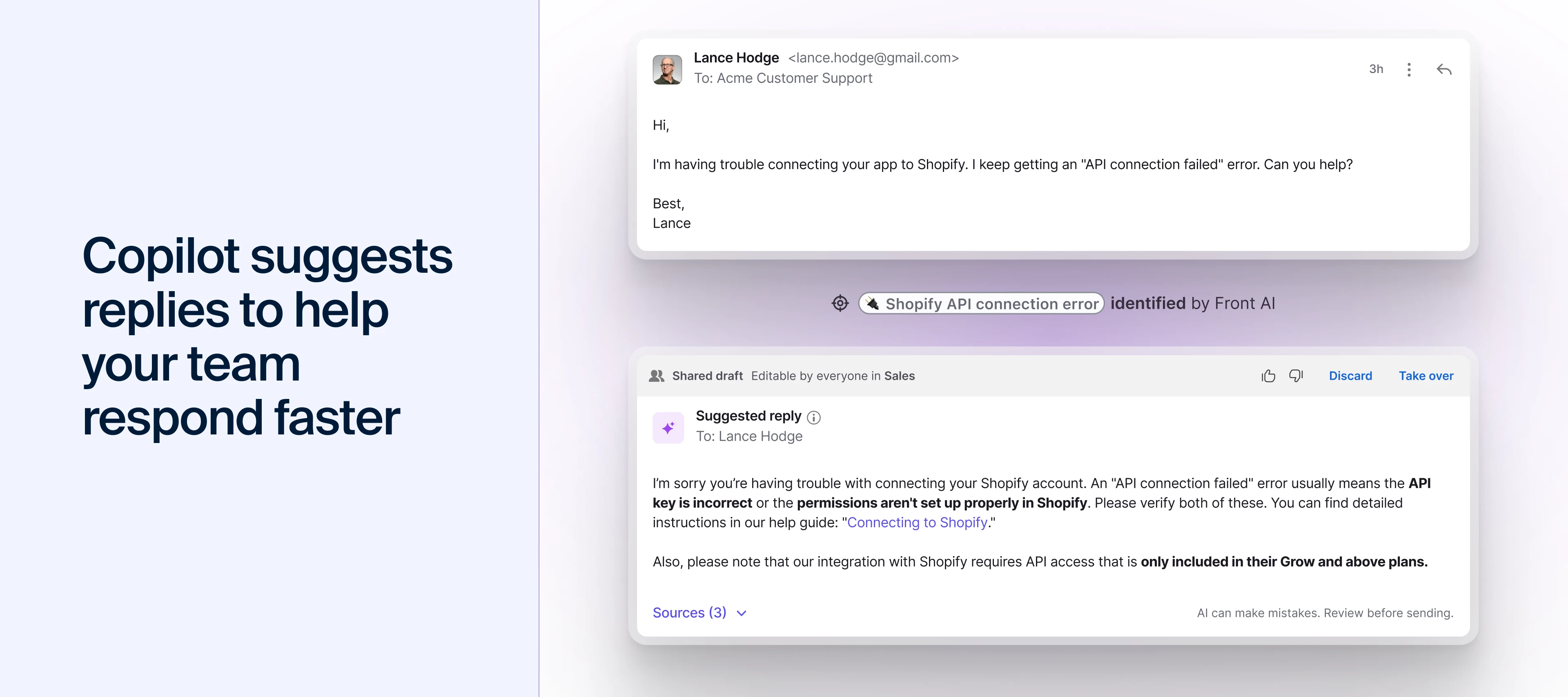
Start here for the big picture. We walk you through the strategic framework: how Topics reveal what customers need, how Copilot assists your team, when to scale with Autopilot, and how knowledge sources power accuracy. Perfect for planning your AI rollout or understanding how the pieces fit together.
🎥 YouTube Playlist: Front AI Features
Type: Short videos series
Ready to configure? These bite-sized setup guides show you how to connect knowledge sources, enable Topics for automatic categorization, and turn on your first AI features. Essential viewing for admins getting their workspace AI-ready.
🎓 New Academy Course: Try Front AI Copilot
Type: Course
Now practice. This hands-on course guides you through Copilot's features with real exercises. Try conversation summaries, Translate and Rewrite tools, and AI Compose in a safe environment before using them with customers. Each module builds your confidence through doing.
💡 How Front Uses Front AI
Type: Behind-the-scenes videos
See it in action. Watch Front's own support team use Smart QA for quality coaching and combine Topics, Copilot, and AI Compose in their daily workflows. Learn from teams who've already built sustainable AI habits and discover what works in practice.
Watch video on Copilot, Topics, AI Compose
🎬 Product Recap Webinar: January 2026 Edition
Type: Webinar recording
Stay current with what's new. This month's webinar covers the redesigned inbox, improvements to AI reply quality and tone matching, new automation capabilities, AI-powered Slack support, and updated CRM integrations.
🔗 Connector Workshop Series: Salesforce, HubSpot & Jira
Type: Workshop recordings
Go deeper on integrations. These hands-on workshops show you how to automate workflows between Front and your CRM or project management tools using Connectors—no code required. Learn to update Salesforce objects from your inbox, manage HubSpot customer data, and create Jira tickets with a few clicks.
Visit the Connectors community group to watch recordings
Questions? Drop them below or join us at office hours!