

HubSpot Connector workshop
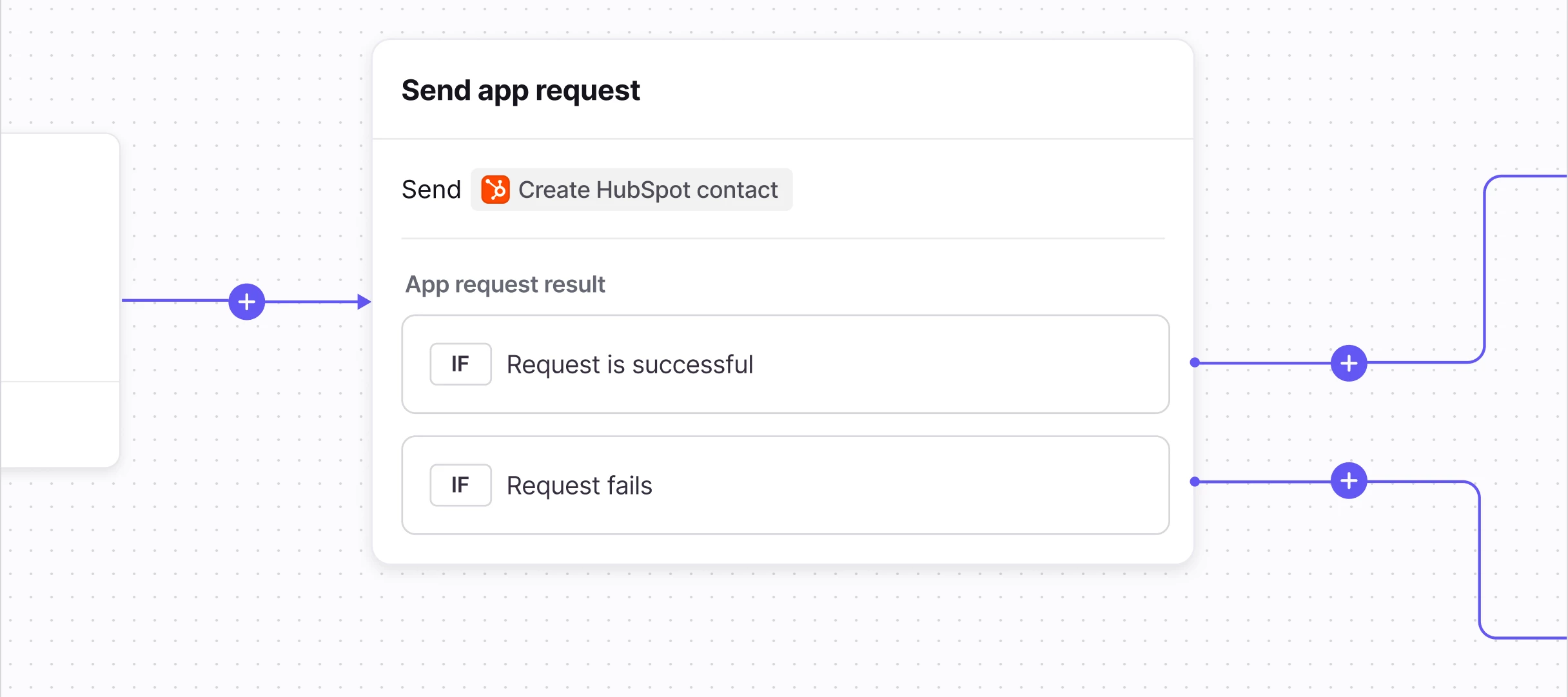
What we covered: We walked through how to build a Connector that lets your teammates update HubSpot contact properties—like names, phone numbers, and addresses—directly from Front conversations, no code required. This pattern can be adapted to update any HubSpot object, such as companies, deals, and tickets.
Resources:
 Workshop Recording - Watch the session to learn how to set up your HubSpot Connector in just 10-15 minutes
Watch a quick overview of the Connector in action here. During the workshop, there was a glitch in our system that prevented the Connector from demonstrating the phone number update! 🤦♀️
 Front Academy: API Fundamentals Course - Learn API basics like requests, responses, authentication, and how to read the docs
 Front Community - Explore more Connector examples and join our Connectors group to share what you're building and get help from other users
 HubSpot API Documentation - Reference for all available HubSpot API endpoints. Endpoints (called "app requests" in the Front Connector framework) used in the workshop include Search for contacts (plus a guide on how search works in HubSpot), Get an existing schema, and Update a contact.
If you have any questions as you continue building, drop them in the comments below. We're here to help!
Looking for more Connectors workshops? Register for Jira or view a recap of Salesforce!
Happy building!