Question

Unable to Configure MCP With Claude

  • May 27, 2026
  • 2 replies
  • 0 views

tdikun

I am not an AI n00b, I have configured dozens of MCP servers for our organization, including building our own custom Front MCP deployed on our own server architecture. I am trying to migrate to the official one, and cannot figure out how to make it work. 


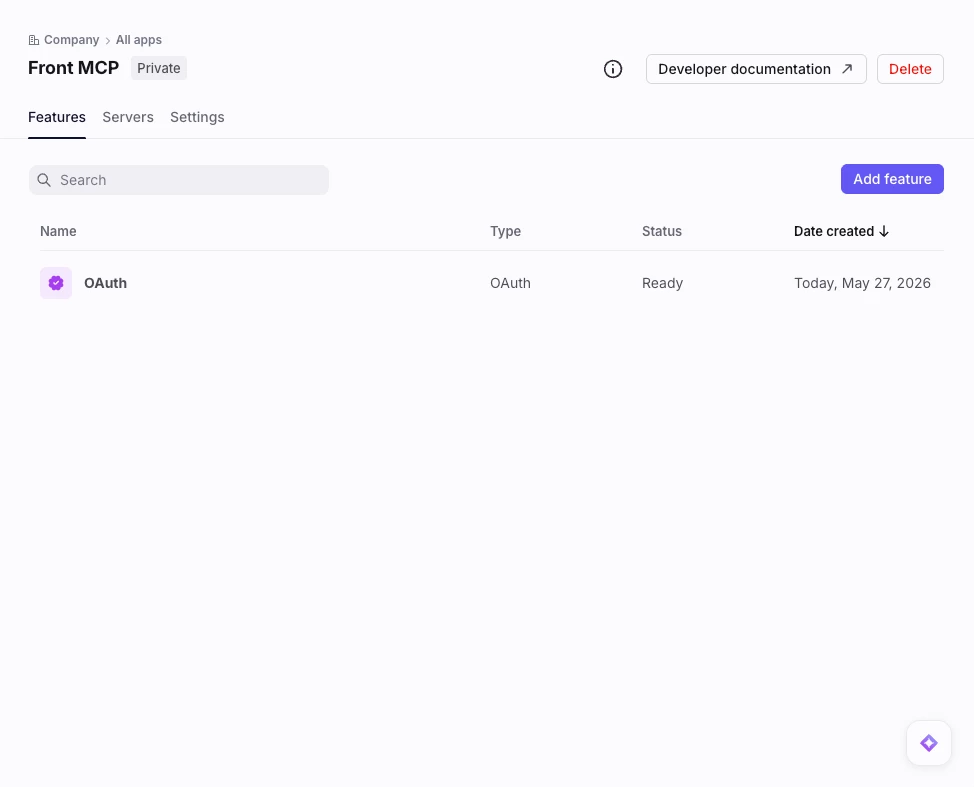
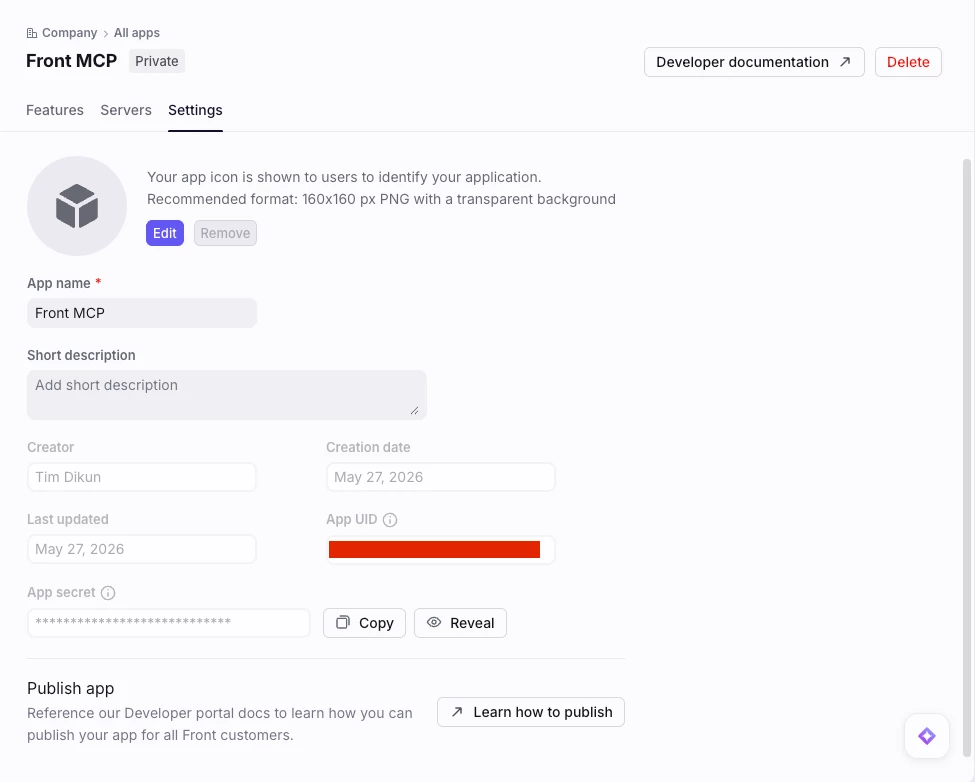
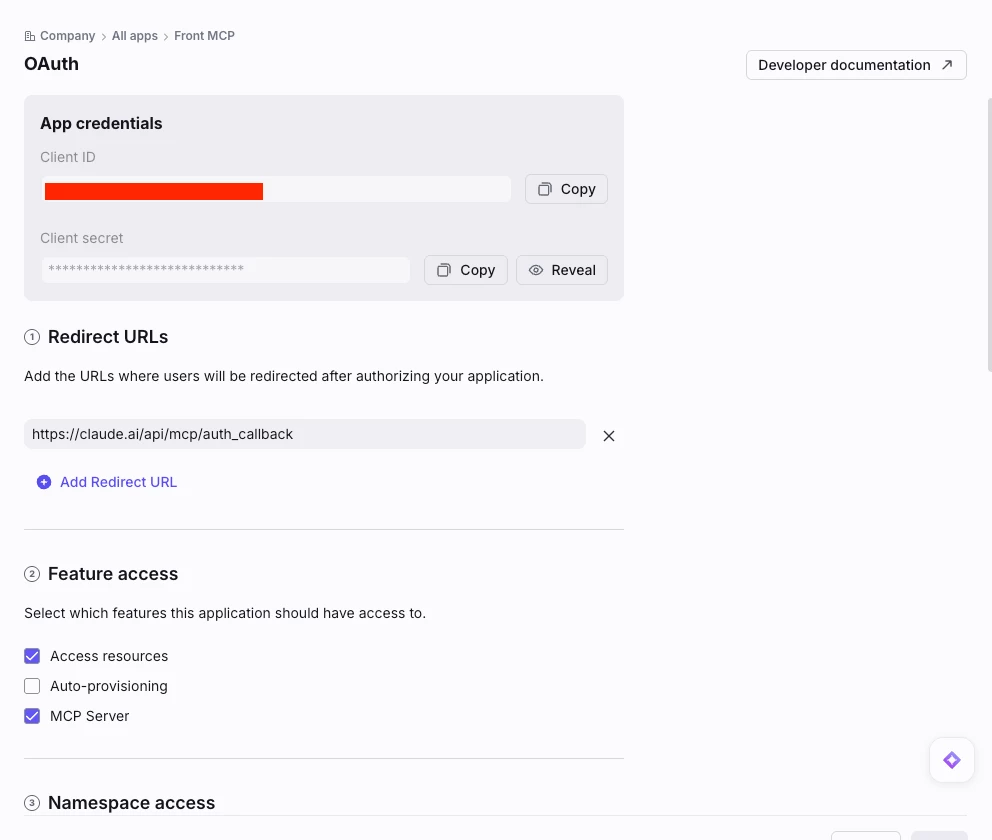
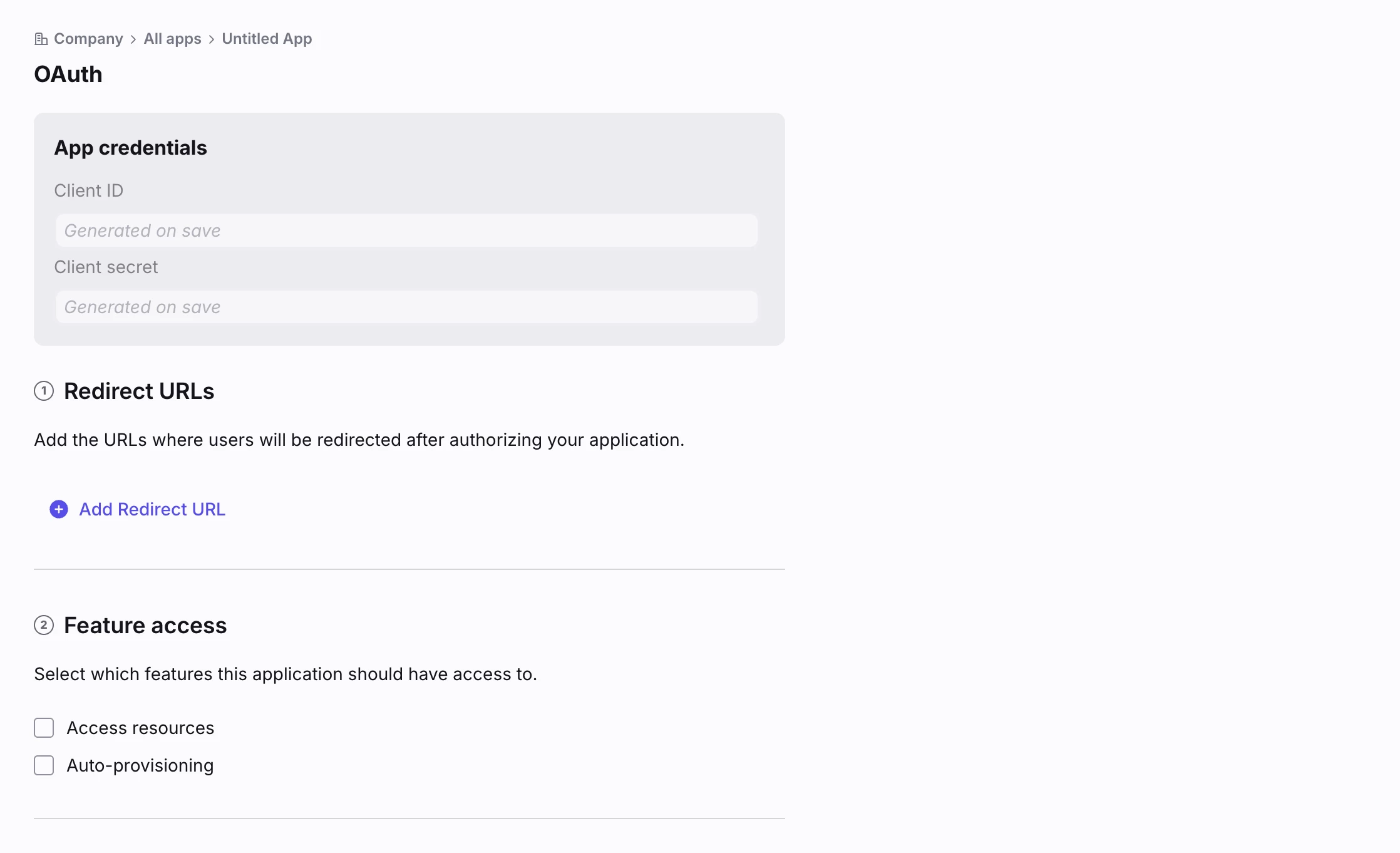
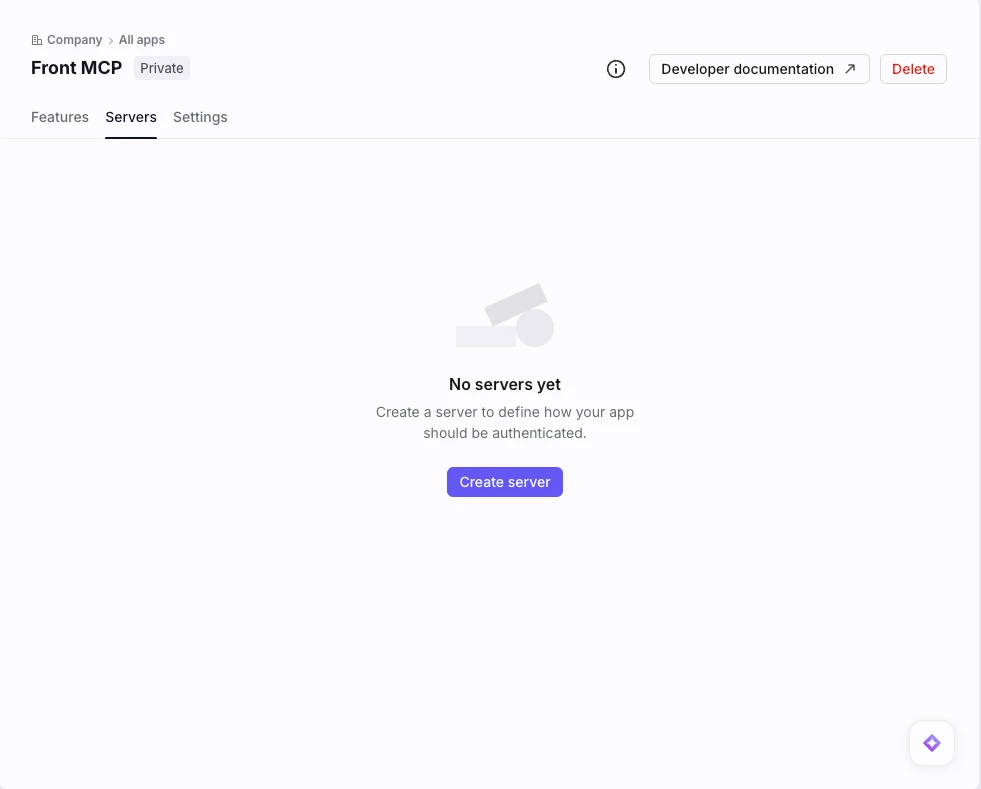
I have created a new developer app within Front following the instructions:


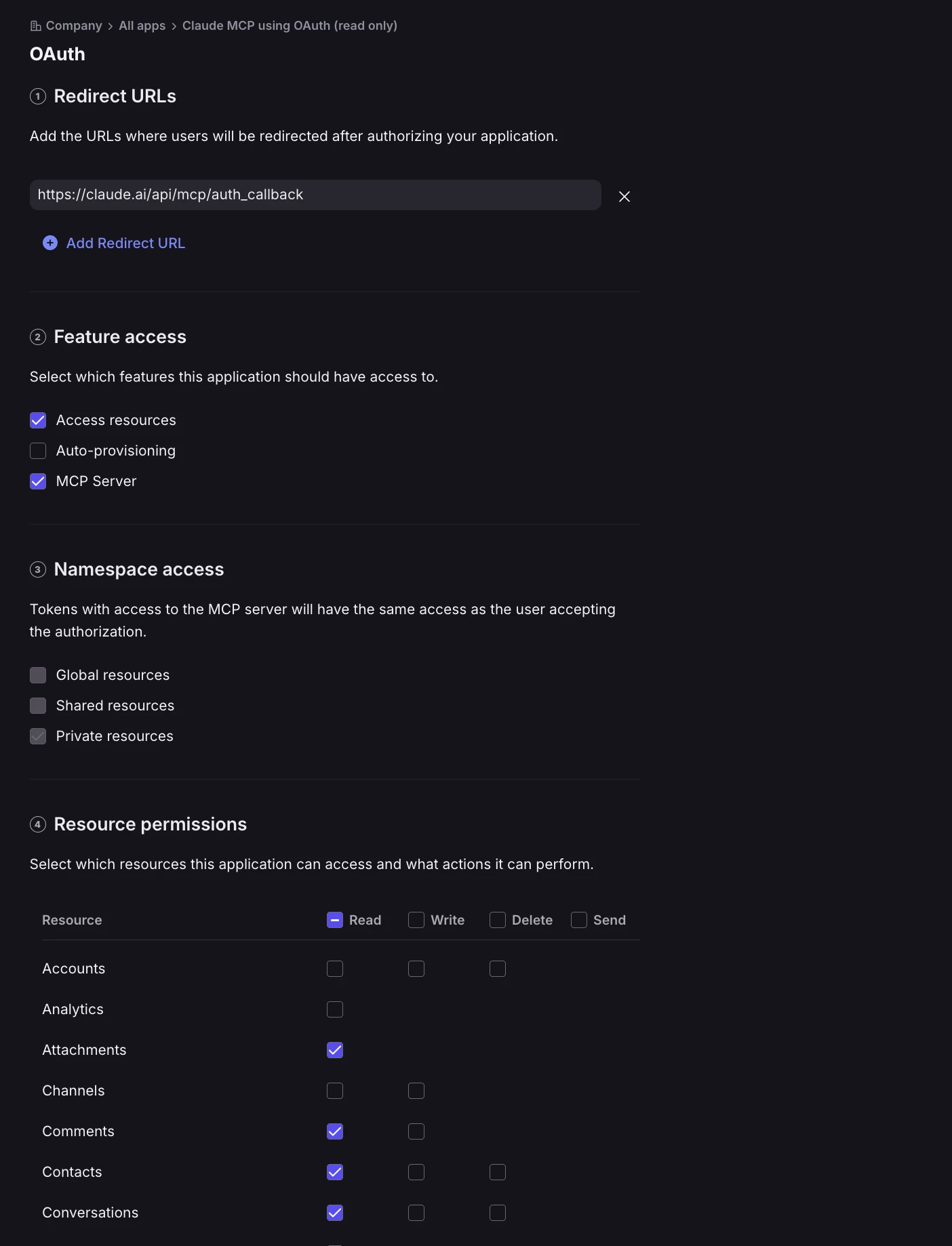
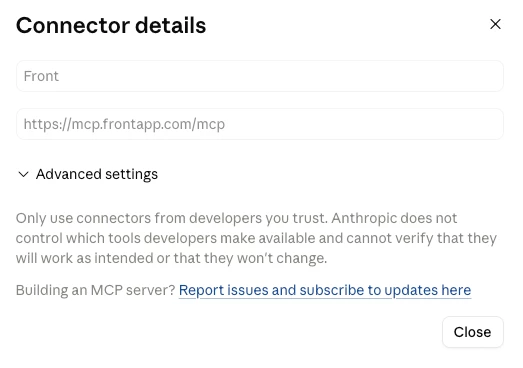
And I have added that to our organization in claude: (included adding the OAuth client id/secret)
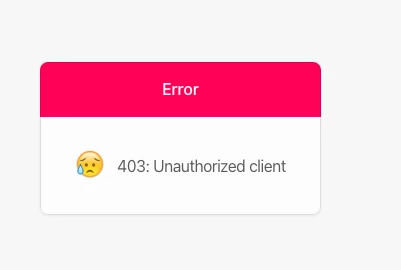
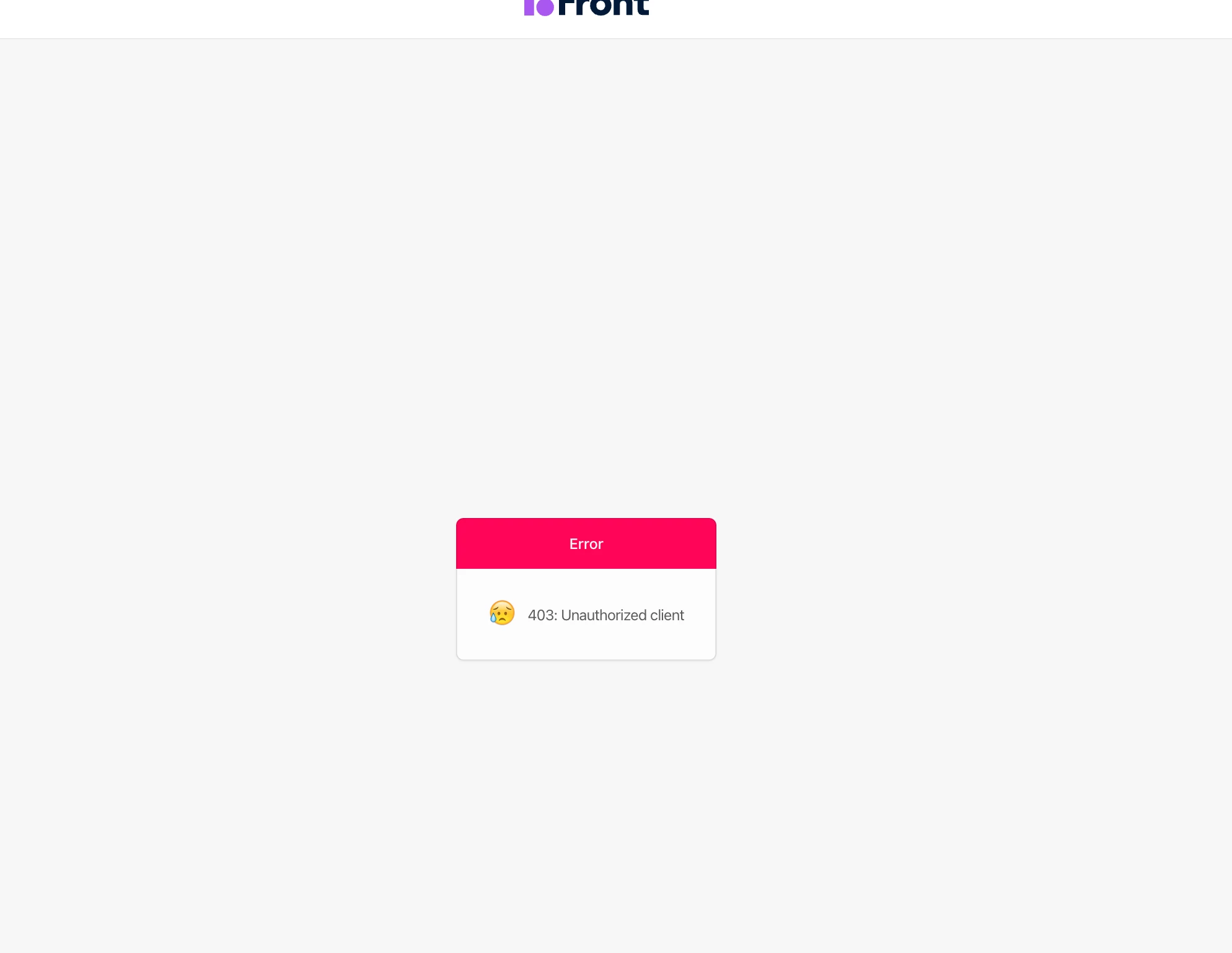
But when I go to connect to it, I get an error:

 

Please advise. 

2 replies

Javier - Developer Relations
Forum|alt.badge.img+9

@tdikun This sounds like it might be a mismatch between the OAuth client permissions and what Claude is requesting. Does the error clear if you restrict the permissions in Claude to match what the OAuth client specifies, as described in this section? I know this seems redundant and the team will need to think through a more elegant way of handling this, but I suspect that might be what’s going on.

https://dev.frontapp.com/docs/mcp-server#2-connect-your-ai-assistant


tdikun
  • Author
  • Conversationalist
  • May 27, 2026

Claude doesn’t allow you to configure MCP servers via JSON like that in the web tool (which is what makes it available org-wide). That only works for Claude Desktop or Code, which is not where this will really be used. However, even when trying to configure it for use with Claude Desktop just to test it, it didn’t work. I got the following warning when debugging with Claude Code:

Heads up: Claude Desktop's native MCP schema typically expects either command/args (stdio) or just url (remote with interactive OAuth). The transport: "streamable-http" + inline oauth.client_id/client_secret shape isn't standard


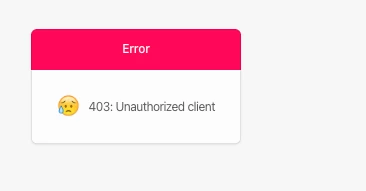
And even if I try to set it up just as a Claude-Code only thing, I am at least able to get to the Front Auth page, but after logging into Front, I get:


Even with the scopes locked in to just read/write, which is what i have set up for resources in the OAuth application.