

Flight Tracking in Front with a Sidebar Plugin ✈️
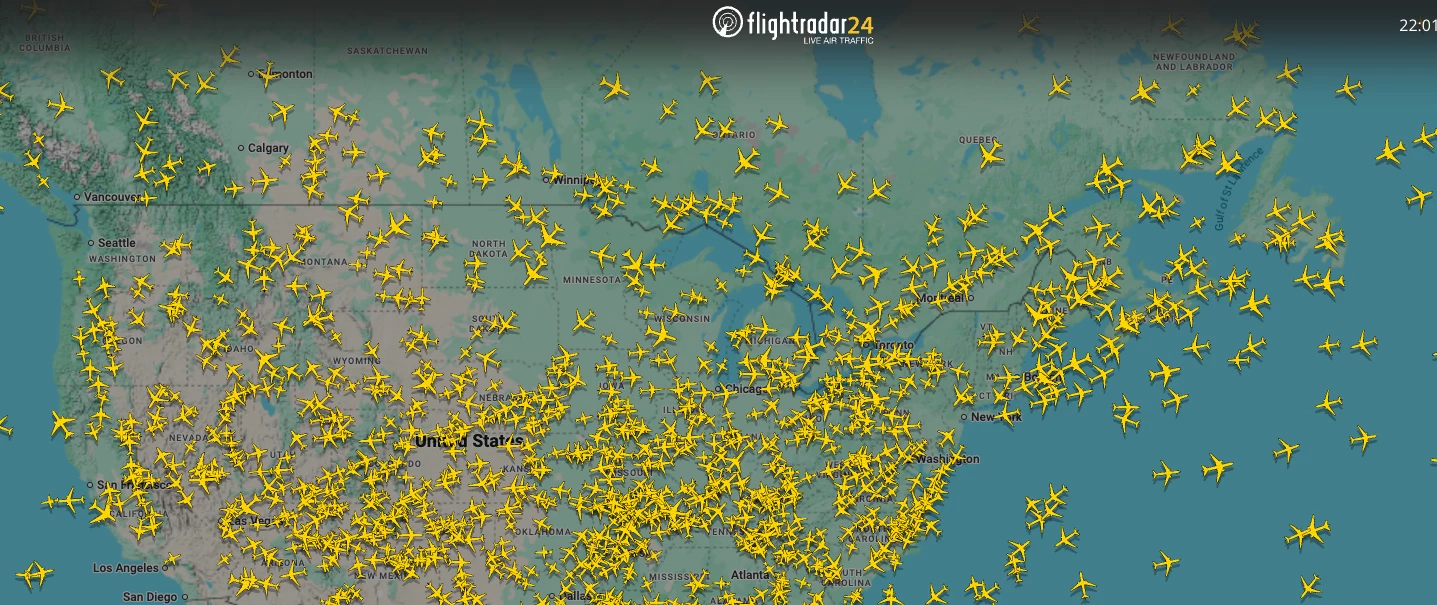
Need to quickly check the status of a customer's flight without leaving Front? In this tutorial, we'll create a simple Sidebar Plugin that embeds a live flight tracking website directly inside Front, making it easy for support agents and travel teams to monitor flights while responding to customers.
This example demonstrates one of the simplest ways to extend Front with custom tools. The same approach can be used to embed internal dashboards, booking systems, CRMs, status pages, and many other web applications.
To get started, you'll need to be a Front admin (or ask your admin to follow this guide).
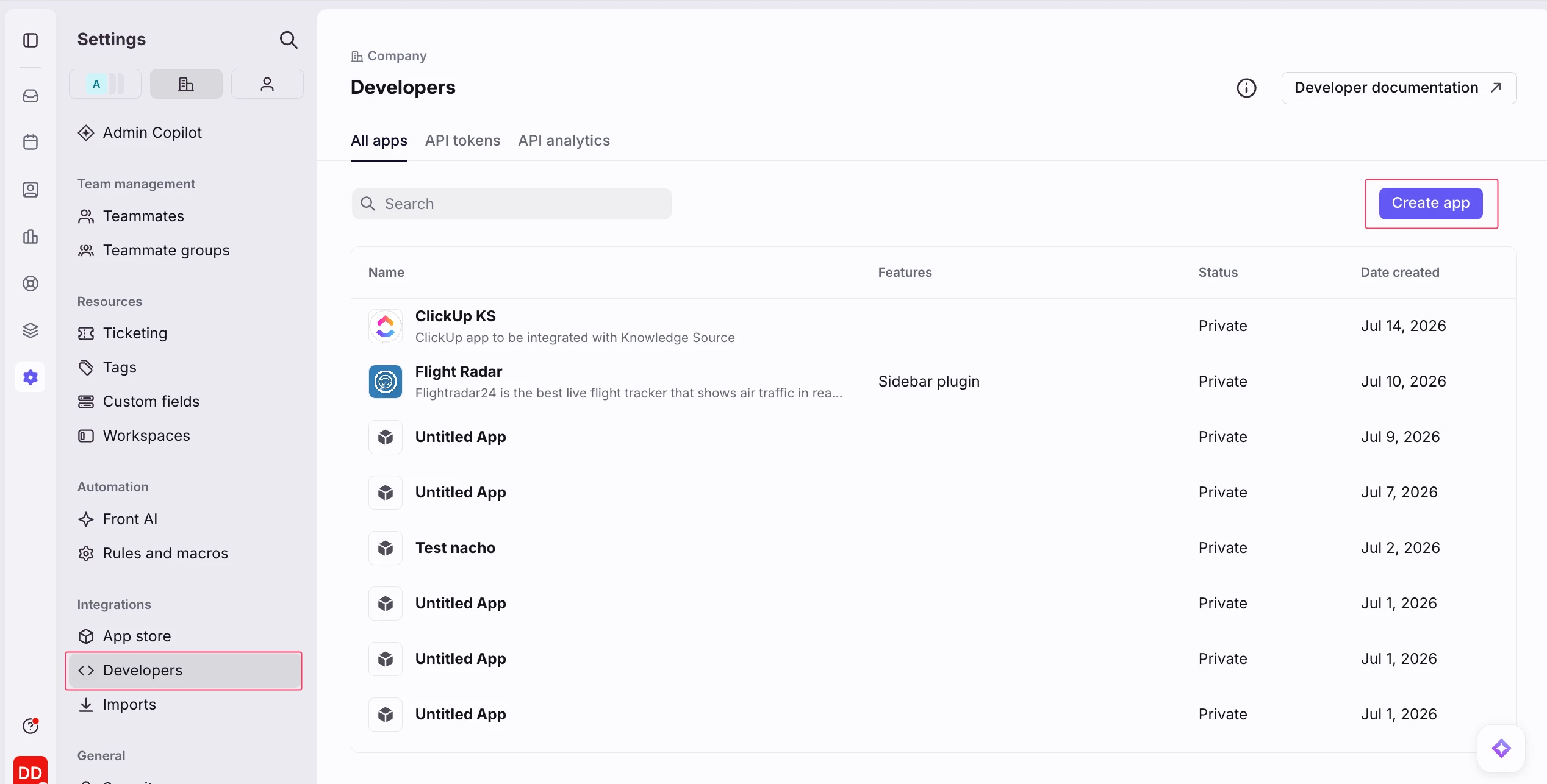
Navigate to Developers and create a new app.
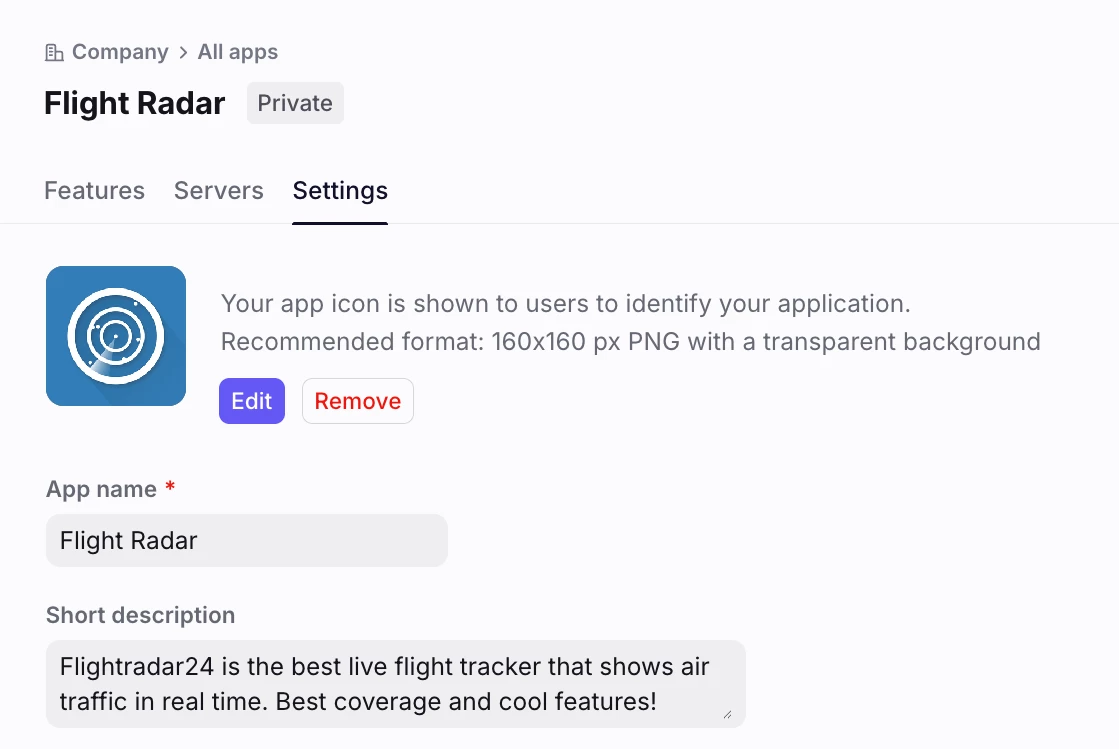
Give your app a name, such as Flight Tracker, and upload an icon so it's easy to recognize later.
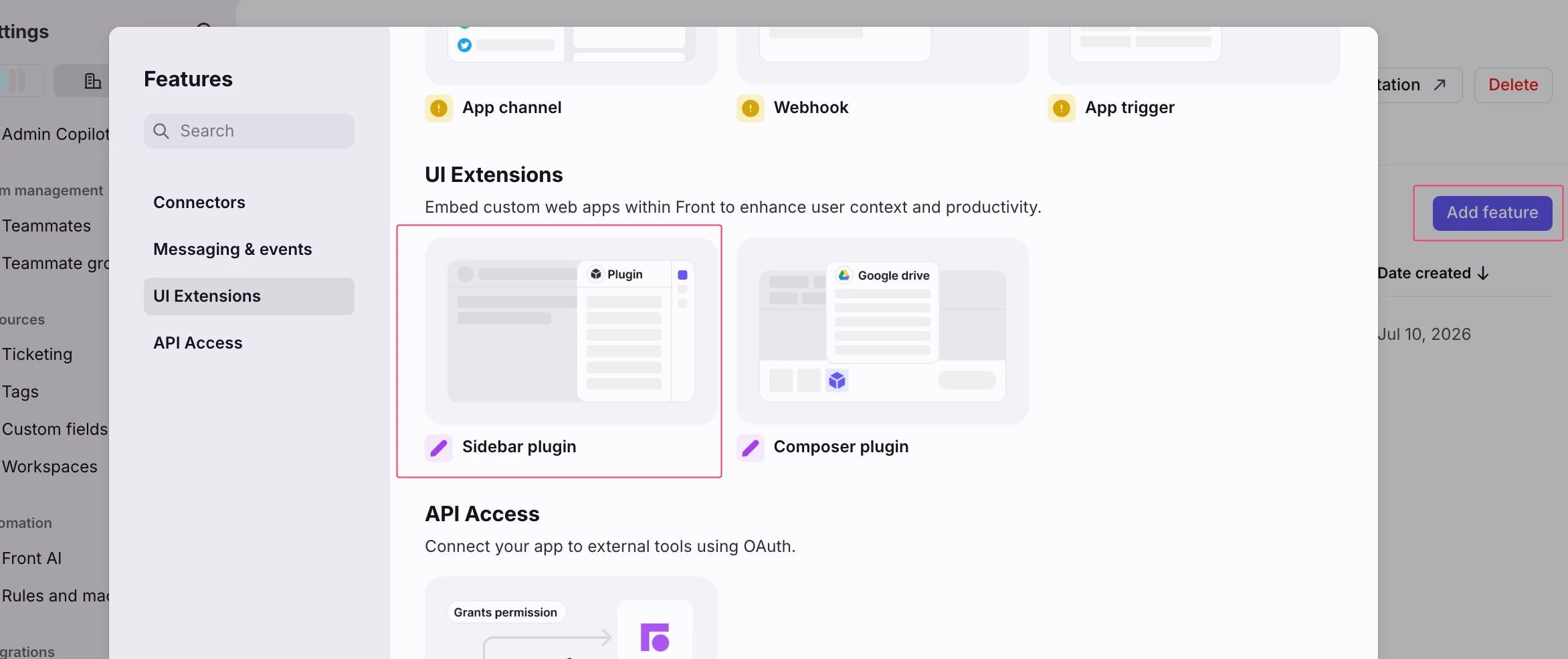
Open the Features tab, click Add feature, and select Sidebar Plugin.
In the Sidebar URL field, paste:
https://www.flightradar24.comReplace this URL with the URL where you've deployed the plugin.
For the component, select Clipboard.
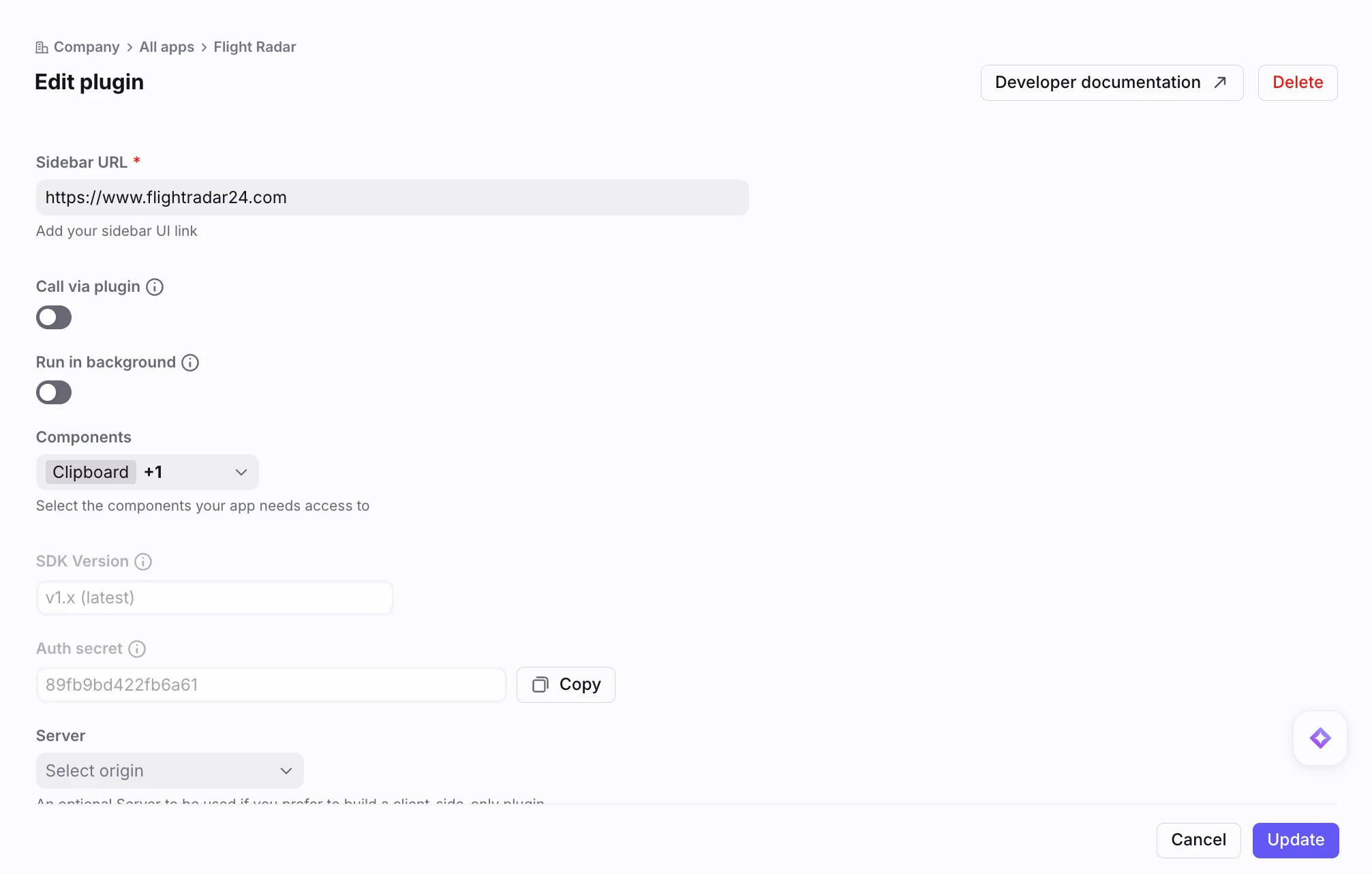
Click Create.
That's it! 🎉
Open any conversation and you should now see your new Flight Tracker app in the conversation sidebar.
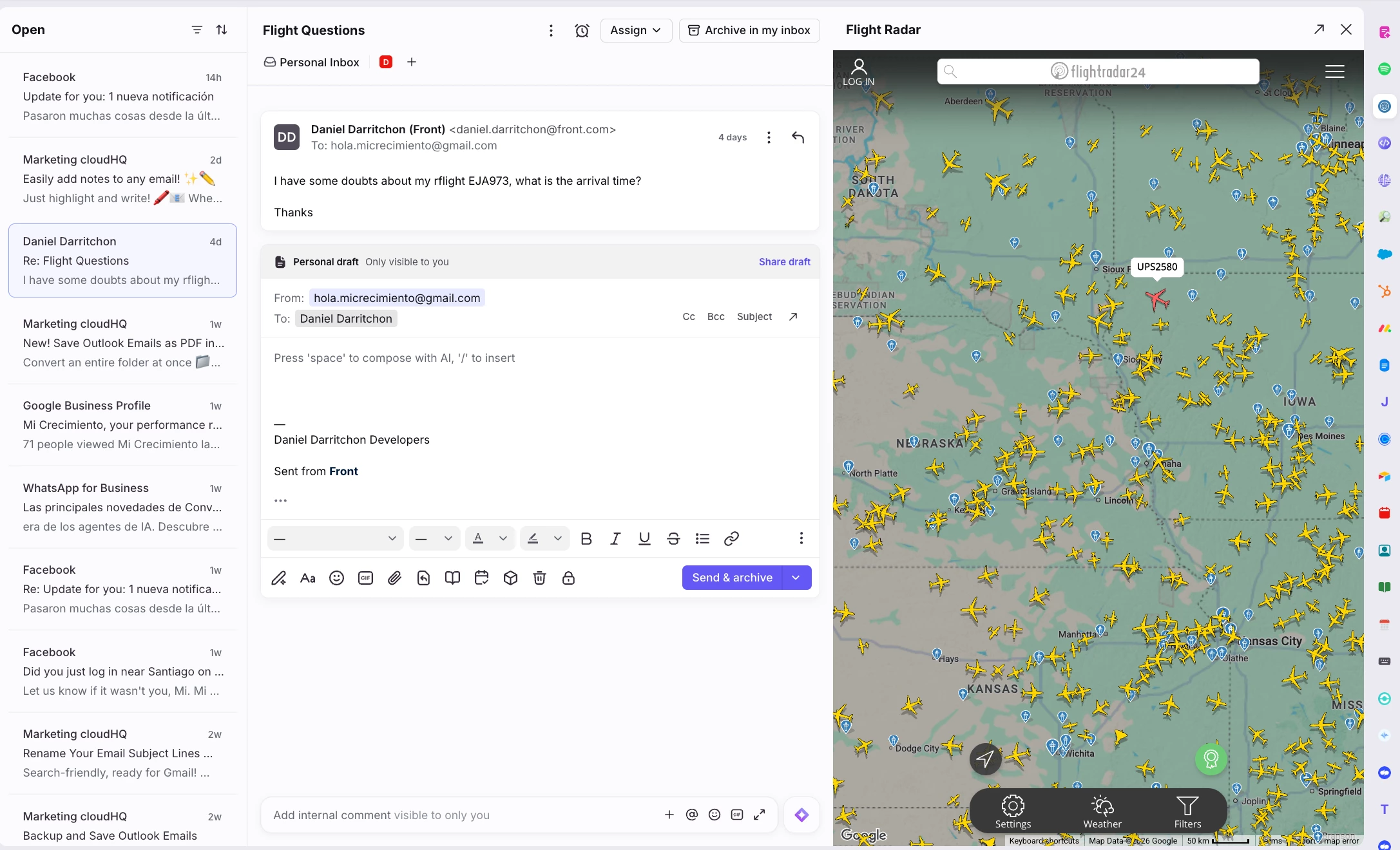
Your sidebar will load the flight tracking website directly inside Front, allowing agents to look up flights without switching tabs or interrupting their workflow.
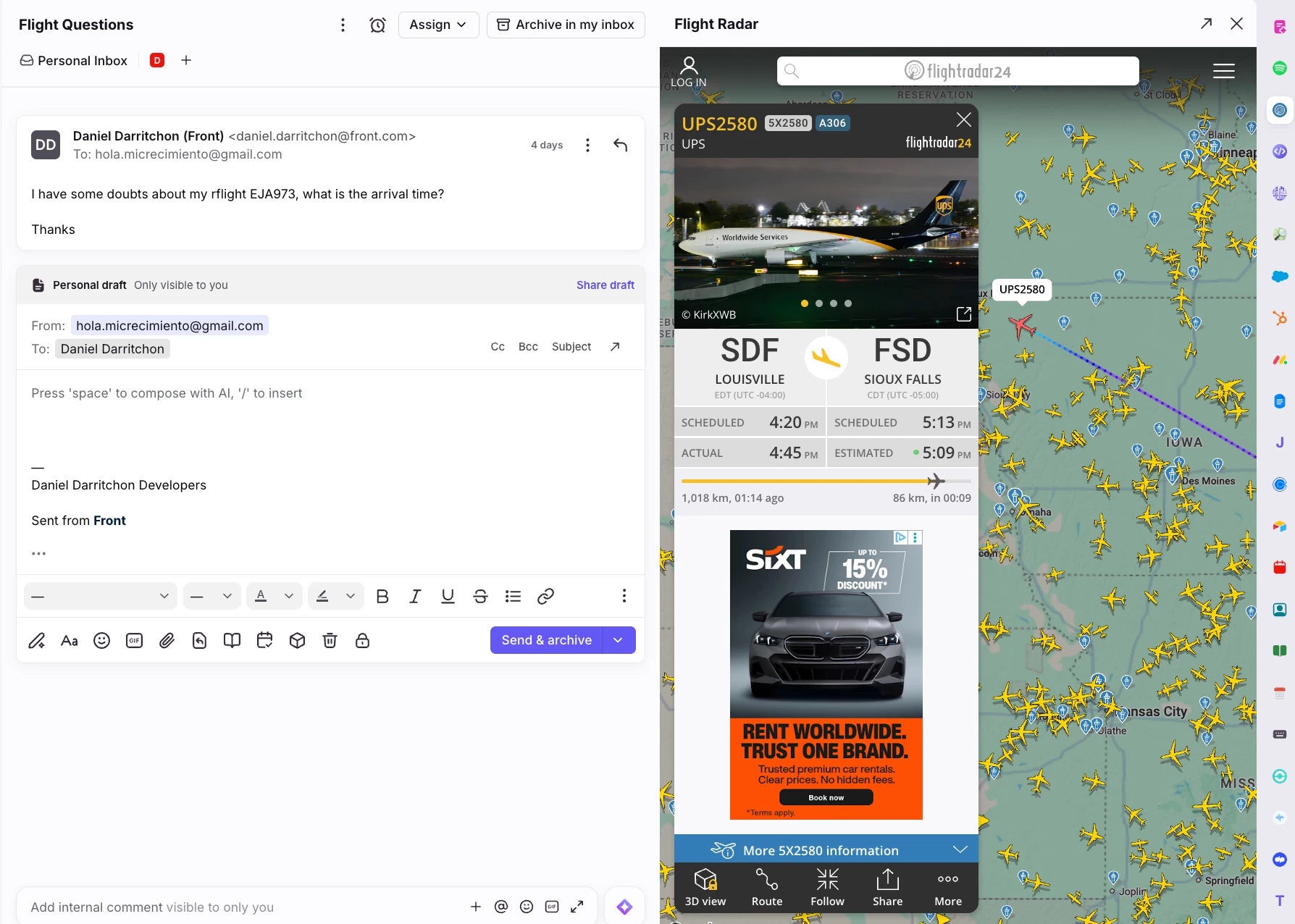
While this example simply embeds an existing website, it's a great starting point for building richer integrations. You could automatically search for a flight number mentioned in the conversation, display booking details from your own system, or combine multiple travel tools into a single sidebar experience.
Hopefully this gives you some inspiration for your own Front plugins. If you build something cool with it, I'd love to see it in the comments! 🚀