
Feature Update
Feature roundup: Copilot and Autopilot updates
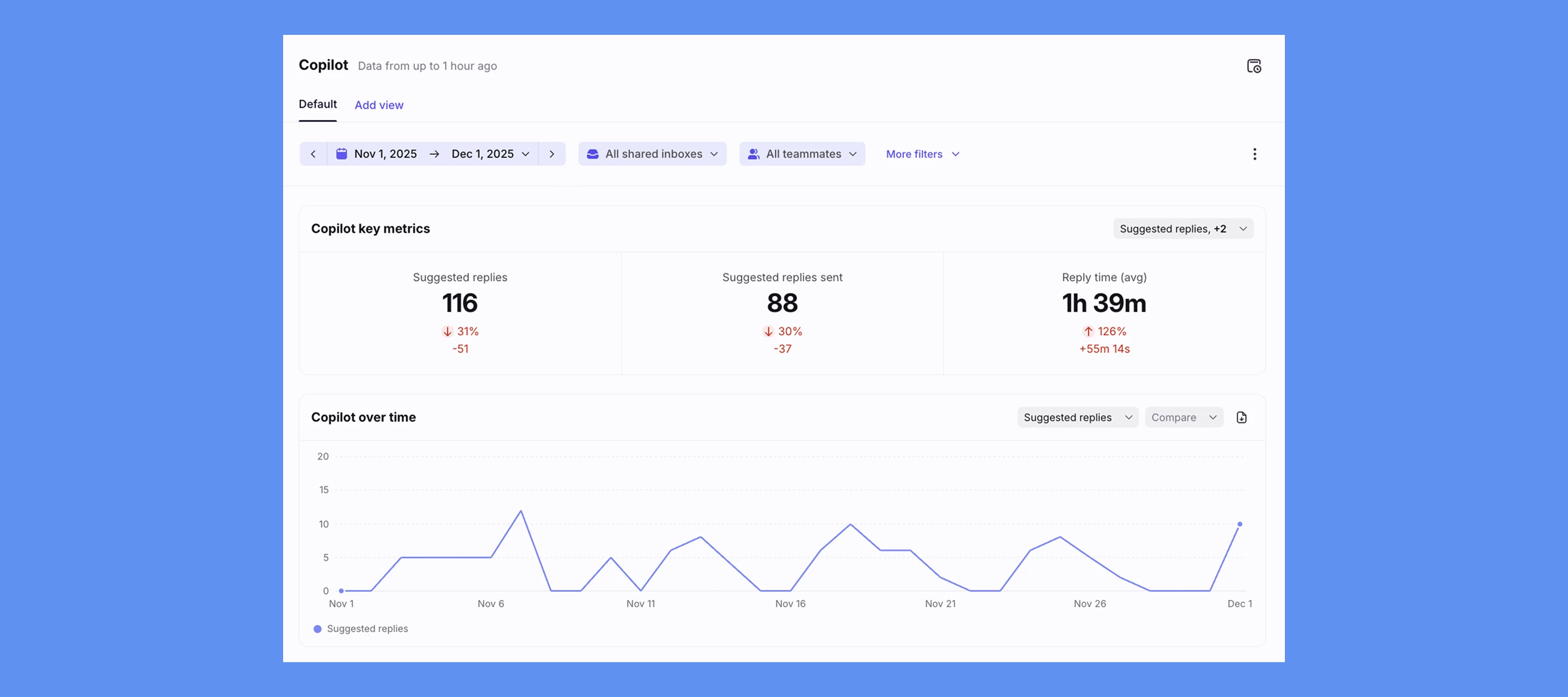
Over the past few weeks, we’ve launched several features for Copilot and Autopilot to make it easier to build smarter automations, stay on-brand, and measure the impact of AI across your team. Here’s a quick look at what’s new.
Smarter automation
- Branch by Autopilot answer: Quickly triage conversations using natural language questions.
- Extract with Autopilot instructions: Identify, extract, and transform data for more advanced routing and automation. For example, you can use this feature to detect the outbound flight date in a customer's message and escalate if the flight is within 1 day.
- Generate summary dynamic variable: Summarize a conversation and share it anywhere, such as in a comment or to send to a 3rd party.
AI performance & insights
- Copilot Report: Track Copilot usage, reply impact, and trends over time with drill-down visibility into conversation-level data.
- Autopilot Report: Measure automation coverage, resolution impact, and performance trends to understand Autopilot’s contribution to workload.
- Tone matching: Copilot and Autopilot now automatically match your team’s tone and writing style to generate on-brand replies that sound like you.
- Improved knowledge management: Easily import content hidden behind clicks, like public Google Docs, public Notion pages, or other external webpage content, to power Copilot and Autopilot.
AI assistance
- AI-prompted drafts: Draft or refine messages with a ChatGPT-style prompting experience directly in the composer.
Learn more about Copilot, Autopilot, and Autopilot Playbooks.