

WordCloud - Voice of Customer Plugin
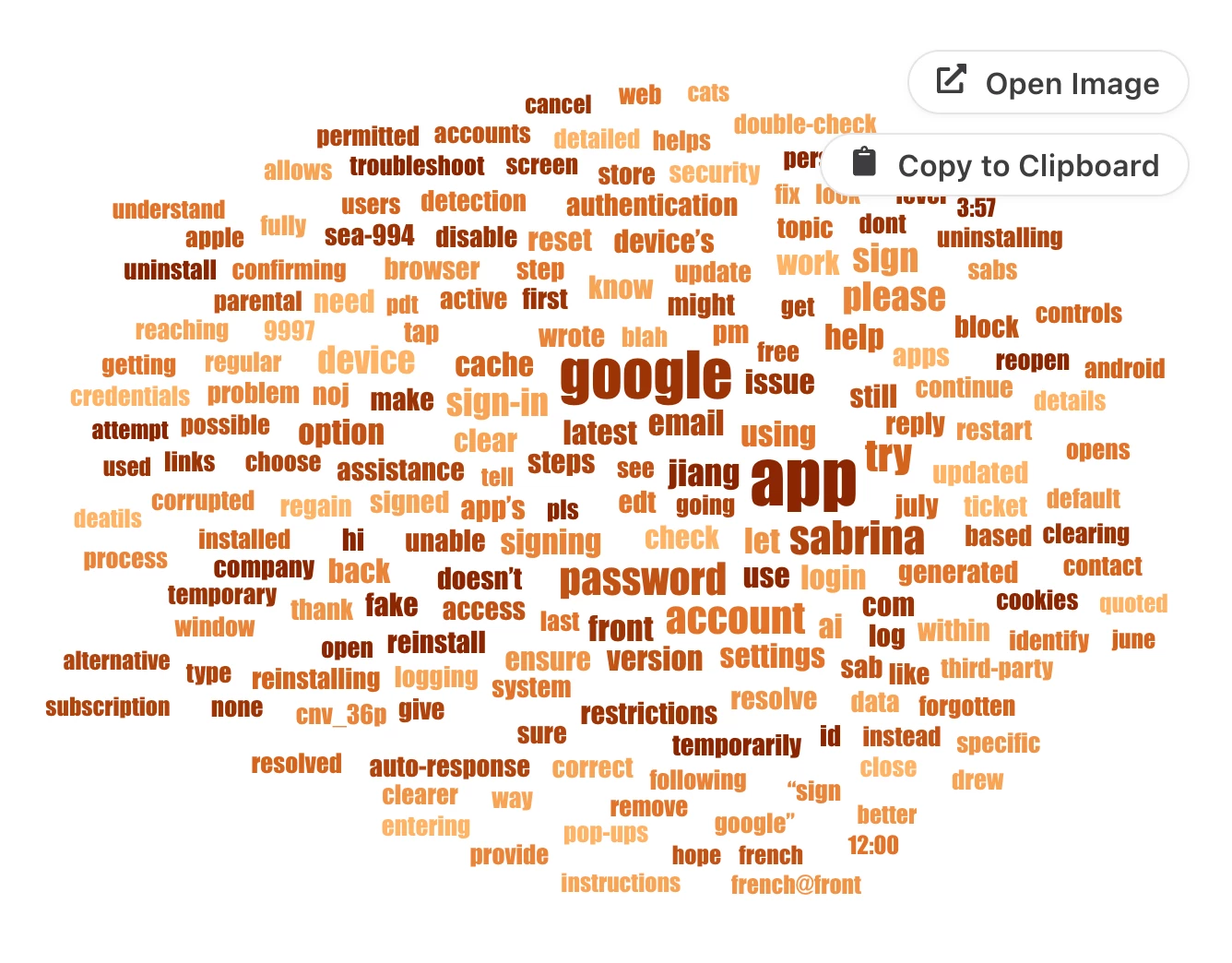
Want to create word clouds from your Front conversations? This is a great way to quickly visualize the most frequently mentioned topics, pain points, issues, and positive feedback across your inboxes.
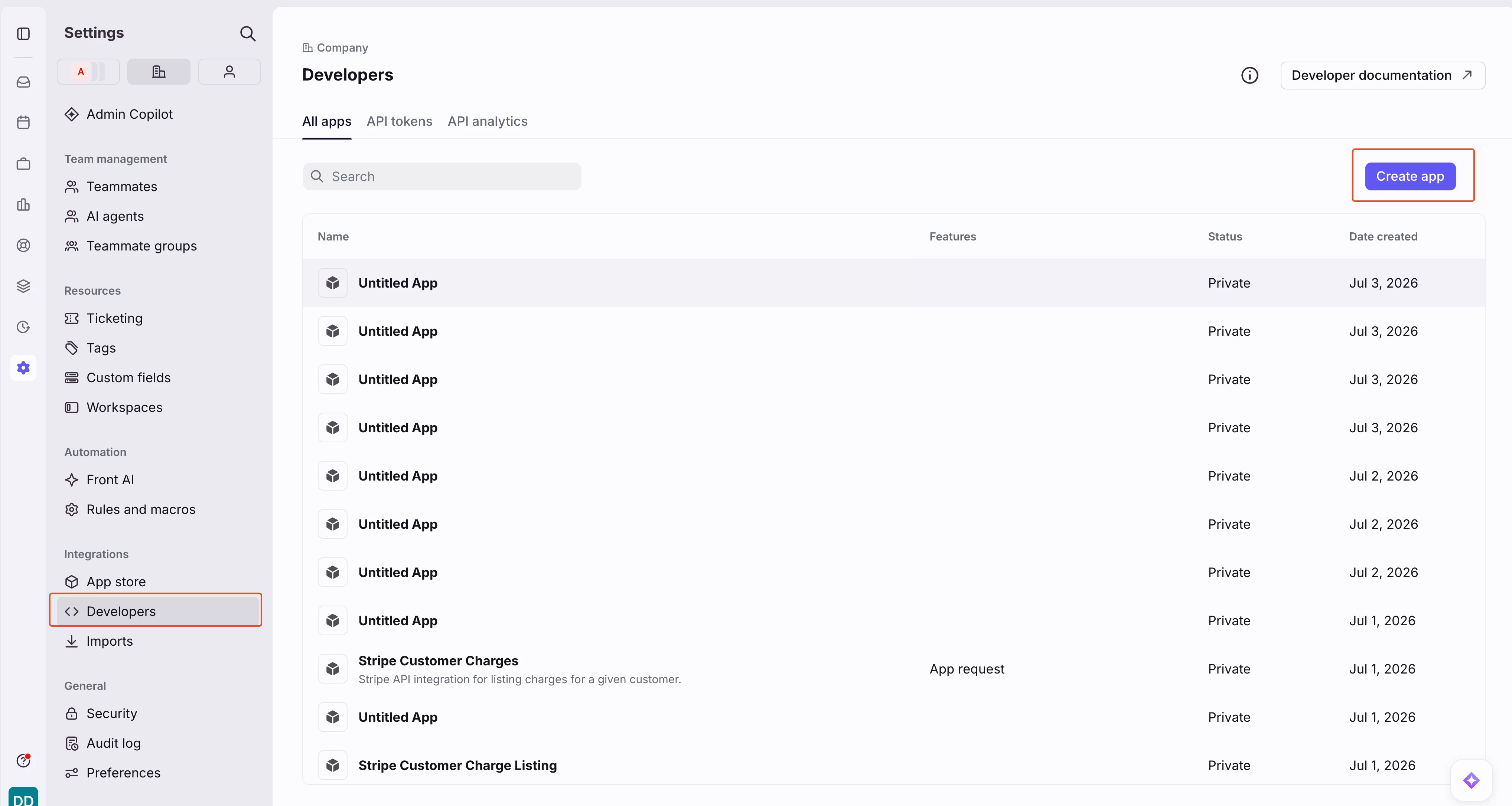
To get started, you'll need to be a Front admin (or ask your admin to follow this guide). Navigate to Developers and create a new app:
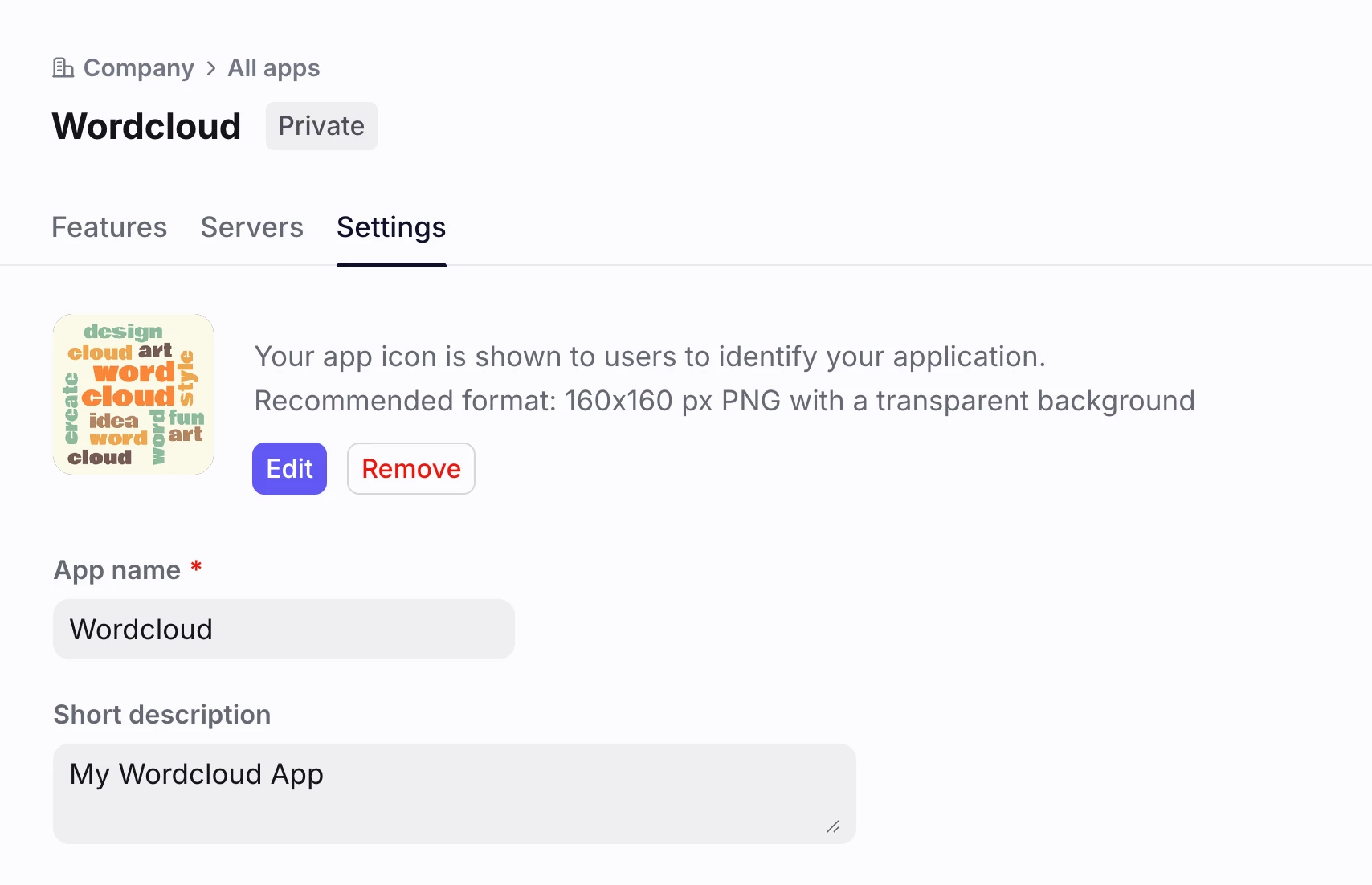
Name your app and add a logo so its easily recognizable later:
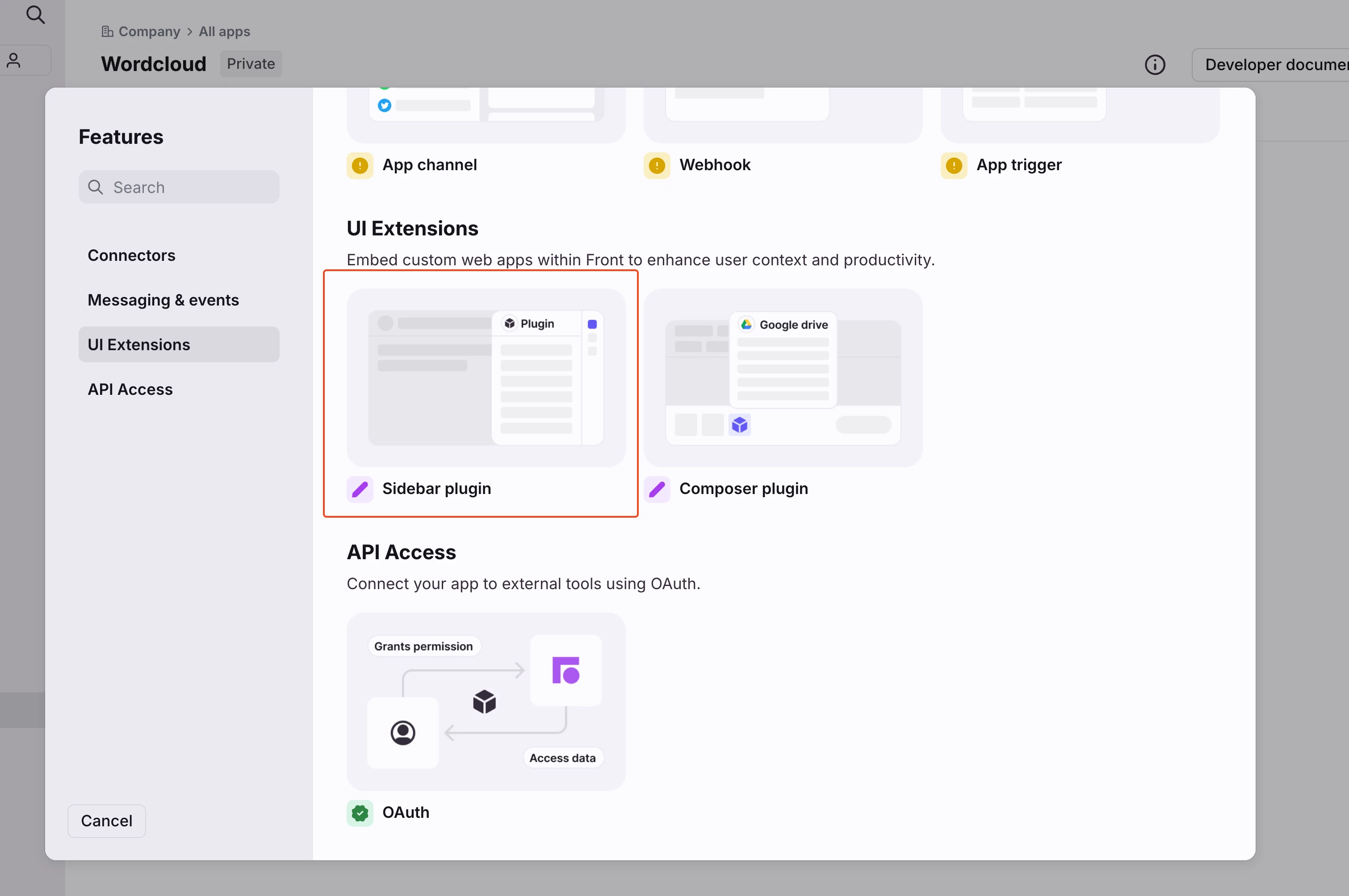
In the Features tab, click Add feature and select Sidebar Plugin:
In the Sidebar URL field, paste the following url:
https://dedarritchon.github.io/front-word-cloud
and select the Clipboard component:
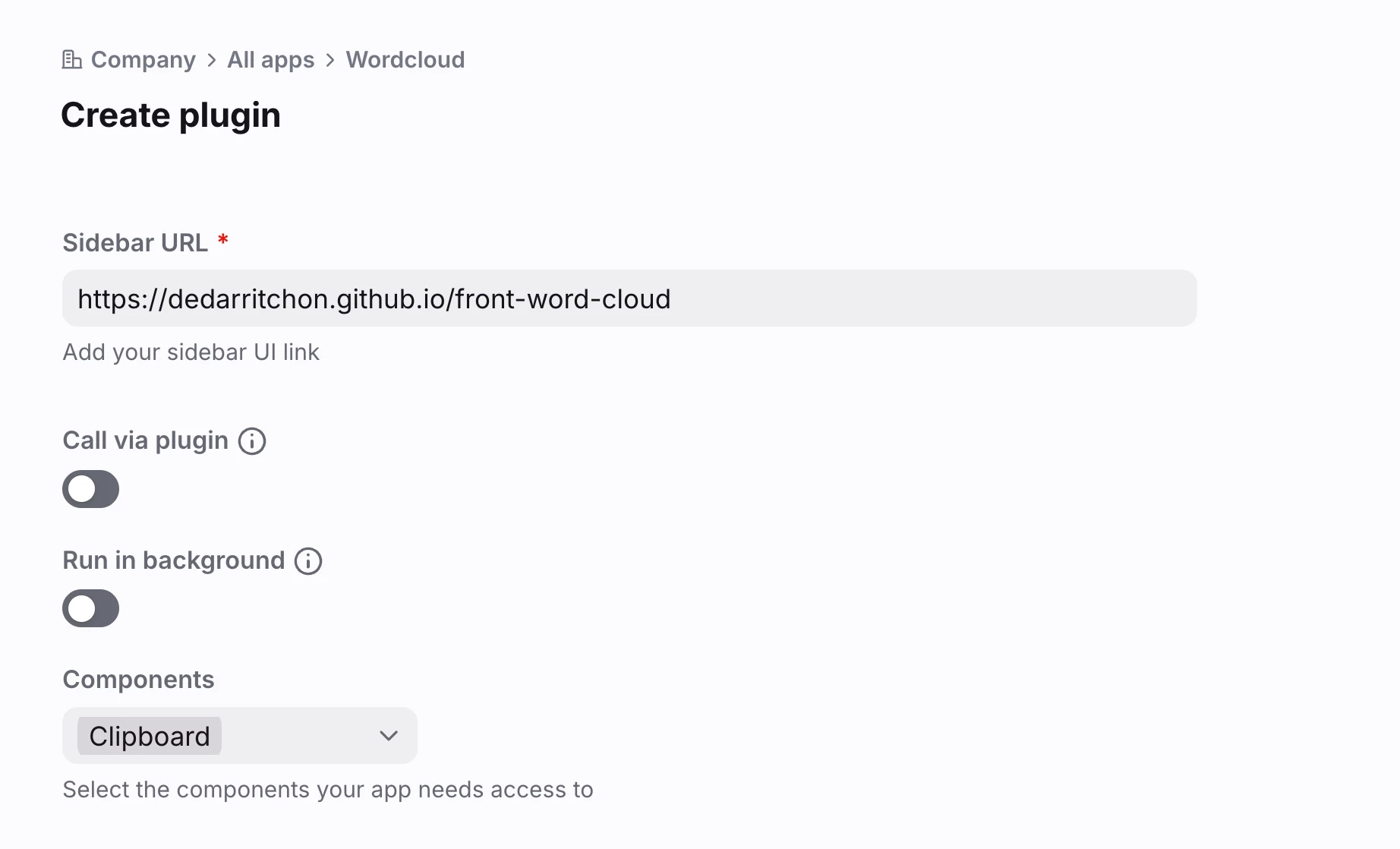
Click create. We are all set. Go to your inbox, you should see your new Wordcloud app in the sidebar:
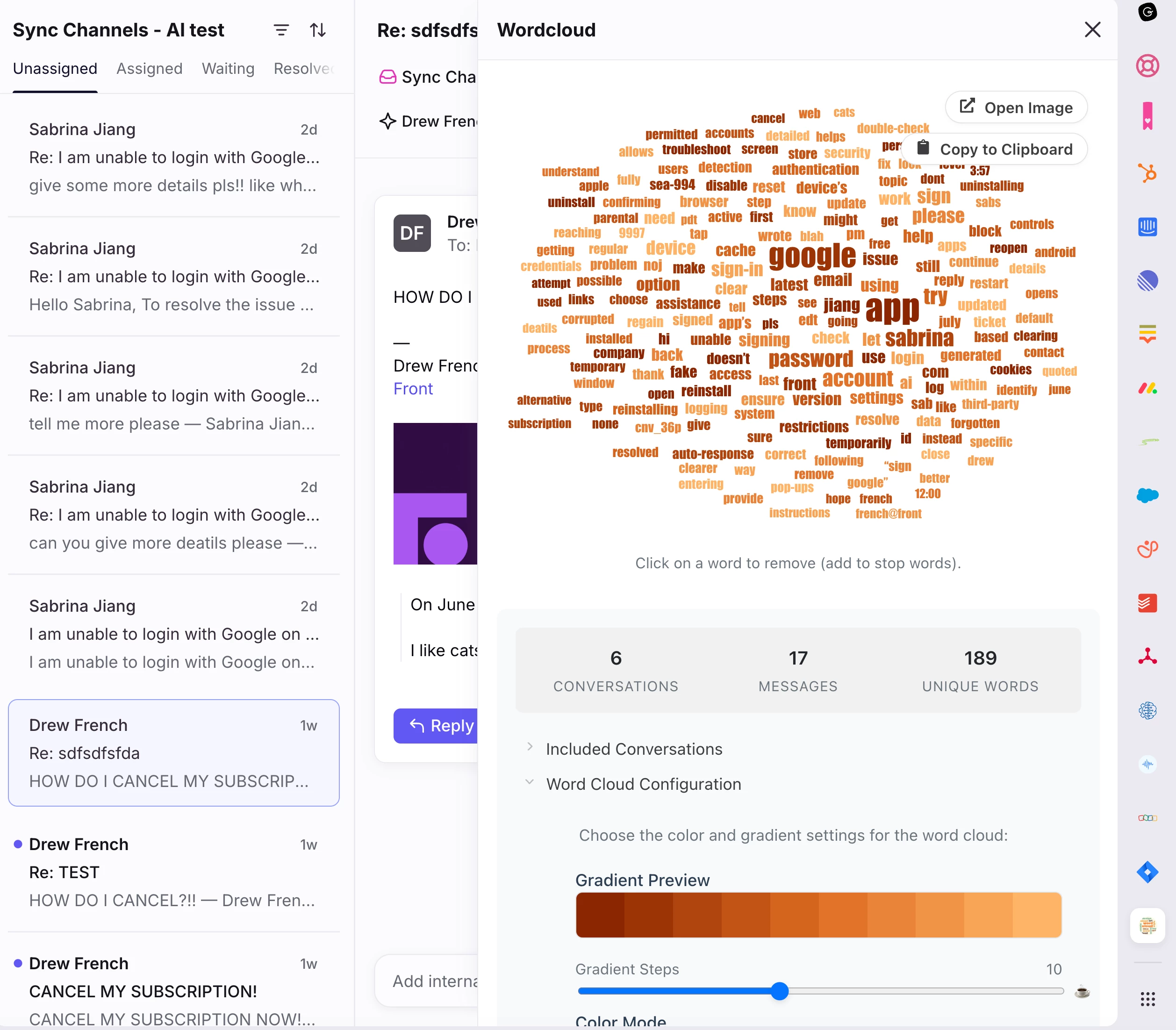
Of course, the example was made with test data, but on real conversations it should show interesting facts about your customers.
You can edit your resulting word cloud by tinkering with the settings.
Hope this helps someone! If you tried it, Share your Wordclouds in the comments 😃